
System76 has released COSMIC 1.0.7 as a minor maintenance update, following their regular schedule to enhance the desktop environment and resolve issues promptly. Here’s what has changed.
A key update in Workspaces Overview allows users to configure an “action on typing” so that typed input automatically opens the launcher or app library. The option is exposed in Settings.
Moreover, full-screening windows no longer cause panic, and a crash related to uncleared tiling placeholders has been fixed. Additional fixes improve cursor-follow-focus across multiple monitors and restore correct keyboard shortcut handling for non-Latin layouts.
In applets, changing the volume no longer unexpectedly changes the selected audio route, and applets requesting cosmic-settings now correctly focus the settings window.
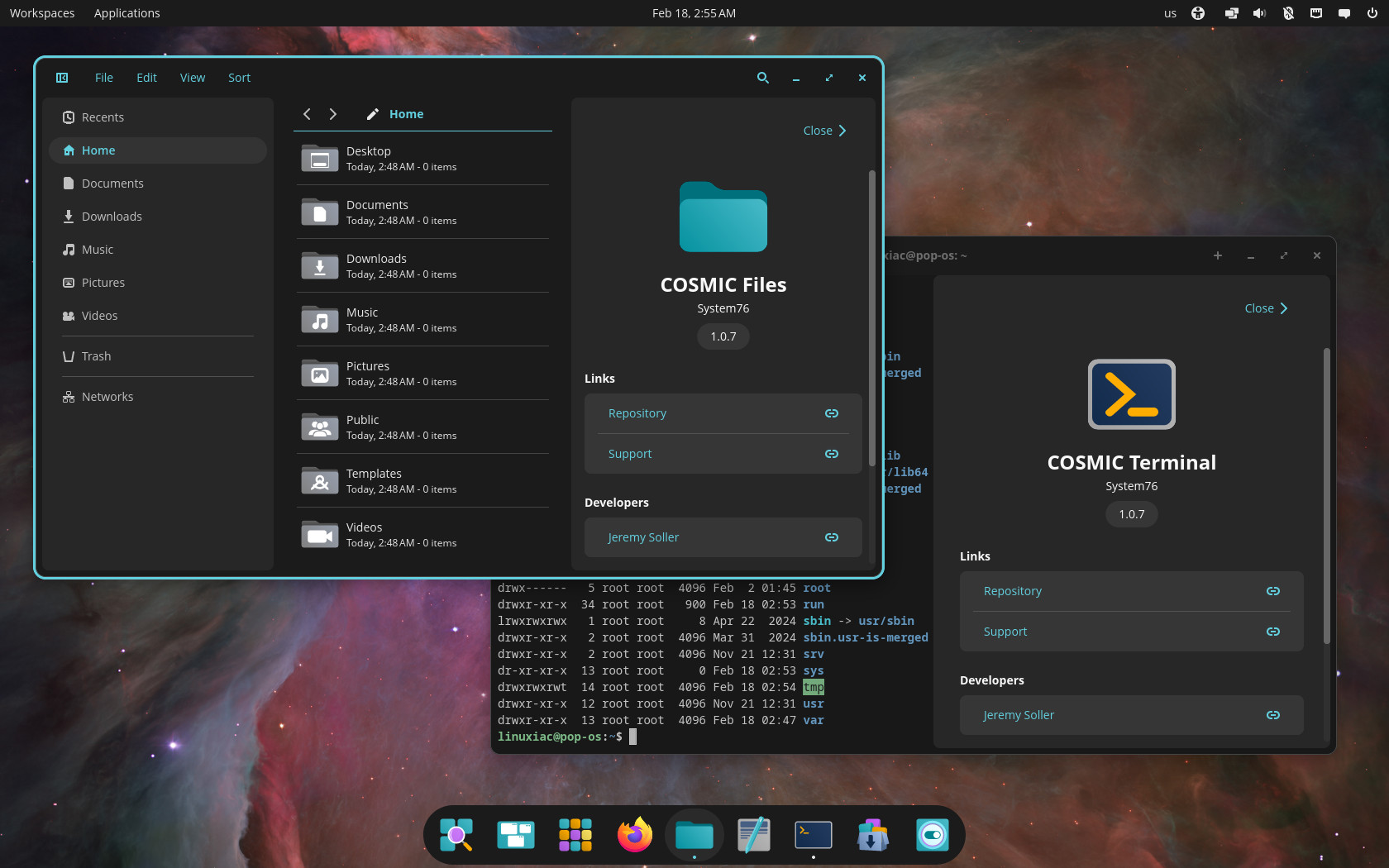
Settings improve volume and mute handling by considering only active routes, enhance WPA3 network visibility, and ensure automatic theme switching works after suspend or time changes.
Additionally, language reordering now sets the system language via AccountsService, and the Appearance page displays a reset option after importing a theme. These theme-switching fixes also apply to cosmic-settings-daemon.
The Files app now respects the Path key in desktop entries, clears the type-to-select buffer when changing locations, and adds “Move to” and “Copy to” options to the Edit menu. Plus, a new setting lets users toggle the Recents feature, and an updated compio-driver resolves musl compilation issues.
Finally, COSMIC Store now uses disk caching for Explore results, enabling near-instant startup after the first run, and the Terminal app adds tab drag-and-drop support to improve terminal session management.
For more information, see the changelog.
COSMIC Desktop 1.0.7’s packages are expected to land first in the repositories of rolling-release distros, such as Arch, openSUSE Tumbleweed, CachyOS, and others, in the coming days. Pop!_OS 24.04 LTS users already have them available as an update.


Action on typing was important to implement, as calling for the workspaces summary screen was previously not interactive, and this was something missing for Gnome switchers. With this, Cosmic is as featured as Gnome if you want to use it the way you used Gnome, and that adds up to the dozens of extra features Cosmic already has over Gnome.
In a nutshell, Cosmic can now do everything Gnome does, in addition to what it can do by itself.