
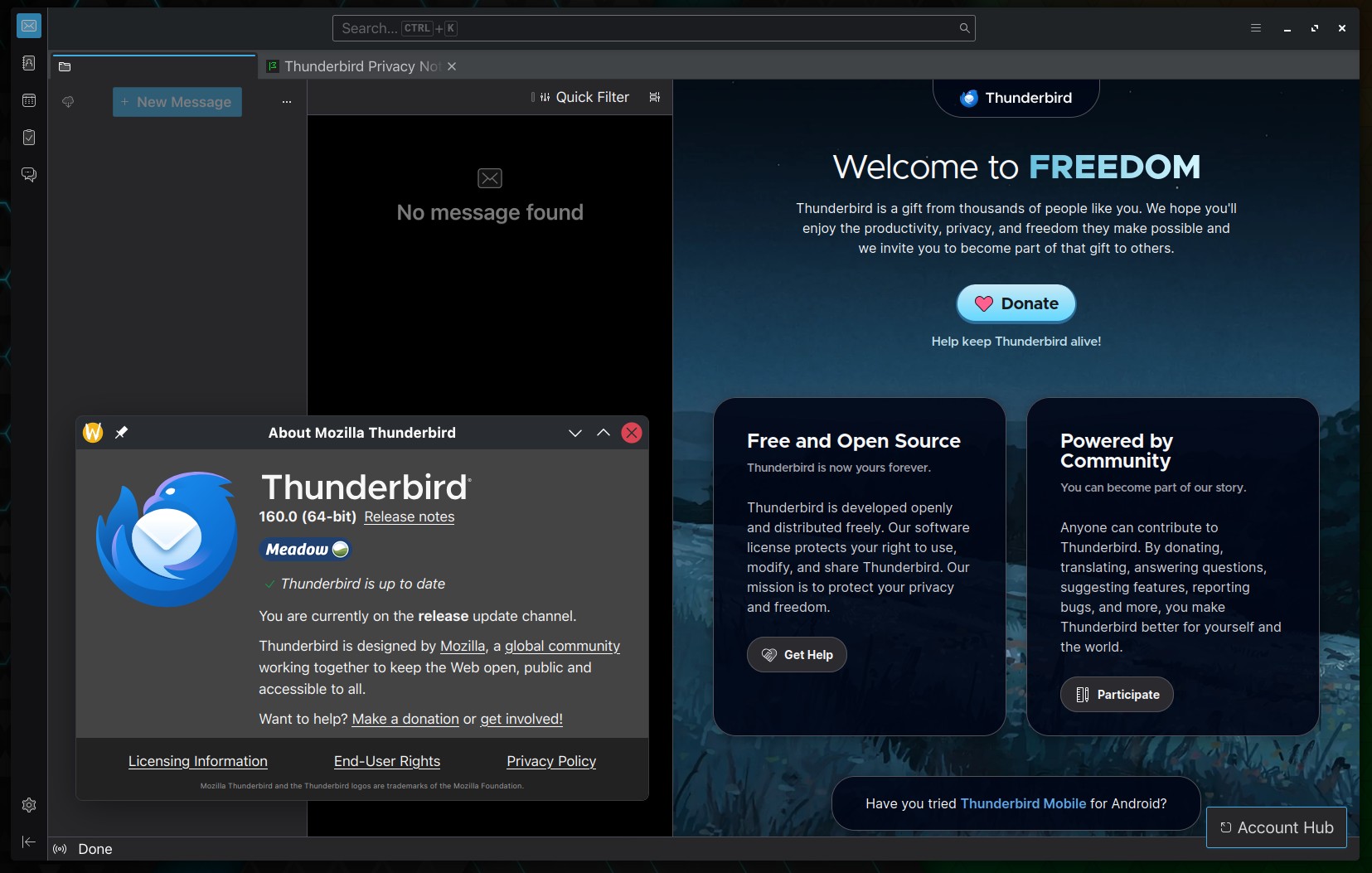
The Thunderbird team has just released Thunderbird 160, the latest version of their open-source email client. This version includes fixes for several issues, including IMAP message deletion, disappearing folders, Exchange account configuration, and calendar problems.
One of the key fixes addresses a bug in the IMAP retention settings that could have caused Thunderbird to delete newer messages rather than older ones. The update also fixes an issue where IMAP folders could disappear after an app restart when connecting to servers that use compression.
Message management gets a number of fixes. The Undo command was previously unable to be used after emails had been deleted. Thunderbird 160 addresses that issue and also fixes a problem whereby folders would disappear from saved searches if they’d been renamed or moved. Plus, dragging multiple selected folders now moves all of them rather than just one.
The release also improves Microsoft Exchange and Microsoft 365 account configuration. Exchange autodiscovery now correctly deals with redirects to different email addresses, and Microsoft Graph account setup no longer fails for tenants that don’t have a SharePoint license.
Additionally, Office 365 account setup no longer automatically includes the option to configure Exchange Web Services. The OAuth sign-in windows have also been updated to explain that blocked cookies may be the reason why you’re unable to authenticate.
For CardDAV users, there were compatibility issues in Thunderbird 160 which resulted in contacts being saved in a format which some servers didn’t support. Contacts with multiline street addresses no longer appear blank, and photos in vCard 3.0 contacts should now display correctly in other applications.
Message filtering also gets the nod. Previously, empty filter conditions could result in incorrect matches, and address book filters would occasionally fail to match a message where the address was missing. Both of those have now been fixed. The only new feature explicitly mentioned is the Ctrl+A shortcut for selecting all the filters in the Message Filters dialog.
Calendar users will find fixes for CalDAV reminders that couldn’t be dismissed or snoozed, missing attendance options for some recurring events, and WebCal subscriptions that were incorrectly blocked. Thunderbird also fixes an issue where changing events could result in invalid ICS calendar files being overwritten.
Finally fixes the crashes that would occur when opening a window or when updating a message database. Fixes incorrect parsing of certain POP3 and newsgroup messages and the freezes that would occur in new mail notification when certain sender addresses were involved. There are a number of news reader, feed reader, and interface enhancements, as well as a number of security fixes.
For more details, see the release notes. Thunderbird 160 is available for Linux, Windows, and macOS from the project website.