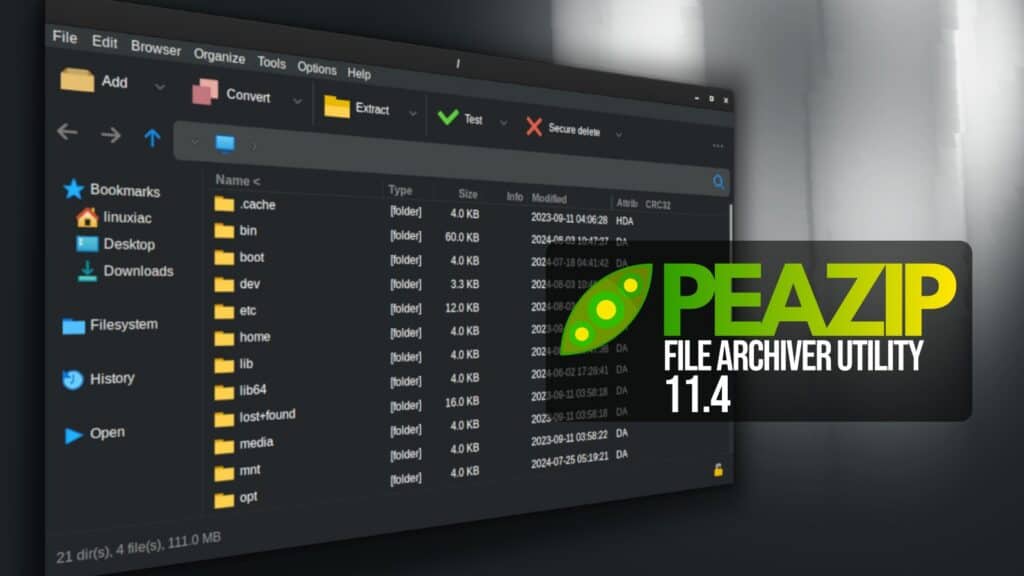
PeaZip, the popular free, open-source, cross-platform file archiver, released version 11.4 with several fixes for Linux and Windows.
One important change is how PeaZip handles archive operations. The application no longer launches a full command shell, such as Bash on Linux or CMD on Windows, when performing compression, extraction, or other tasks that accept variable input.
This reduces risks from passing filenames and other user-supplied data to a shell, while the text-only Console mode remains available for users who prefer it.
Another improvement concerns filename validation. PeaZip 11.4 introduces better sanitization of input filenames throughout multiple stages of its scripting engine, reducing false positives when filenames contain special characters.
Many validation checks now occur earlier, allowing the application to warn users and prevent dangerous operations before execution.
Technically, the release begins enabling range checking wherever possible while maintaining performance. Developers have also started input size validation for older archive formats that may have problems processing large files.
Linux users also get a small fix: the option to delete files after archiving or extraction now defaults correctly to “Quick delete.”
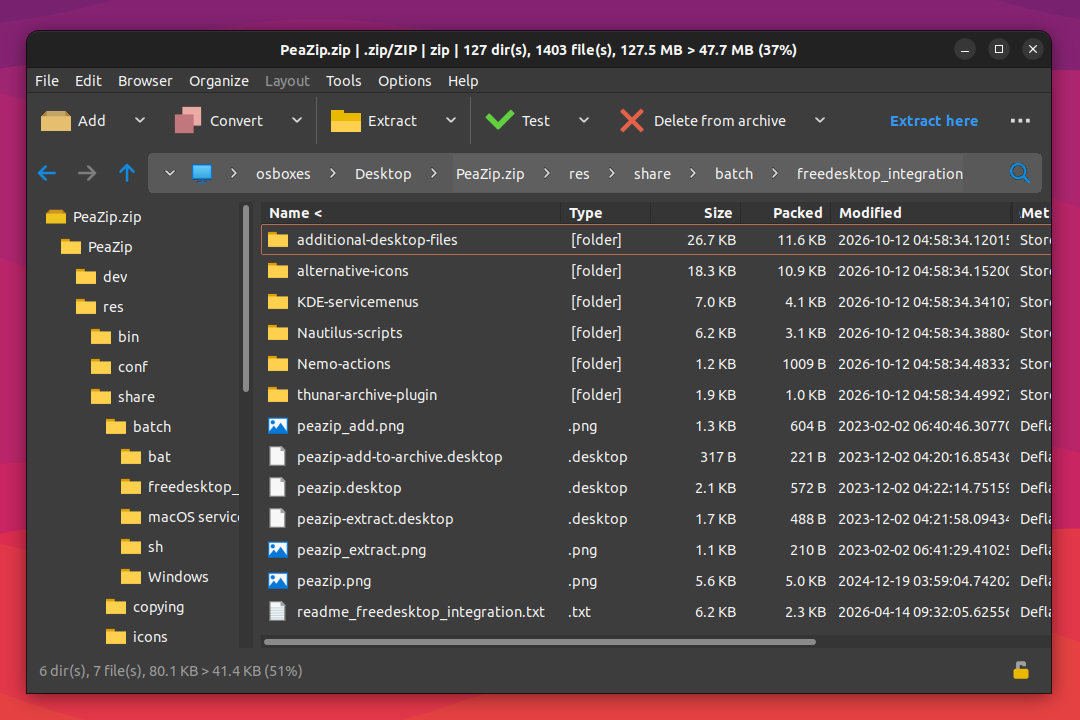
The built-in file manager has been updated with improved automatic refreshing. On Windows, users can now follow .lnk shortcuts directly within PeaZip’s file browser using Ctrl+P or the “Explore path (PeaZip)” option in the Navigation menu.
Instead of launching the shortcut, this opens its target directory in PeaZip or the parent directory if the shortcut points to a file.
Finally, PeaZip 11.4 updates its underlying compression components to 7z 26.04 and Pea 1.34, alongside various additional fixes.
For more information, see the changelog or visit the project’s GitHub repo for downloads. PeaZip is available for Linux, Windows, and BSD systems. Linux users can also install the app as a Flatpak.
Image credits: PeaZip Project