
Konveyor, a promising new open-source project for KDE Plasma, is bringing Niri-inspired scrolling column tiling to the desktop while keeping the familiar Plasma environment around it.
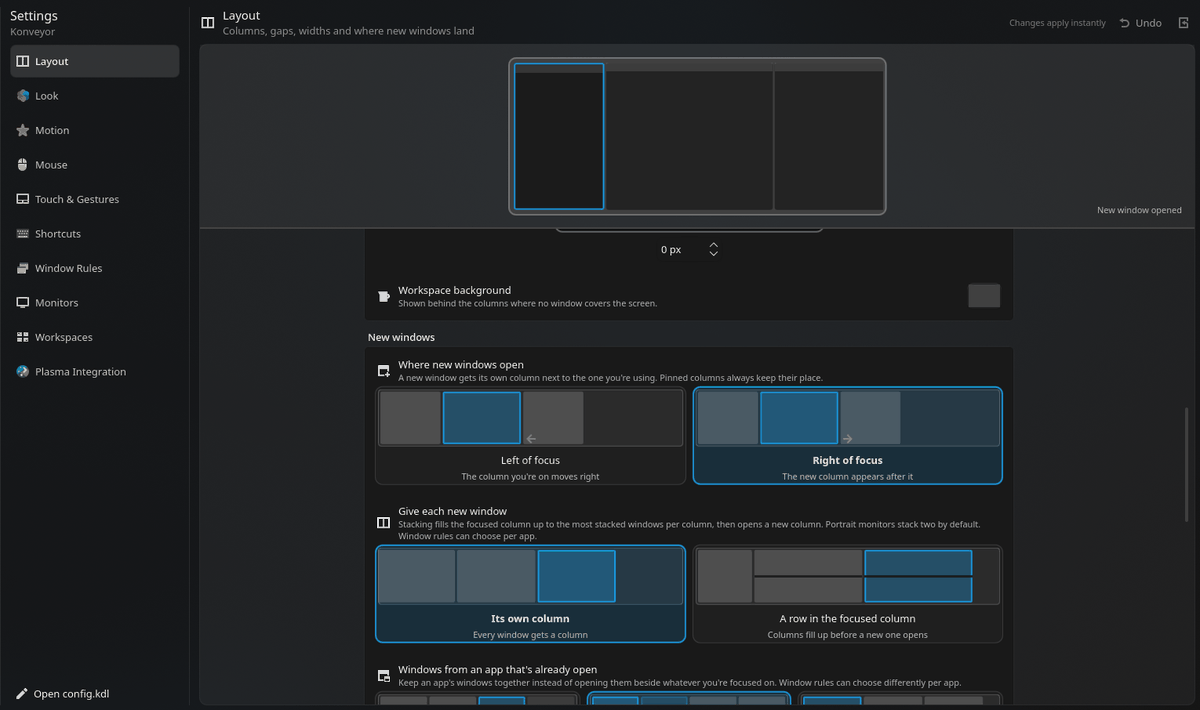
Instead of squeezing every open window into the available screen space, Konveyor arranges them in a continuous horizontal row, with new windows appearing in their own columns. Once the row extends beyond the display, users scroll left or right through it. Column widths can be switched between predefined sizes like one-third, one-half, and two-thirds of the screen.
The idea is inspired by the Niri Wayland compositor, but Konveyor takes a different approach. It does not replace Plasma or KWin. Instead, it works as a KWin effect responsible for positioning windows, so Plasma panels, widgets, KRunner, notifications, Overview, screenshots, and other standard desktop pieces remain available.
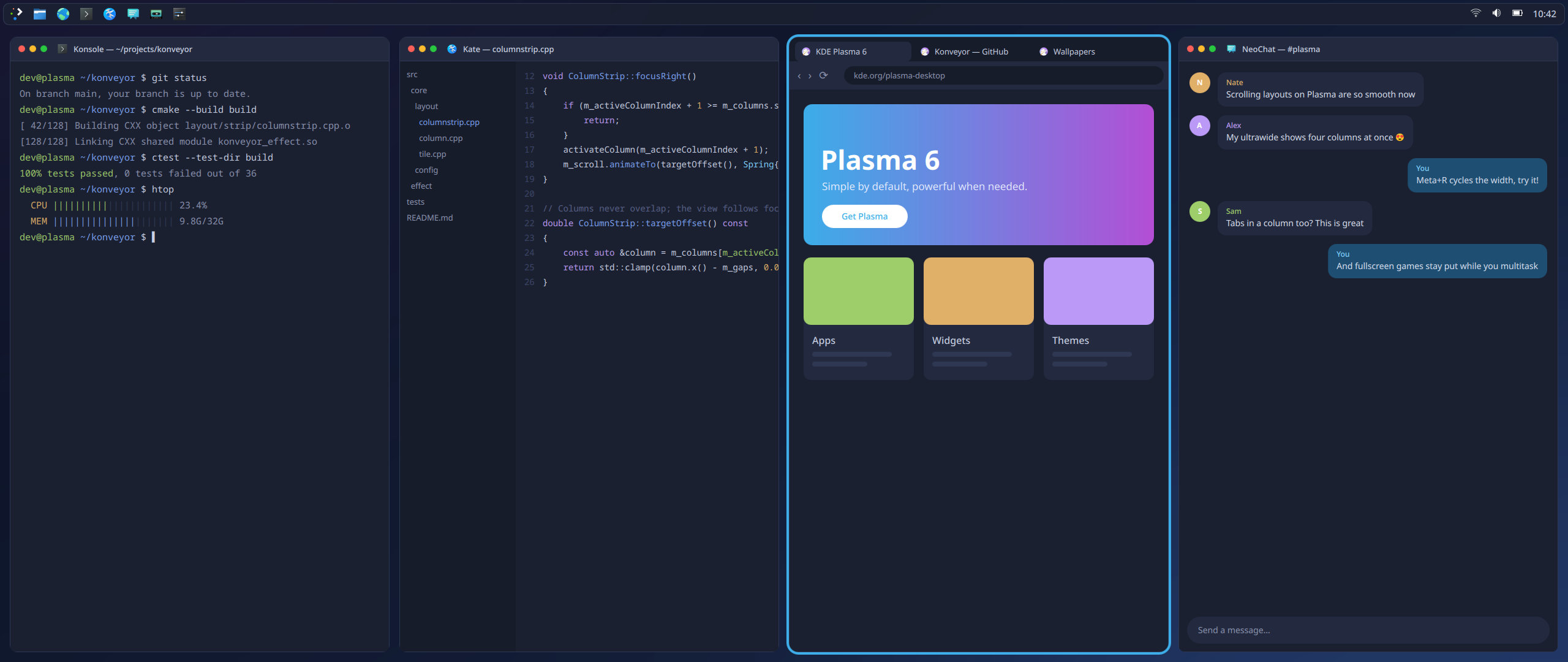
Multi-monitor setups are supported, with each display maintaining its own scrolling row and workspace stack. Per-monitor profiles let users configure different layouts for laptops, ultrawide displays, or portrait monitors. In portrait mode, columns can span the full screen width while stacking multiple windows vertically.
Konveyor also supports stacking several windows in the same column and displaying them as tabs. Windows that do not fit the tiled layout can be switched to floating mode, while dialogs and pop-ups float automatically.
Workspaces are arranged vertically, letting users move between them independently of the horizontal window row. Fullscreen applications get special treatment: games and videos remain fullscreen, while other columns can temporarily slide over them when users navigate away.
Touchpad and touchscreen users are not left out. Konveyor includes configurable three- and four-finger gestures for scrolling between columns, switching workspaces, moving windows, changing column widths, and opening KDE’s Overview.
Beyond window management, the project optionally includes several Plasma widgets and its own full-screen launcher called Kontrol Panel. It provides access to applications, games, files, shortcuts, settings, system information, Steam friends, and other tools from a single interface.
Importantly, those additions are optional. Users interested only in the scrolling tiling functionality can install Konveyor with the --no-widgets option and keep using their existing Plasma launcher and widgets.
At the moment, Konveyor requires KDE Plasma 6.4 or later running under Wayland. Its installer can set up the required dependencies on Arch Linux, Fedora, openSUSE, and Debian-based distributions, then build the project against the installed KWin version.
On Arch-based systems, Konveyor rebuilds itself automatically when Plasma or KWin is updated. On other distros, users should rerun the installation script after relevant upgrades.
For additional details, see the project on GitHub, where you’ll also find plenty of previews showcasing its key features.
Image credits: Konveyor





Cosmic copying Sway/I3 tiling.
Kde copying Niri tiling.
They want to kill them all 😉
That’s a great name.