
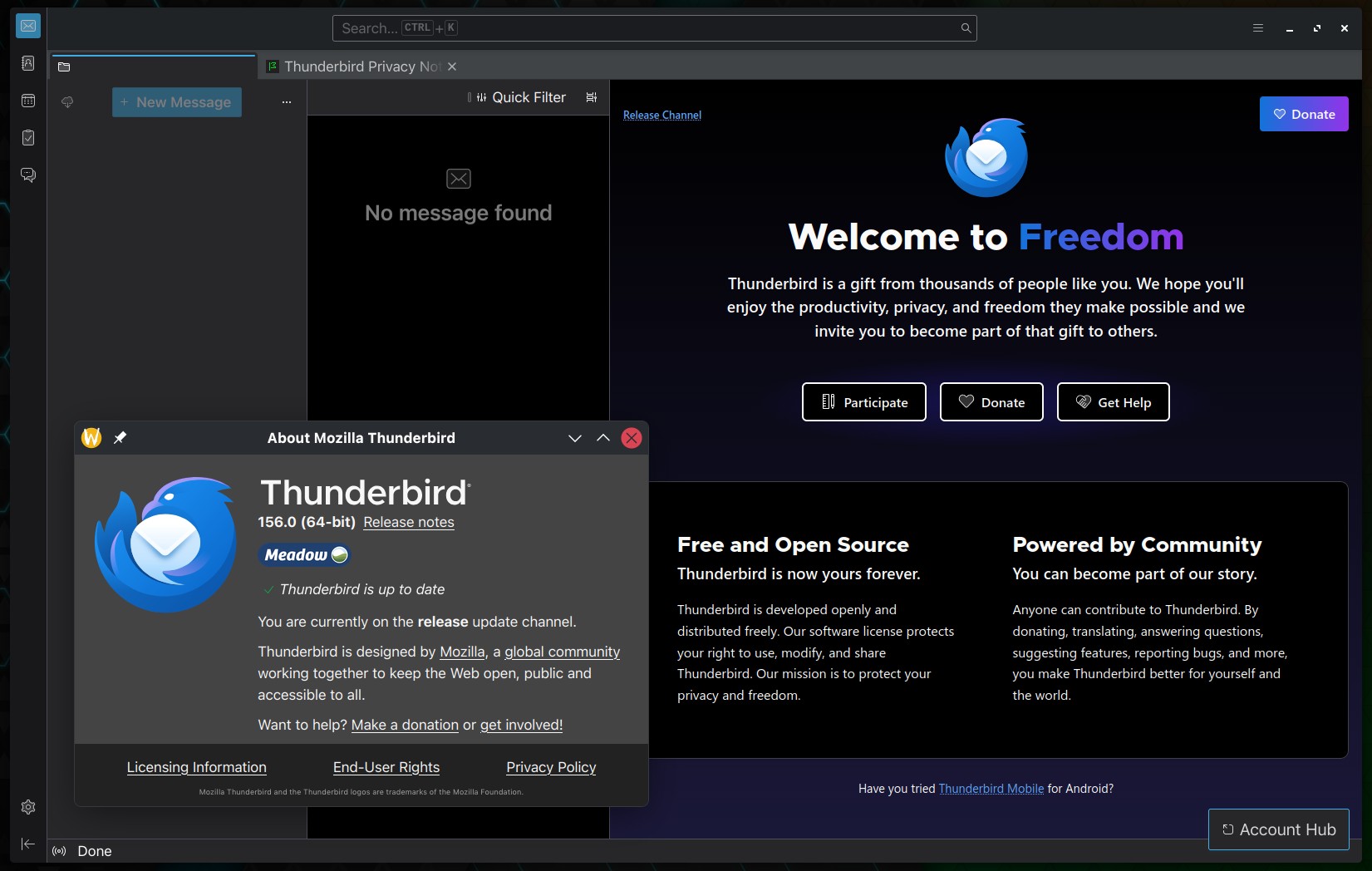
The Thunderbird team has released Thunderbird 156, the latest version of the popular open-source email client. A major addition is support for custom OAuth for POP3 accounts, and custom OAuth configurations for IMAP and POP3 can use an issuer ID and client secret.
Enterprise users and administrators get three new policies:
DisableUpdateSettingsprevents users from changing update settings.DisableDataCollectionSettingslocks data collection preferences.DisableMessageForwardingFiltersstops message filters from automatically forwarding messages.
Apart from that, much of the release focuses on fixing mail-handling issues. Opening a PDF attachment in a tab no longer results in an empty tab, and PDF attachments added from the compose window are no longer incorrectly identified as HTML.
Attachment management also received attention. Save All, Detach All, and Delete All could stop working after one attachment was deleted. Detached attachment links were sometimes truncated when the folder path contained an ampersand (&). Both issues are now fixed.
IMAP fixes improve performance with large folder collections and correct subfolder subscription issues. POP3 fixes address duplicate long-named folders, messages not being marked as new, and Get Messages failures.
Thunderbird 156 also fixes SMTP authentication with non-ASCII usernames, folder settings being reset after renaming, and hashed folder names after cache loss. For Exchange, custom OAuth setup now works, and unsupported EWS archive folders no longer block mailbox synchronization.
There are several OpenPGP and S/MIME fixes as well. OpenPGP signing with external GnuPG now works when the primary key itself cannot sign, and remote content should no longer load inside encrypted messages opened from files.
Calendar users are covered too. Differences in capitalization between CalDAV email addresses could previously result in duplicate invitations, while accepted CalDAV invitations could sometimes be stored in the wrong calendar. Both issues are corrected in Thunderbird 156.
Other fixes include restoring Thunderbird from the Windows system tray using the Enter key, preventing inline attachments from changing the message channel content type incorrectly, and fixing invalid recipient address pills that could appear when saving unconfirmed recipients.
For additional details, see the release notes.