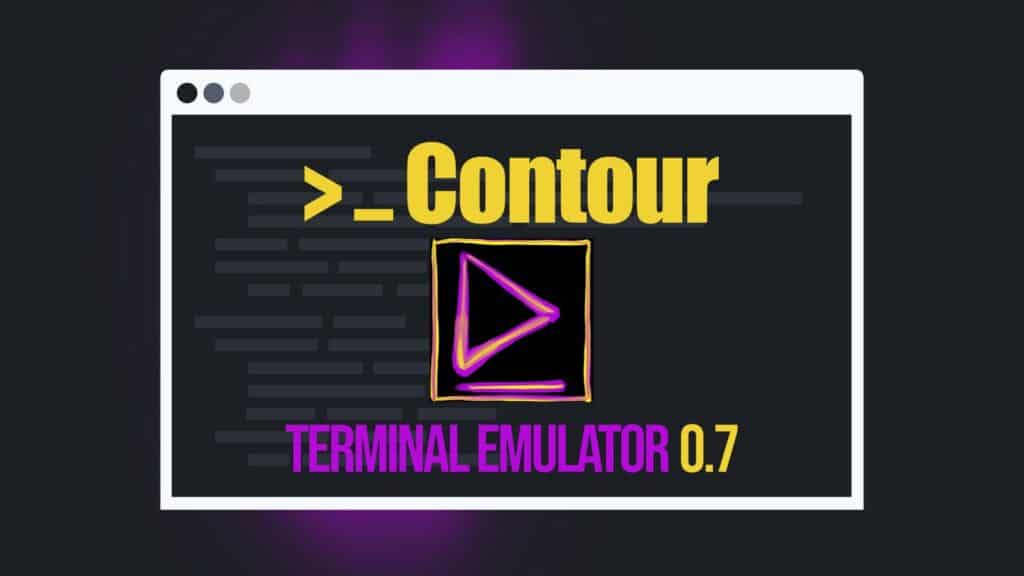
Contour, a modern cross-platform terminal emulator written in C++, built around Qt 6, and using GPU-accelerated rendering for smooth output and high-DPI displays, has released version 0.7, described as one of the project’s largest updates so far.
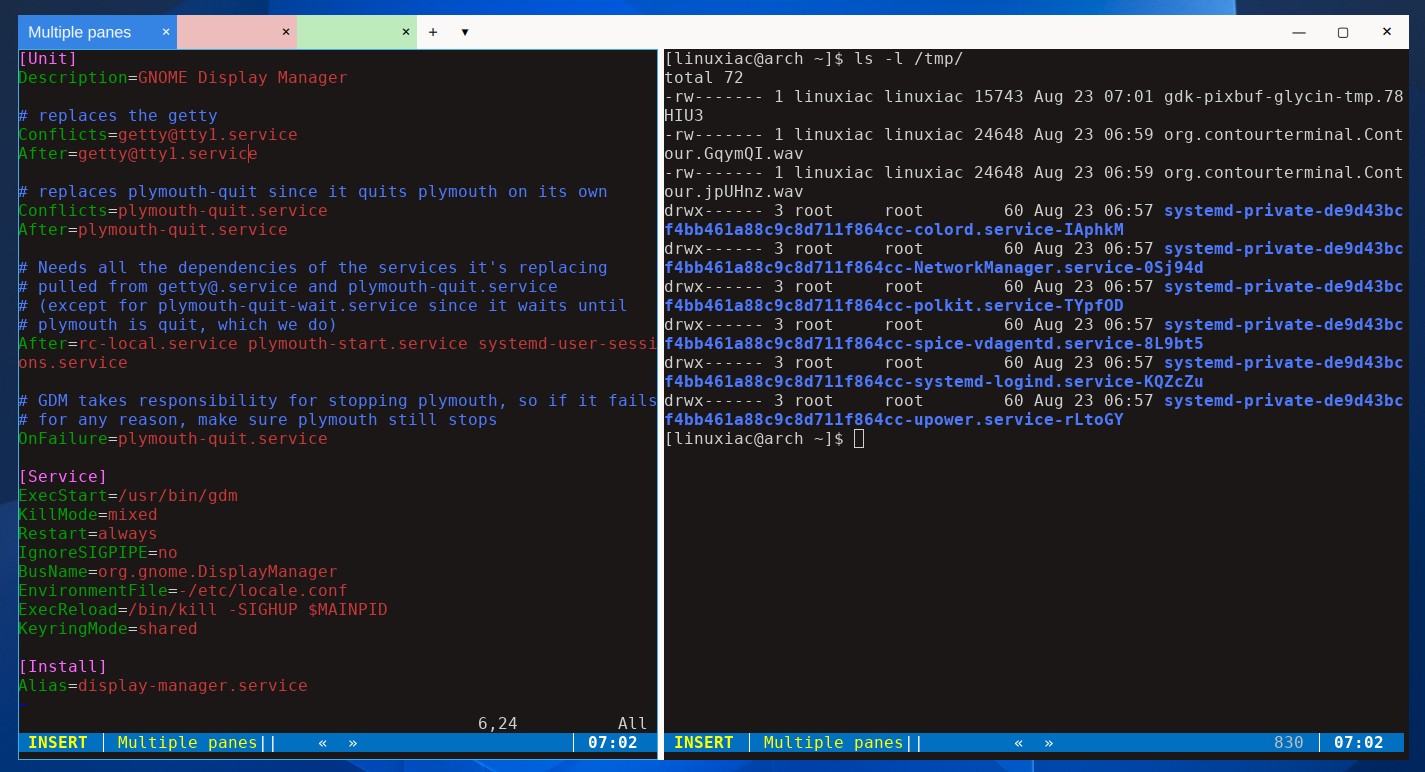
The headline addition in this release is a substantially expanded workspace model. The terminal now provides native GUI tabs in the title bar, along with split panes, allowing users to divide a tab vertically or horizontally and work with several terminal sessions side by side.
Users can move, resize, swap with neighboring panes, or temporarily zoom panes to fill the entire tab area. You can also reorder tabs by dragging, move them between Contour windows, or detach them into a new window without terminating the running terminal session.
Contour 0.7 also introduces configurable layouts. These can define sets of tabs with their commands, working directories, profiles, names, colors, and pane arrangements. You can save current window configurations as reusable layouts and launch them later from the command line or directly in Contour.
Another addition is the new command palette, available with Ctrl+Shift+P. It provides a searchable list of Contour commands with their descriptions and keyboard shortcuts, making functionality that previously required knowing or configuring a key binding easier to discover.
The release also introduces a graphical Settings interface. Configuration options are organized into searchable sections, and a new right-click context menu provides quick access to operations such as copy, paste, open the current directory, split or close panes, switch profiles, and reset the terminal.
Users who prefer a terminal-oriented appearance can enable the new ui_style: terminal option. In this mode, Contour draws elements such as the title bar, tab bar, menus, popups, and Settings interface using character cells and the terminal font, giving the application a more unified TUI-like appearance.
Another notable change is that Contour 0.7 introduces an experimental daemon mode for persistent sessions. Running contour daemon moves terminal sessions into a background process so they can continue running after the window displaying them has been closed.
Users can later reconnect using contour client. The implementation also supports tmux’s control-mode protocol in both directions, allowing tmux-aware tools to connect to a Contour daemon while Contour itself can connect to an existing tmux server.
Remote connections are supported through TCP, requiring TLS encryption and a pre-shared token. The feature works on Linux, macOS, and Windows, although developers stress it remains experimental, and its command-line interface and protocol may change in future releases.
Graphics capabilities receive a sizeable expansion too. Contour now implements the Kitty graphics protocol for displaying PNG and raw RGB/RGBA images directly inside the terminal. Support for iTerm2 inline images has also been added, along with ReGIS, the vector graphics language originally used by DEC VT330 and VT340 terminals.
Additionally, the release introduces experimental support for the Good Image Protocol, providing another way to display raster graphics inside terminal applications.
Rendering, fonts, and Unicode handling have been improved as well. Contour now measures Unicode grapheme clusters as complete units rather than determining their width from individual codepoints, improving rendering of complex emoji sequences, modifiers, and Indic scripts.
On the accessibility side, Contour can now expose the terminal caret to operating-system accessibility services, allowing screen magnifiers like KDE Plasma Zoom and screen readers to follow it. Tabs, window controls, and Settings elements now expose descriptive information to screen readers as well.
Linux desktop integration has seen several fixes, particularly around KDE Plasma and Wayland. Contour can now provide its own KWin-compatible window shadow when using custom decorations, correctly handles KDE’s forced font DPI settings under Wayland, improves behavior across monitors with different scaling factors, and fixes initial window sizing under tiling Wayland compositors.
More details about all changes in Contour 0.7 are in the project’s GitHub changelog.
Contour 0.7 is now available, and Linux users can get it through supported distribution packages. The project lists Fedora, Arch Linux, Void Linux, and openSUSE among distributions providing packages, while additional Ubuntu, AppImage, static, Flatpak, macOS, and Windows options are also available.