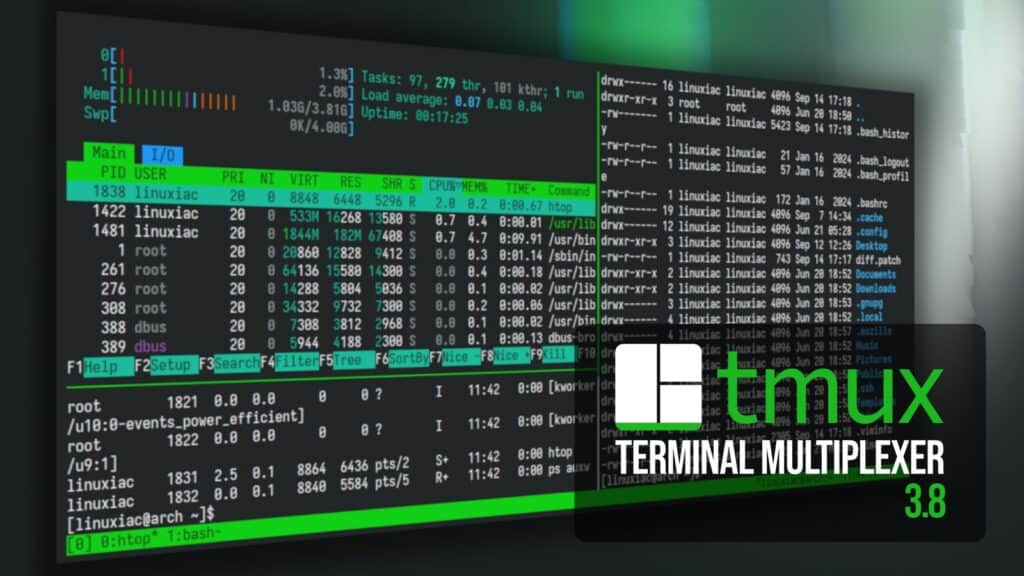
Tmux, the popular open-source terminal multiplexer that lets users manage multiple terminal sessions, windows, and panes from a single interface, has been updated to version 3.8.
One of the biggest changes concerns floating panes, introduced in tmux 3.7. Previously limited, they can now be moved and resized using commands or the mouse, converted between floating and tiled layouts, and swapped with other panes.
The update also introduces modal panes, which temporarily prevent interaction with other panes while active. They can be configured to close when clicking outside or pressing Escape. Additionally, floating panes are now included in layout definitions, which use a new JSON-based format but remain compatible with the previous one.
According to lead developer Nicholas Marriott, the plan is for floating panes to completely replace traditional popups in tmux 3.9, with display-popup remaining available for compatibility.
Another notable addition is built-in light and dark themes. Tmux can automatically select the appropriate theme based on the terminal’s reported preference if the terminal supports it. Users can also manually select a theme through the new theme server option or restore previous colors with set -s theme terminal.
Navigation has also received attention. A new fuzzy switcher, switch-mode, accessible by default with Ctrl+B then Tab, makes it easier to find and switch between windows. Ctrl+B then Shift+Tab provides similar functionality for sessions.
Under the hood, the hooks system has been redesigned around events, adding triggers for pane activity, resizing, session changes, and window operations. It also supports format-based monitors that execute hooks when monitored values change or become true.
Moreover, customize mode now displays hooks and environment variables, lets values be opened directly in an editor, and offers an option to show only modified settings.
Other improvements include automatically hiding pane scrollbars, optional automatic refreshing in copy mode, improved handling of Unicode whitespace, and mouse support enabled by default.
Finally, tmux 3.8 addresses numerous rendering issues, including flickering, incorrectly positioned text, and issues affecting status lines, menus, and floating panes. Several crashes and memory leaks have also been fixed.
One important upgrade note: users must fully restart tmux after updating to 3.8, not just reconnect to an existing session.
For more details, see the official changelog and the developer’s release discussion.