True to their tradition of quickly delivering updates, just over two weeks after GNOME 50’s release, it is now available as an update for Arch users in the distribution’s repositories.
There are numerous new features to explore. While you can find a detailed look in our comprehensive article, here’s a quick summary of GNOME 50’s key highlights:
- Parental controls now support screen-time limits, bedtime schedules, and automatic screen locking for child accounts.
- Accessibility improvements include a redesigned Orca preferences window, global settings, automatic language switching, better Braille support, Mouse Review on Wayland, and a new Reduced Motion option.
- Document Viewer gets a much more capable annotation tool with text, lines, highlights, color choices, line thickness controls, and an eraser.
- Files gains performance and interface improvements, including faster thumbnail loading, lower memory use, a reworked batch rename tool, pop-out properties windows, and better search filters.
- Calendar adds an attendee list, ICS export, a redesigned Quick Add flow, improved month view, and better keyboard and hardware-button navigation.
- Settings adds a first-day-of-week option, clearer sound controls, updated modem detail dialogs, and color-management fixes.
- Remote desktop is upgraded with hardware acceleration, better NVIDIA compatibility, HiDPI scaling, camera redirection, Kerberos authentication, and more reliable headless sessions.
- Display handling improves with better VRR and fractional scaling support, a low-latency cursor under VRR, NVIDIA smoothness fixes, Wayland color management protocol v2, and HDR screen sharing.
- GNOME 50 also ships new wallpapers and adds several apps to GNOME Circle, including Gradia, Sudoku, Constrict, and Sessions.
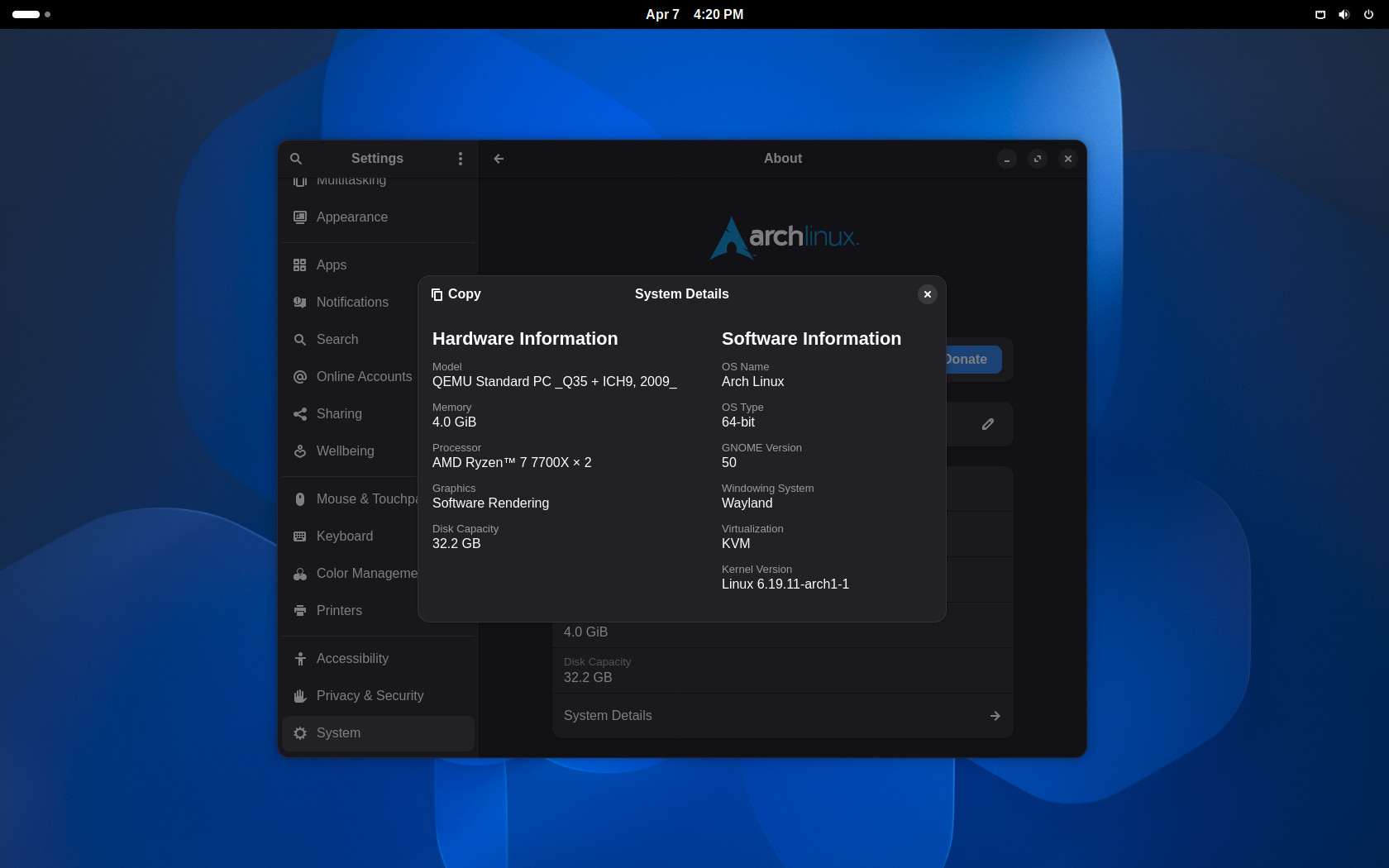
However, as with any GNOME release, before you update, make sure your extensions are compatible with the new desktop version to avoid unpleasant surprises. If they aren’t yet, I advise holding off on the update.
But if you are among the few who find the vanilla GNOME experience sufficient and do not use extensions, feel free to run the familiar sudo pacman -Syu command and enjoy all the new features GNOME 50 offers.