About four months after the major Plasma 6.5 release and five maintenance updates, the KDE team has released the much-anticipated Plasma 6.6. One of the main new features is a redesigned on-screen keyboard that offers a more consistent, integrated experience, especially on touch devices.
Screenshot tools have also improved. The Spectacle app now supports text recognition, allowing users to pull text directly from screenshots. Screencasting is better too, letting you exclude certain windows using an option in the window’s title bar.
Moreover, Plasma 6.6 adds a grayscale filter to the color blindness options in System Settings, bringing the total to four filters. The Zoom and Magnifier tool now has a tracking mode that keeps the pointer centered. On Wayland, Slow Keys and the standard Reduced Motion setting are now supported.
Plasma 6.6 also makes everyday tasks faster. If your system has a camera, you can now join Wi-Fi networks by scanning QR codes. In the Task Manager, you can change the volume of apps by hovering over their icon and scrolling. The Windows List widget now lets you open windows by hovering and filter them by desktop or activity.
On the customization side, you can now turn your current desktop setup into a reusable global theme, which works with Plasma’s day and night theme switching. Visual updates include smoother animations on high-refresh-rate screens and better wallpaper previews that show both light and dark versions.
Plasma 6.6 adds Plasma Setup, a new first-run wizard that separates user account setup from installing the operating system. This helps when shipping devices with Plasma preinstalled, refurbishing systems, or transferring ownership without sharing old user data.
Other updates include the ability to limit virtual desktops to the main screen, a new optional login manager, and automatic screen brightness on devices with light sensors. You can also use game controllers as input devices.
Finally, the Discover software center now supports font installation, and System Monitor lets you change process priority. Additionally, you can pin the Web Browser and Audio Volume widgets open, and USB permission prompts look refreshed.
Refer to the official announcement or check out the full changelog for a thorough list of all the tweaks and improvements. Plasma 6.6 is expected to receive six maintenance updates before Plasma 6.7 is released.
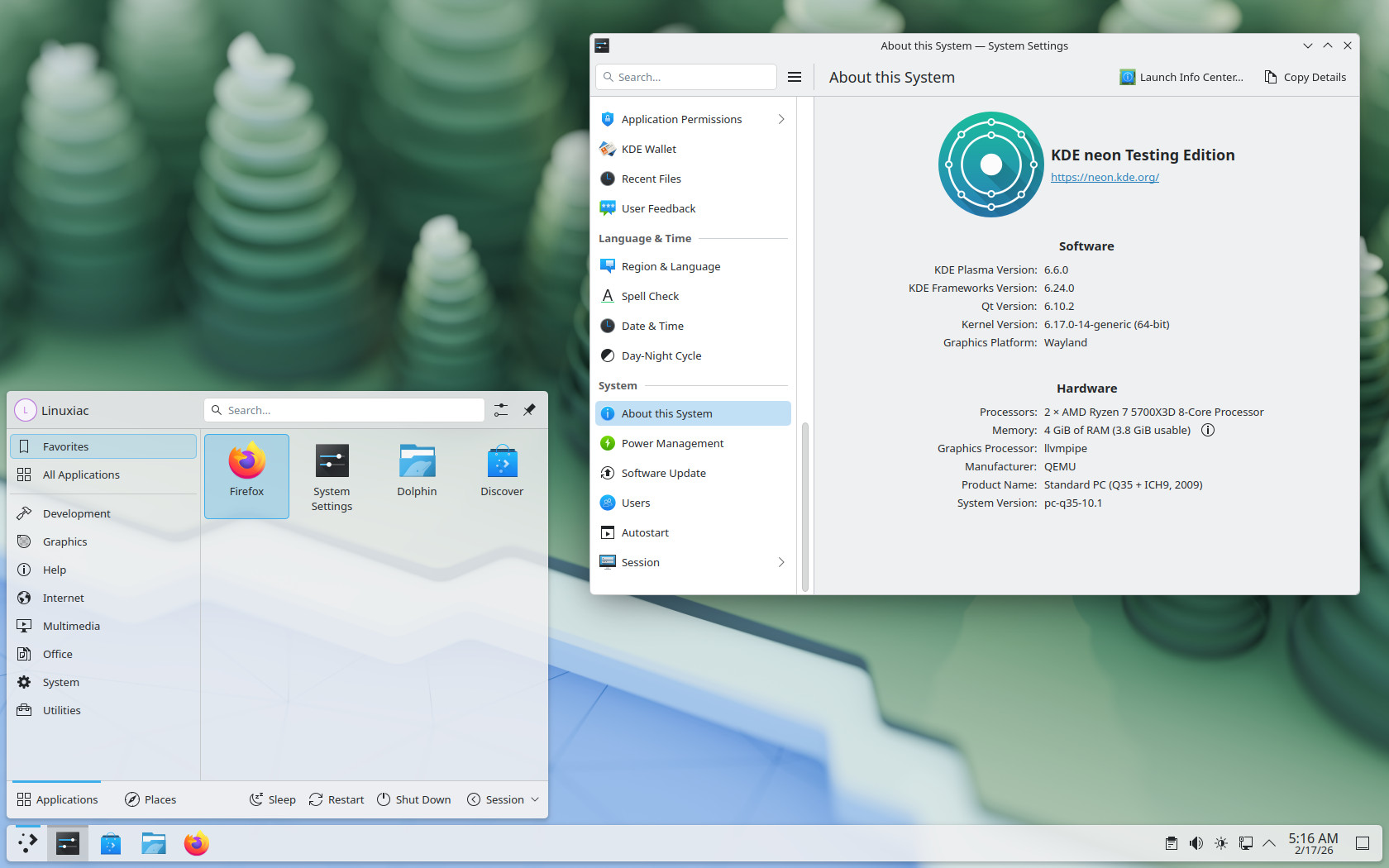
For those eager to explore all the new features immediately, the simplest route is to opt for KDE Neon Testing Edition, which already has Plasma 6.6 readily available. As always, users of rolling-release distros can expect it to appear in their repositories in the coming days and weeks.