
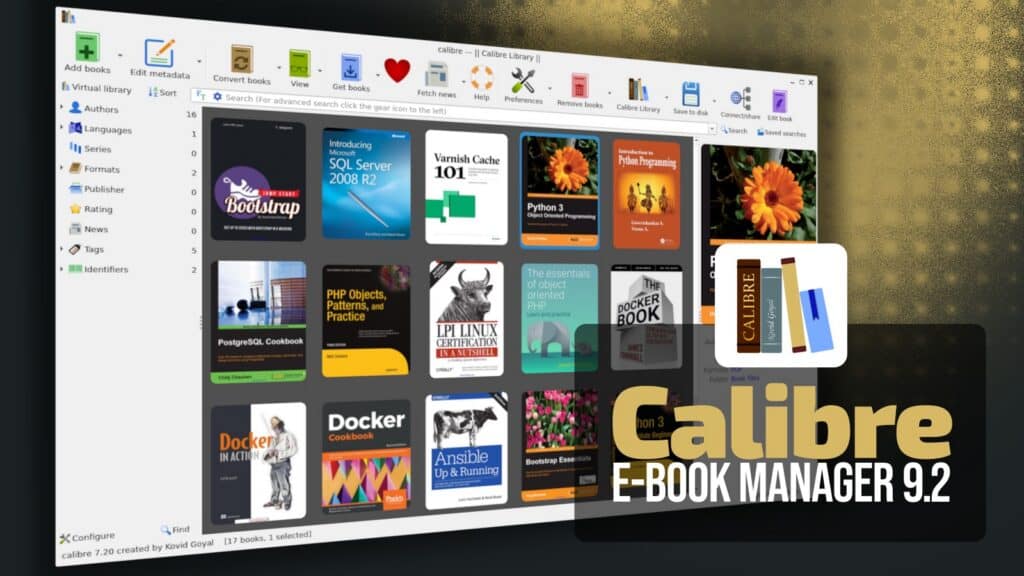
The popular open-source e-book management tool Calibre has just released version 9.2, the second maintenance update in the 9.x series.
The software replaces its HTML templating engine with Mustache, improving both safety and performance. Keep in mind that this is also a breaking change for users relying on custom ZIP output templates, which may require adjustments to remain compatible.
Library management received a new option allowing users to rebuild the annotations search index when checking a library.
On the security fixes side, the CHM input handler now ignores internal files whose paths resolve outside the container, preventing path traversal attacks via malicious CHM files. Similarly, EPUB input handling has been hardened to ensure font obfuscation processing applies only to files contained within the EPUB itself.
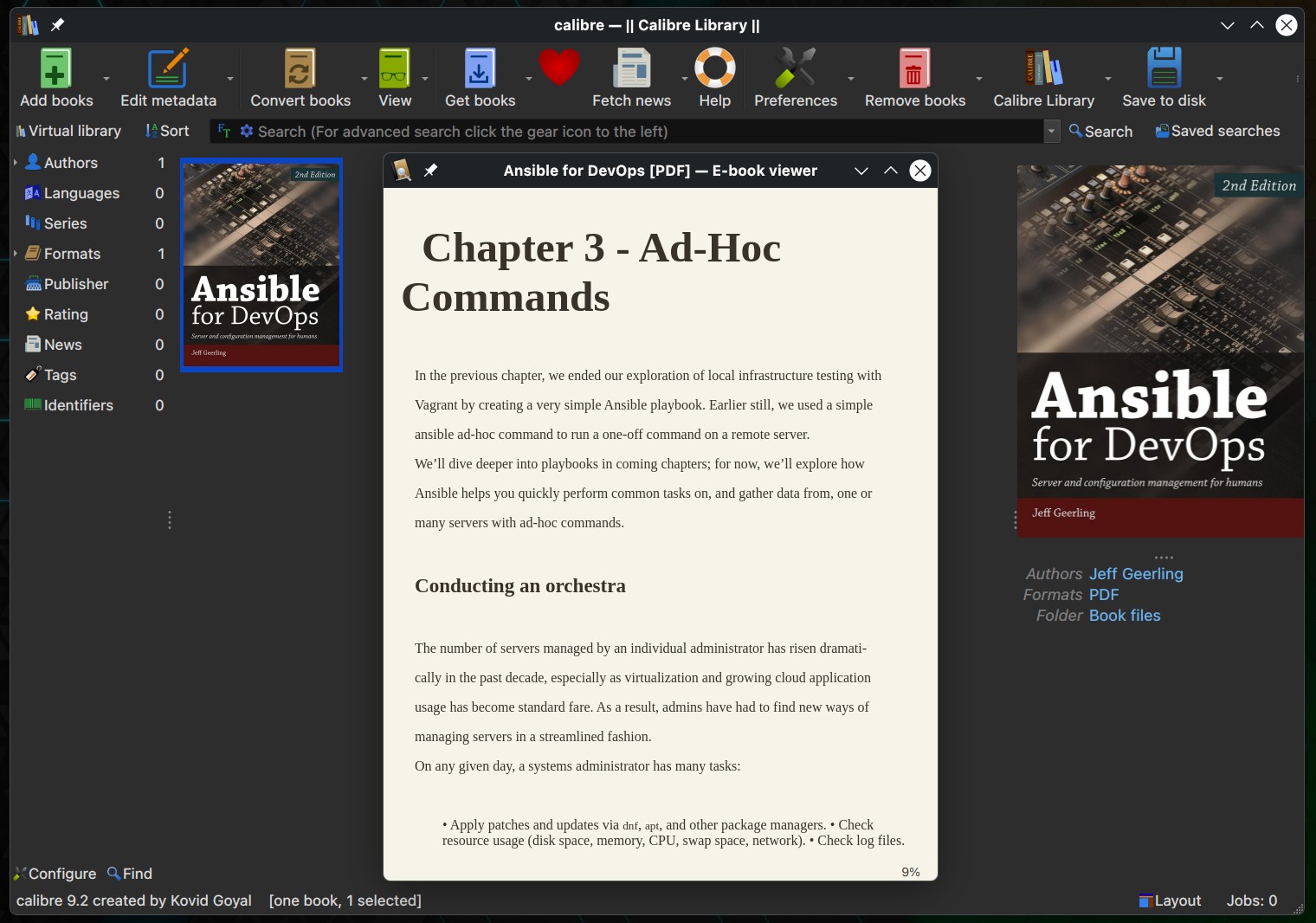
The release also resolves a range of regressions and platform-specific bugs introduced in earlier versions. On Windows, Calibre 9.2 includes a workaround for a Qt 6.10 issue that caused the Read Aloud feature in the E-book Viewer to crash when stopped and restarted.
Several bookshelf issues have been fixed, too, including drag-and-drop failures, blank views on some macOS systems, and unnecessary rendering during initial resizing.
Improvements to the E-book Viewer include fixes for broken “Go to page” navigation introduced in Calibre 9.0, illegible Google dictionary lookup results, and PageUp/PageDown behavior requiring repeated key presses at internal HTML boundaries in flow mode. Scrolling behavior in the cover grid has also been corrected after a regression caused the mouse wheel to scroll entire rows at once.
Additional fixes include restoring automatic cleanup of downloaded HTML in the news download feature, which had been broken since version 8.11.
Check out the changelog for more details and the complete list of novelties in the Calibre 9.2 open-source e-book management tool. The update is already live for Windows, macOS, and Linux.

CHM files were introduced by Microsoft back in 1998 for Windows 98. Beyond that, CHM serves no purpose. IMHO it would be far better to eliminate all support for CHM files from book reader software like Calibre and point users to a file converter instead.
Here is a note from Microsoft that makes you cry:
“Support for EPS images has been turned off in Office”
“Because of a security vulnerability in EPS files, Office 2024, Office 2021, Office 2019, Office 2016, Office 2013, Office 2010, and Microsoft 365 have turned off the ability to insert EPS files into Office documents. This change is effective as of the April 11, 2017, security update.”
https://support.microsoft.com/en-us/office/support-for-eps-images-has-been-turned-off-in-office-a069d664-4bcf-415e-a1b5-cbb0c334a840
The “security vulnerability” is not in EPS files. It is in the cited Microsoft software itself. Readers of Bobby’s article about Calibre 9.2 will argue now, that Microsoft could and should address the security vulnerabilities in Microsoft Office. Read the rant by Microsoft and see what this company is doing.
The difference between CHM and EPS is that EPS is widely being used, for instance in typesetting. After all, EPS is just encapsulated PS (PostScript) that is being included in a PS file. Your printer most likely supports PS. In fact there are more laser printers on the market that support PS than PDF. BTW, Microsoft tried to eliminate PS and PDF with their own creation called “XPS” – and miserably failed.
Good typesetting was never a strength of Microsoft Word.
The good news for Microsoft customers is that there are alternatives, like LibreOffice. Or LaTeX for publications, reports etc.
There are more important things in life than Microsoft file formats.