VirtualBox, a popular open-source virtualization software, has just released its third maintenance update to the 7.2 series, version 7.2.6, which focuses on stability, crash fixes, and reliability improvements across hosts and guests.
The Virtual Machine Manager received extensive fixes, resolving multiple crash scenarios, including failures during RHEL 5 guest boot, crashes triggered by recent Windows updates, and instability affecting AMD-based systems.
Issues related to nested virtualization, incorrect VM-execution control checks, and Guru Meditation errors on VM startup under Windows hosts were also fixed. In addition, shutdown failures on Windows 11 ARM hosts and boot problems with older Red Hat guests on modern AMD Zen 4 systems were corrected.
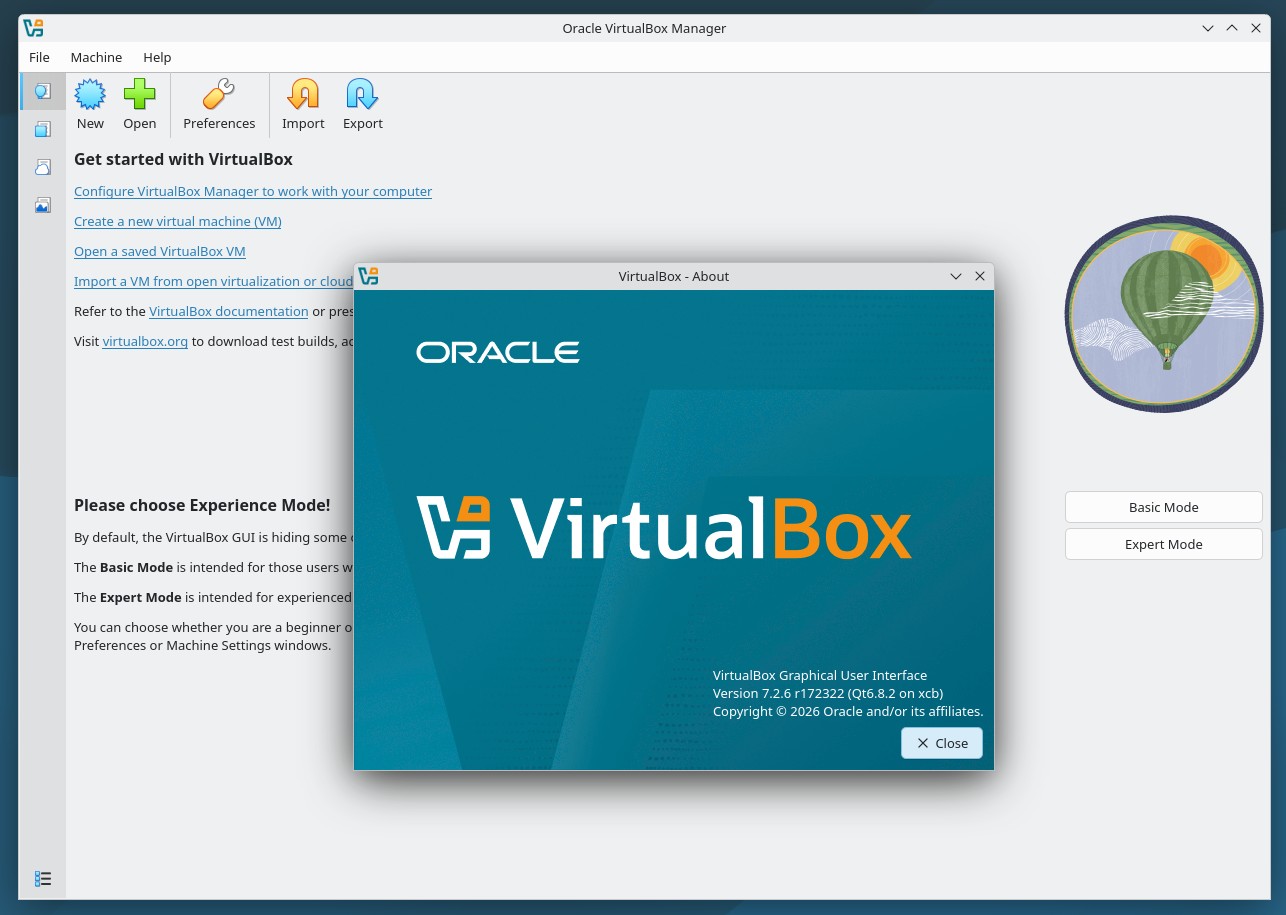
On the UI side, full-screen mode now behaves correctly in multi-monitor setups, update downloads no longer fail intermittently, and the Resource Manager VM list displays properly. The update also resolves issues with incorrect storage controller lists and problems when switching between light and dark modes on macOS hosts.
Moreover, several components were improved or transitioned. The VRDP server, USB smartcard emulation, and disk and VM encryption features were moved into the open-source base package. NAT networking issues that were causing excessive CPU usage were resolved, and drag-and-drop filename validation was improved.
On the host side, Linux-specific fixes address issues where the vboxautostart service failed to start virtual machines at boot and where VMs could not start on hosts running real-time kernels.
Guest Additions also received numerous fixes. Windows guests benefit from resolved crashes under low-memory conditions and corrected installation on 64-bit Windows XP. Linux Guest Additions fixes cover abandoned PID files, missing user session services on older distributions, leftover processes after reboot, and compatibility issues with very old kernels.
Finally, the update adds fixes for newer RHEL kernels and introduces initial support for Linux kernel 6.19. BIOS-level issues affecting iPXE booting were also resolved.
Refer to the changelog for details on all changes in the new version. VirtualBox 7.2.6 is available from the project’s download section on the website. After updating, remember to install the latest Extension Pack version, which enhances VirtualBox’s functionality.