
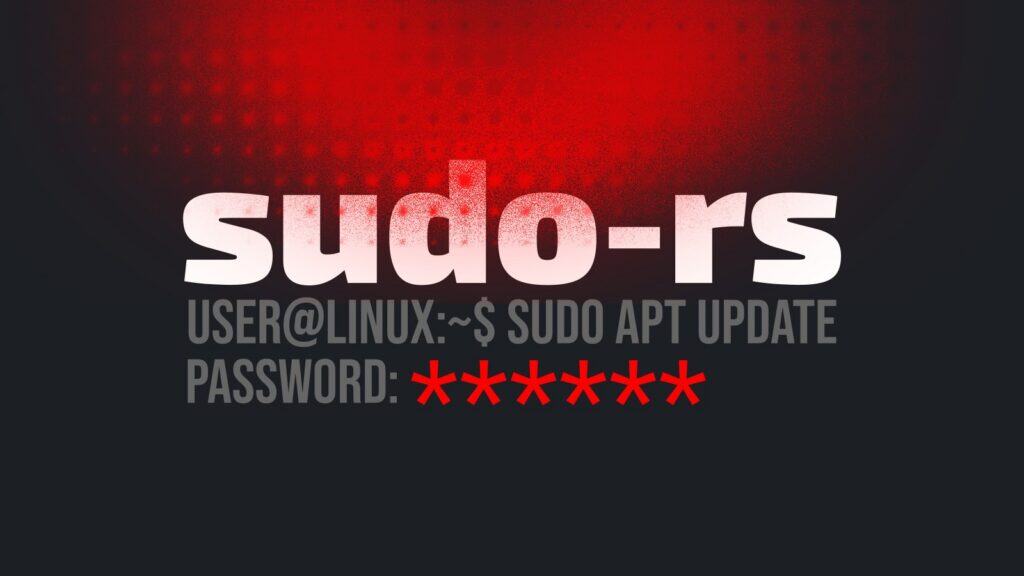
For decades, the traditional implementation of sudo has intentionally provided no visual feedback while a password is being entered. The rationale has been simple: avoid disclosing the password length to anyone watching the screen. While this does not conceal the fact that a password is being typed, it prevents trivial length inference.
However, a recent upstream change in sudo-rs, a memory-safe reimplementation of the classic Unix sudo tool in Rust, has changed one of the most familiar behaviors in Unix-like systems: silent password entry at the sudo prompt.
In a newly merged commit, the project enabled the pwfeedback option by default. Now, when users type their password during authentication, the terminal displays asterisks (*) instead of staying visually silent. The sudo-rs maintainers describe the change as a usability improvement.
“This fixes a major UX pain point for new users. Security is theoretically worse since password lengths are exposed to people watching your screen, but this is an infinitesimal benefit far outweighed by the UX issue.”
As expected, the decision has sparked criticism, even leading to its classification as a bug. However, developers say the behavior remains configurable. Administrators who prefer the traditional silent prompt can restore it by adding Defaults !pwfeedback to their sudoers configuration. Now, let me share what I think about this.
It not only goes against a decade-long philosophy embraced by Unix-like systems and tries to re-educate users, but suggesting that anyone who wants to can just dig into a configuration file and change it is simply not acceptable. The reality is that new users won’t care to do that, and experienced users are unlikely to add yet another task to their to-do list.
Yes, restoring the usual sudo behavior takes only a minute. Still, I’d recommend steering clear of systems that rely on sudo-rs until this is addressed, and think twice before betting on a system that openly reveals the exact length of your password to anyone who happens to be looking at your screen. And if you think that’s no big deal, think again. Because the sly smile on the face of the person behind you says otherwise.
Luckily, sudo-rs is far from mass adoption. It has been introduced as the default sudo implementation in the upcoming Ubuntu 26.04 LTS, while most other major distributions continue to ship the traditional C-based sudo by default, which, in the light of these circumstances, is good.



Another absurd drama….
Let the users decide what fit best for their own use and stop forcing behaviors.
I love to have feedback in my UI login screen, even to know when caps lock is activated, having a wireless keyboard I have no other feedback than the UI.
Some distros were already customizing this by default. Ubuntu doing it shouldn’t be controversial. It’s getting a bit tiring to see people stir up drama where there is none.
“Not a single login prompt in existence shares the behavior of sudo. Its UX is just some odd, 1970s holdover.”
Be careful, you are standing on the shoulders of giants.
The current ux (or lack thereof) encourages shorter passwords by virtue of mistakes during typing being much harder to recover from. When I need to my disk encryption password I almost always have to start again, but at least I only type that once per boot.
Showing asterisks is only a security downgrade in some very niche scenarios, namely where you have sight of the screen but you can’t see or hear the keyboard.
When I mess up my*
Not a single login prompt in existence shares the behavior of sudo. Its UX is just some odd, 1970s holdover.
Careful, you are standing on the shoulders of giants.
The author here seems to have a pretty emotional reaction to the news, IMHO.
It should be noted that if somebody is looking at my screen while I input my password, they’re also looking at my keyboard, which is infinitely more dangerous.
Having said that, keeping standards is always a preferred option when alternatives exist.
Personally, I’d keep it hidden but make it easier or clearer or faster to show the asterisks, if one wanted to.