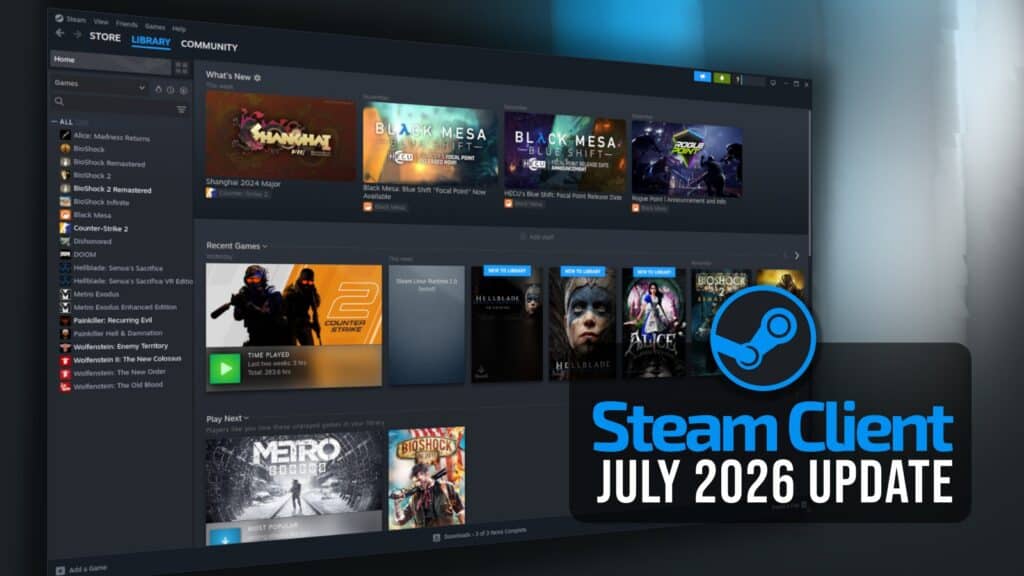
Valve has released a new stable Steam Client update, with improvements to Remote Play, Steam Input, Workshop downloads, game recording, and several parts of the desktop interface.
Remote Play users can now select 59.94 FPS as a streaming frame-rate limit, while the automatic setting should produce fewer dropped frames. Valve also fixed offline devices incorrectly appearing as available for streaming, excessive pressure on the client video decoder when unlimited bandwidth was enabled, incorrect mouse coordinates during input-only streaming, and unusually low refresh rates on some systems.
Steam Controller users also get several improvements. Valve has reduced the gyro calibration threshold by half, making calibration less likely to activate while the controller is being held. Additionally, the threshold can now be adjusted from the calibration settings, and users can disable hardware calibration in favor of Steam Input’s software-based tools.
The update also fixes gyro stuttering caused by ignored IMU timestamps. Meanwhile, Steam Controller firmware corrections address repeated trackpad samples in trackball mode, accidental host wake-ups while shutting down the controller, and occasional repeated presses of the B button.
Support has been added for both the wired and wireless versions of the PDP Afterglow Wave Controller for Nintendo Switch, along with Turtle Beach controllers designed for Nintendo Switch 2. Plus, Valve reworked the system that determines which subscribed Steam Workshop items need updating.
The client’s general fixes include a crash that could occur when manually starting a game recording, a mouse cursor that incorrectly changed to a resize cursor near screen edges, and a controller pairing window that could appear during firmware updates.
Valve also restored the complete set of options in the Maximum Game Resolution menu, with additional choices now under More Options. Another correction prevents the System settings page from displaying patch notes for the wrong update channel, such as showing beta release notes while the client uses the stable channel.
Finally, Big Picture Mode should now use the correct interface scaling when launched from desktop mode, while notification settings have received layout improvements in several languages.
For additional details, see the release notes. As usual, the Steam Client update will be downloaded automatically. Users can also install it manually by opening the Steam menu and selecting Check for Steam Client Updates.