Shotcut, an open-source video editor for Linux, Windows, and macOS, has released version 26.11, with the new Audio Mixing Assistant, accessible through Timeline > Edit. It analyzes audio tracks and recommends adjustments based on their roles, such as dialogue, background music, or ambient sound. Users can specify a target loudness level for the overall mix.
Based on the analysis, the assistant suggests suitable audio filters and gain adjustments. It can also generate keyframes for automatic audio ducking, lowering background music when dialogue is present. Users can review the recommendations before applying them, making it easier to achieve a balanced audio mix without manually configuring every filter.
Apart from audio editing, Shotcut 26.11 adds support for proxy file naming conventions used by Adobe Premiere Pro and DaVinci Resolve. The editor recognizes proxy files stored in Proxy or Proxies subfolders, including files with different extensions or an optional _Proxy suffix. This makes working with proxy media from other editing applications more convenient.
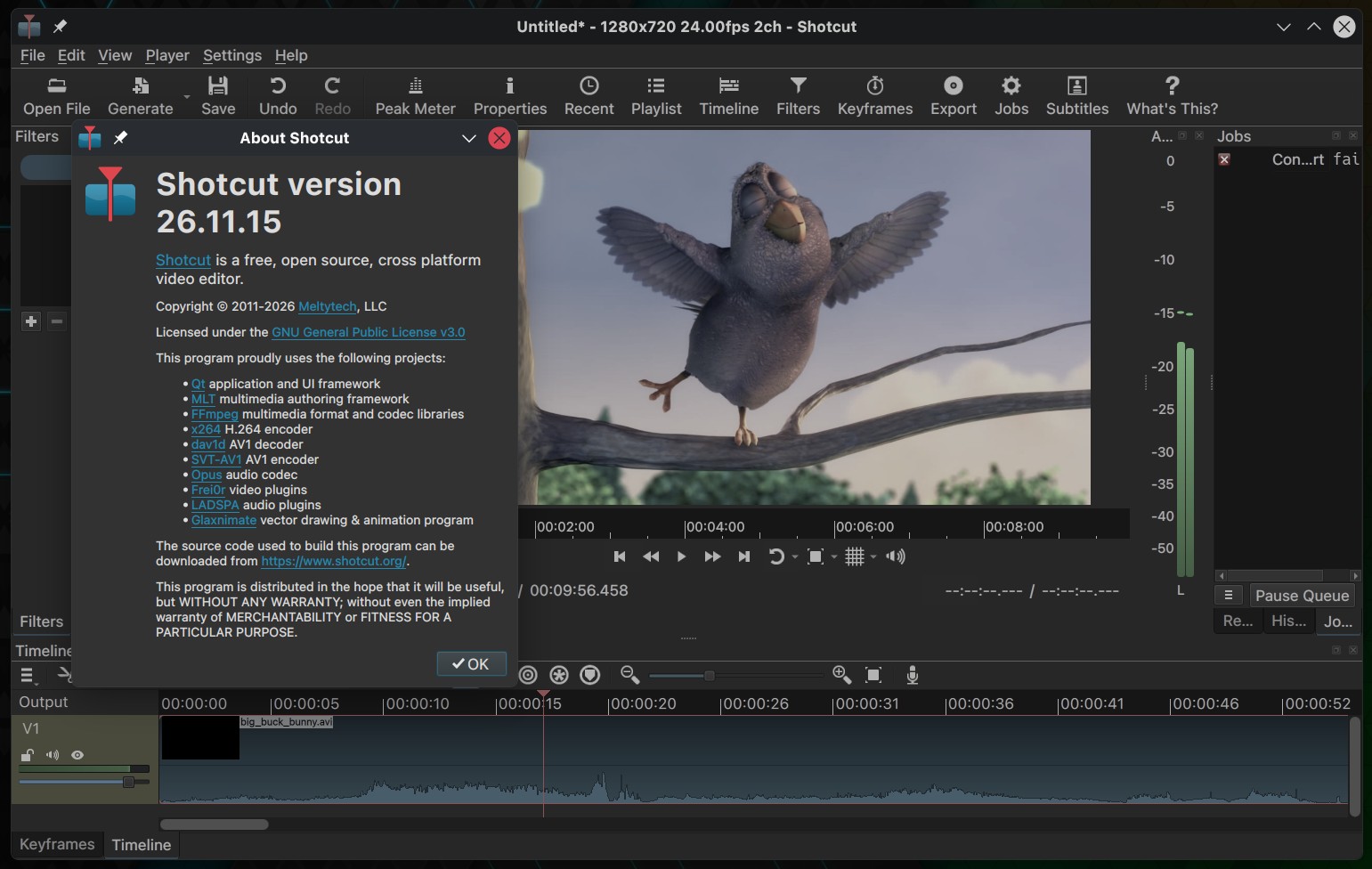
Timeline editing also receives several improvements. The release fixes slow clip dragging, inaccurate snapping to the playhead or markers at lower zoom levels, and problems copying multiple clips with dissolve transitions. It also resolves issues with resizing transitions and pasting filters onto tracks.
Performance improvements include reduced memory usage for audio transitions and faster dissolve video transitions when using 8-bit processing. Several audio-related regressions have been corrected, including scratchy playback, broken audio scrubbing in the Source player, and crashes or freezes caused by certain VST2 plugins.
The update addresses stability issues involving hardware decoding and preview scaling in GPU processing mode. Linux users benefit from a fix for crashes when opening file dialogs in AppImage and Snap packages on Ubuntu 26.04.1.
Shotcut’s GPS filters have gained support for reading plain-text files, including dashcam logs, and can automatically load matching companion GPS files. The GPS Graphic filter now avoids drawing overlapping lines, while the GPS Text filter supports decimal precision for date and time values.
Finally, smaller interface improvements include a search field in the Elements panel, a new camcorder recording animation, and settings to disable rounded timeline clips or synchronize timeline zoom with the keyframes view. The playhead has been made thinner.
For more information, see the changelog.