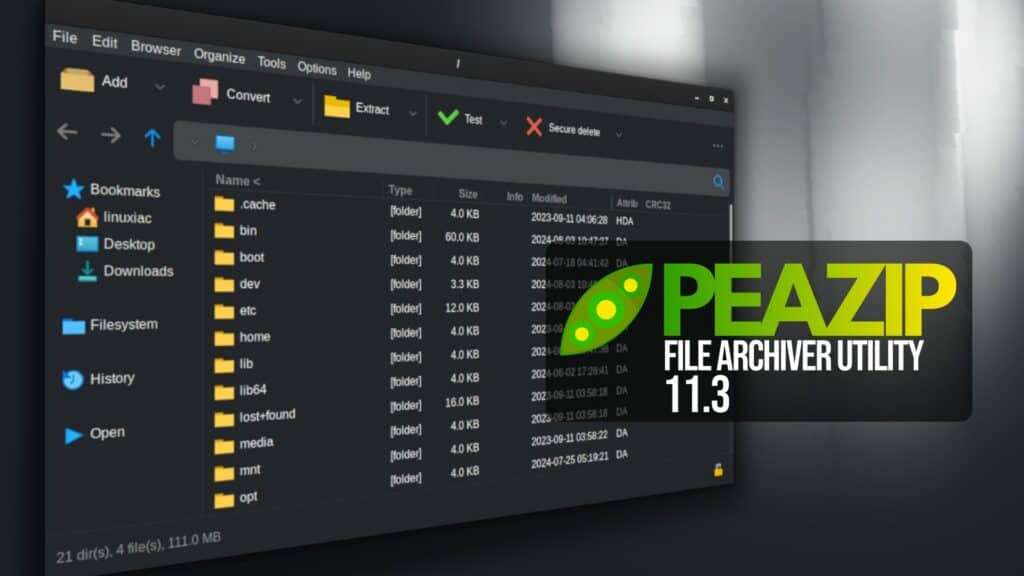
PeaZip 11.3 has been released as the latest version of the open-source, cross-platform archive manager. One notable change affects PeaZip’s integrated Password Manager. From version 11.3, setting a master password is mandatory. Existing users should export their stored passwords in encrypted form before upgrading and import them afterward.
Security around launching files has been tightened. PeaZip now checks a broader list of security-sensitive file extensions and asks for user confirmation before opening them. This protection applies to double-click actions and files opened or previewed through their associated applications.
PEA archive handling has several improvements. A new test mode was added. Extraction now happens first inside a randomly named temporary working directory. After validation succeeds, the folder is renamed to the requested output location. If validation fails, the temporary data is removed automatically.
Moreover, the release fixes cases where some PEA archives were incorrectly reported as containing relative paths. It also addresses an invalid password length error in certain interactive modes and adds validation for the size of the first compressed block.
ZPAQ users get several improvements too. The format now supports PeaZip’s “Force typing password interactively” option, while a crash or hang that could occur when operating on encrypted ZPAQ archives without supplying the password beforehand has been fixed.
On the usability side, PeaZip 11.3 introduces a new “Open with” screen accessible with Shift+F12. It offers quick access to the system-associated application, custom applications, scripts, web services, or another PeaZip instance.
Archive creation tasks can now display either compression percentage or compression ratio, depending on the user’s preference. Plus, a new option automatically opens the output directory in PeaZip once an archiving or extraction task completes.
Several bugs have also been addressed, including crashes when exporting command lines for compressed TAR formats and problems caused by incorrectly mapped keyboard shortcuts.
On Windows, PeaZip now loads its drag-and-drop DLL dynamically from an absolute path after validating its hash. The release also fixes syntax used when checking Mark of the Web and Alternate Data Streams.
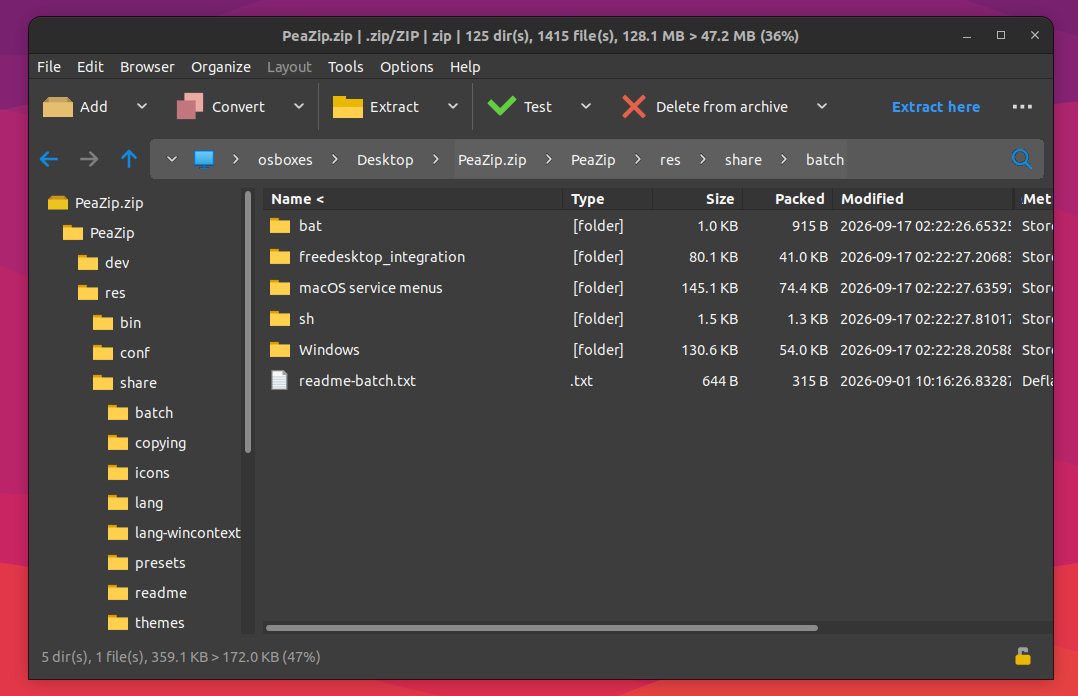
Visually, users can now choose new Blue and Blue-Dark themes, alongside several smaller color adjustments intended to better match supported desktop environments.
Under the hood, PeaZip 11.3 updates its backend components to 7z/p7zip 26.03 and PEA 1.33.
For more details, refer to the release notes or visit the project’s GitHub page for downloads. For Linux users, the app is also available for installation as a Flatpak.
Image credits: PeaZip Project