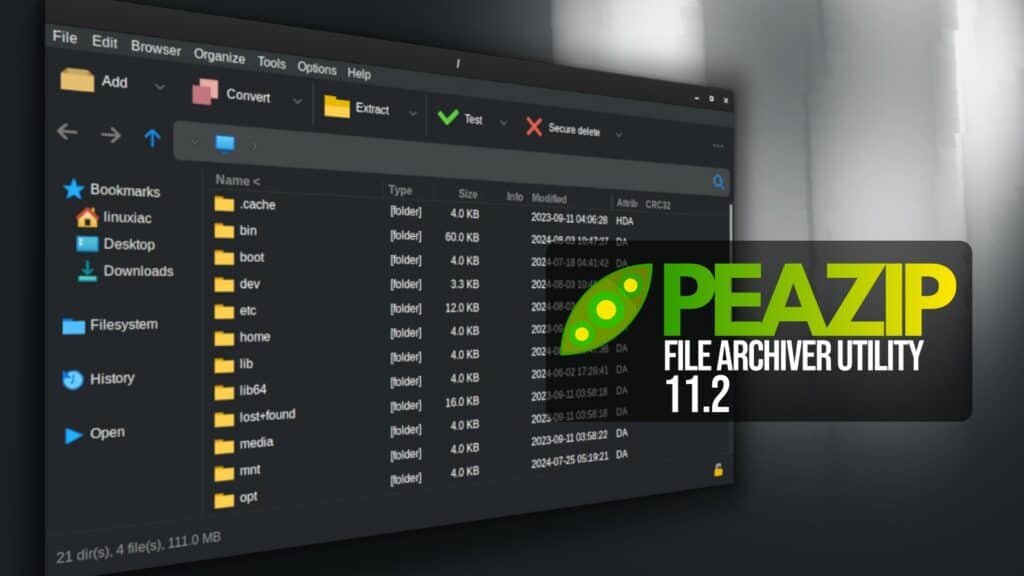
PeaZip 11.2 has been released as the latest version of the open-source, cross-platform archive manager. A key addition is read support for ZIM archives, a format widely used to distribute offline copies of large collections like Wikipedia and Project Gutenberg.
Under the hood, PeaZip 11.2 updates its 7z/p7zip backend to version 26.02. The bundled PEA component has also been updated to version 1.32, with integrity tag verification hardened against timing attacks.
Another focus is drag-and-drop functionality. PeaZip now displays a menu of actions when files or folders are dropped into the application, including copy, move, extract, add to archive, or open as archive.
Additionally, the internal drag-and-drop menu now includes dedicated Add to archive and Extract options. Selecting these forwards the dropped items to the appropriate screen, with the target directory set automatically.
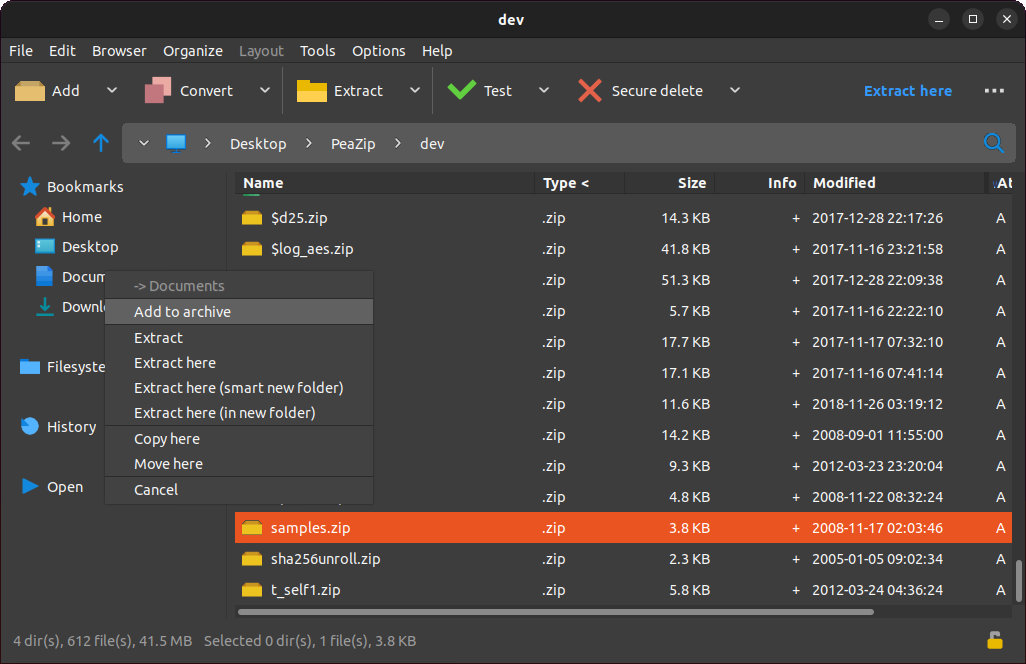
Cross-platform drag-and-drop compatibility has been enhanced. Holding Shift or Ctrl while dragging files from the operating system or another application now opens the special actions menu, assuring consistent behavior throughout desktop environments.
On Windows, drag-and-drop between separate PeaZip instances has also been improved. Drag-and-drop extraction is now supported, and dropping files or folders consistently displays available actions.
Regarding the file manager, keyboard shortcuts now function correctly even when the main menu is hidden. F12 now opens the Functions interface, where users can select or type any supported PeaZip function to run on the selected files. Plus, the Run command is now accessed with the Ctrl+F12 shortcut.
Extraction handling has been refined too. When extracting multi-volume RAR archives into a new folder or using the smart new folder option, PeaZip now removes the .part1 portion from the generated output folder name.
Finally, the Output button now includes a hint explaining that the original filename and extension are preserved when using pure compression formats such as Brotli, BZip2, GZip, XZ, and Zstandard.
For more details, refer to the release notes or visit the project’s GitHub page for downloads. For Linux users, the app is also available for installation as a Flatpak.
Image credits: PeaZip Project