



PipeWire 1.6.10 Multimedia Framework Released with JACK Crash Fixes
PipeWire 1.6.10 fixes potential JACK crashes, audio playback glitches, Bluetooth issues, and a regression affecting rear-channel audio delays.
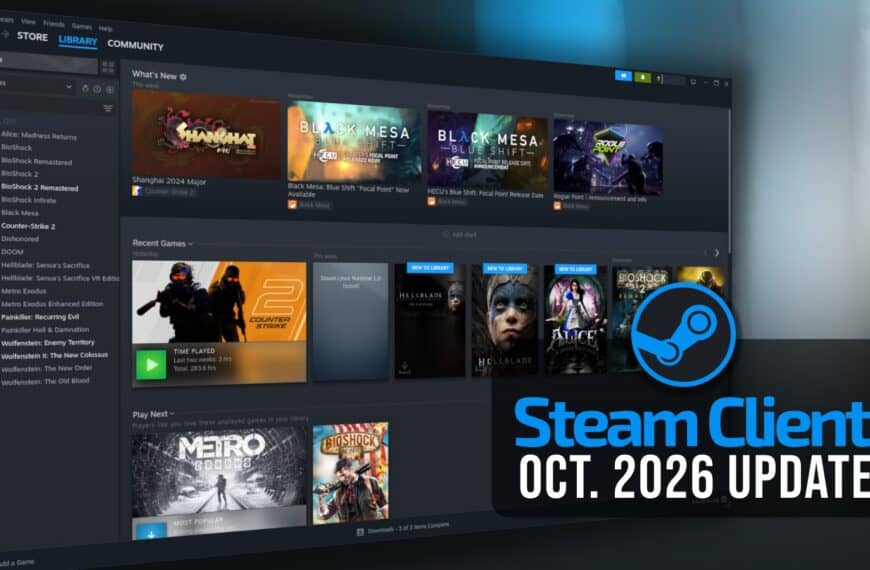
Steam Client Update Fixes Vulkan Game Freezes on Linux
Valve releases a Steam Client update fixing Vulkan game freezes on Linux, updater issues, and bugs affecting Remote Play and macOS.

DankMaterialShell Becomes Dux Shell with Major 2.0 Release
DankMaterialShell is now Dux Shell, with version 2.0 introducing a refreshed interface, a new file manager, expanded plugins, and more.
Pangolin 1.25 Tunneled Reverse Proxy Adds HTTP Redirects and mTLS
Pangolin 1.25 introduces HTTP redirects, mutual TLS authentication, machine client roles, and new load balancing strategies.
Don’t Miss

When Passion Isn’t Enough: Small Linux Projects, Big Problems
Love trying new Linux distros? Small projects can be fun to explore—but they may come with hidden risks. Here’s what most people don’t talk about.

How to Install Google Chrome on Rocky Linux 10
Need Google Chrome on your Enterprise Linux system? Here’s how to install it on Rocky Linux 10.

General-Purpose Linux Distros Explained
Learn what general-purpose Linux distros are and why they’re the go-to choice for many desktop and server users.
How to Install Docker on Rocky Linux 10: A Step-by-Step Guide
A step-by-step guide to installing Docker on Rocky Linux 10, offering a solid Enterprise Linux foundation for containerized workloads.