


Flatpak Secures €508K to Bring Stronger Sandboxing to Linux Apps
Germany’s Sovereign Tech Agency is investing €508,640 in Flatpak development, targeting stronger sandboxing, new portals, and infrastructure improvements.
Ubuntu 26.04.1 LTS Released, 24.04 LTS Upgrades Coming in a Few Weeks
Canonical ships the first Resolute Raccoon point release while delaying automatic 24.04 LTS upgrades to address regressions.
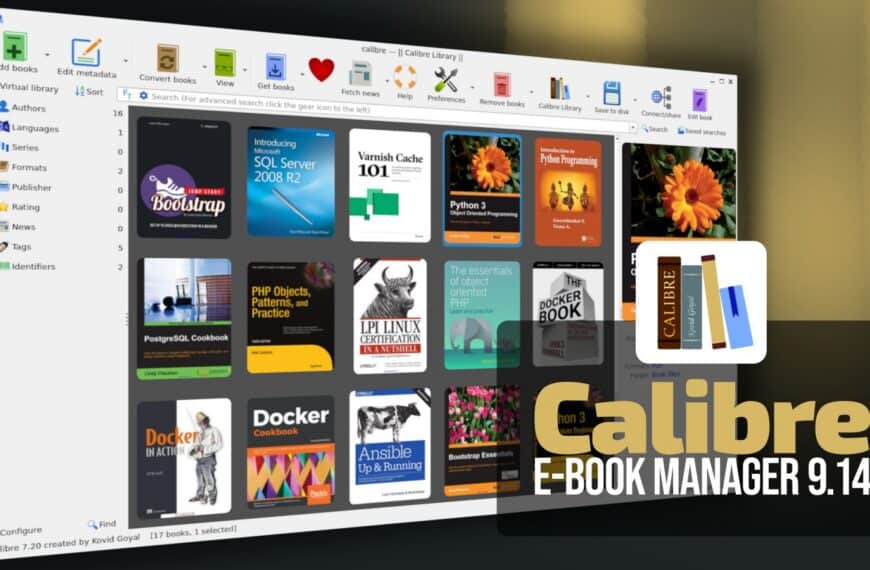
Calibre 9.14 E-Book Manager Adds AI-Generated Book Covers
Calibre 9.14 introduces AI-powered cover generation with multiple styles, adds Anthropic and Grok backends, and patches Content Server security flaws.
Flatpak 1.18.2 Released as a Bug-Fix Update
Flatpak 1.18.2 is out with fixes for a system helper crash, sandbox extensions, portal file descriptors, and older GLib builds.
Don’t Miss
How to Install Brave Browser on Linux: A Comprehensive Guide
Learn how to install Brave on Ubuntu, Debian, Mint, Fedora, Arch, and more with our guide for a faster, more private browsing experience.
How to Install Docker on Fedora: A Step-by-Step Guide
Are you looking to install Docker on Fedora? Our comprehensive guide provides clear and concise instructions to get you up and running.

How to Set Up WireGuard VPN Server with Docker
Set up a WireGuard VPN server using wg-easy and Docker Compose. Manage everything effortlessly via a user-friendly web UI.

How to Install Google Chrome on Fedora Linux Quick and Easy
This step-by-step guide shows you how to easily install Google Chrome on your Fedora Linux. Upgrade your browsing experience now!