
In January, we shared that Orion Browser was becoming available for Linux, as Kagi began an early alpha release of its WebKit-based browser to a small group of testers.
At that point, the Linux version was still in development, with access limited to Orion+ subscribers; wider access was planned for when the beta version was ready. Now, that milestone has been reached.
Orion is now officially available in beta on desktop Linux, and Kagi is promoting the Linux version alongside its other platforms. Orion Beta is available for both x86_64 systems, which include most Intel and AMD desktops and laptops, as well as ARM64/aarch64 devices.
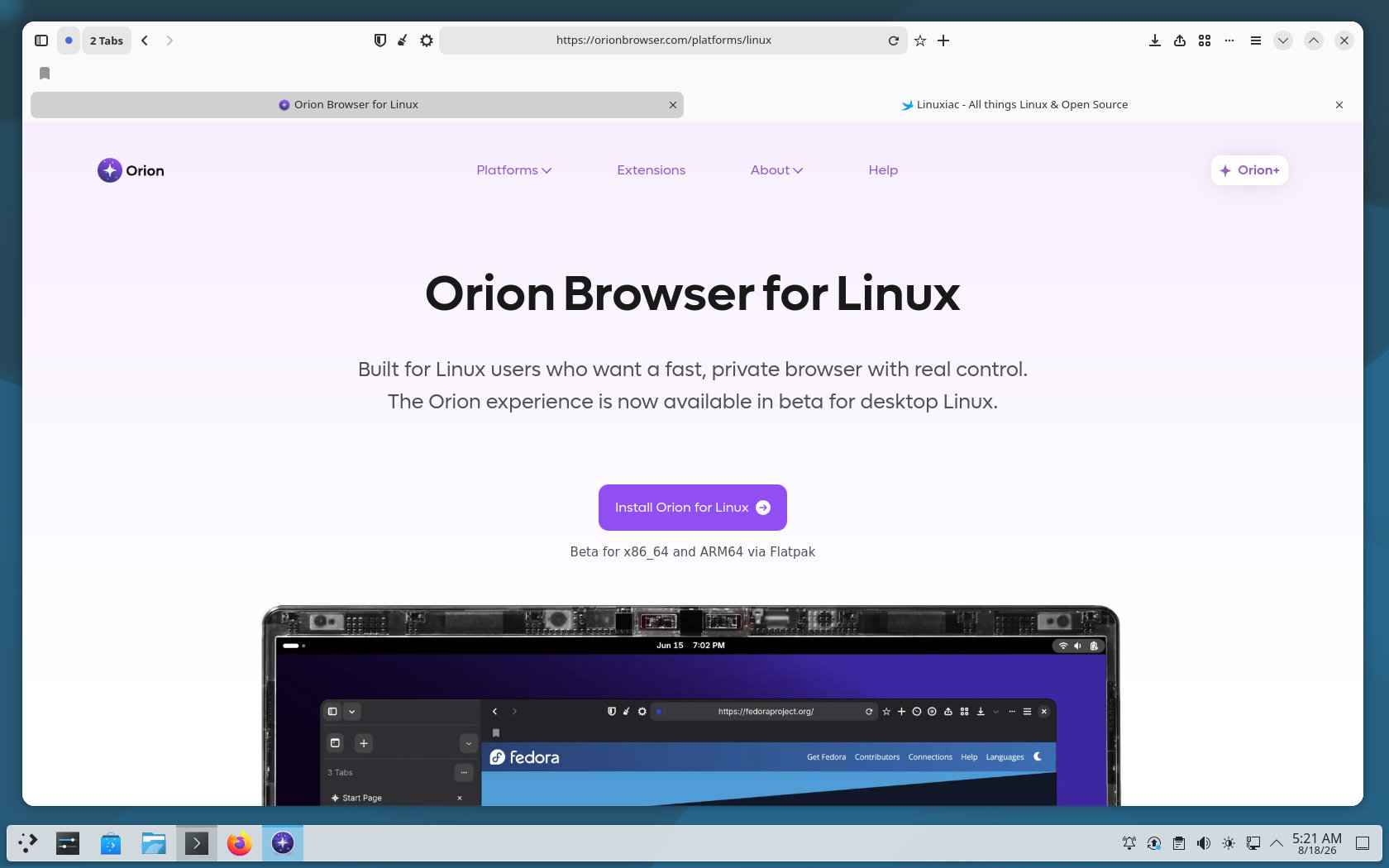
If you haven’t heard of it, Orion is a privacy-focused browser made by Kagi, the company that also created the paid Kagi Search engine. Instead of using Chromium like most browsers, Orion is built on WebKit, the engine behind Apple’s Safari.
The browser is designed with privacy in mind. Kagi promotes that Orion has no telemetry and includes built-in protection against ads and trackers. Orion also combines its WebKit base with support for browser extensions, offering users an option beyond the usual Chromium or Firefox browsers.
Currently, the Linux version is only available through Orion’s own Flatpak repository, not Flathub. Kagi says this same repository will provide future updates, so users won’t need to download new packages each time.
If you already have Flatpak installed, run those two commands to add Orion:
flatpak remote-add --if-not-exists orion-beta https://flatpak.orionbrowser.com/orion-beta.flatpakrepo
flatpak install orion-beta com.kagi.OrionCode language: Bash (bash)
Reaching the beta stage is a big improvement from the version we saw in January. The first Linux alpha was mainly for testing basic features like tabs, bookmarks, navigation controls, window management, and session handling. Many features found on macOS and iOS were not yet included.
However, ‘beta’ still means the software is not final. Orion’s Linux version is still actively being developed, so users still don’t see the same polish or the same features as the more mature macOS version.
Still, for Linux users, Orion brings something genuinely different to the browser landscape. In a world where most alternatives ultimately lead back to Chromium, having another actively developed WebKit-based desktop browser available on Linux is certainly worth keeping an eye on.





When this was first announced I was very excited to have a new browser option for linux that wasn’t based on Firefox or Chrome. However, in the meantime, I did try their main browser on MacOS and was not really impressed. Some bugs, some weird quirks with how pages were displayed… When this Linux edition finally does come out I will try it and I remain hopeful, but the Mac attempt left me disappointed.
does it have ublock origin
Yes. Under the Orion Menu > Popular Extensions > Ads & Tracking Section [UBlock Origin]
Popular Extensions include: Bitwarden, ProtonPass, among others and also links to both Chrome and Firefox Extension Stores
It supports safari, chrome and firefox extensions