The Incus team has announced Incus 7.3, a substantial update to the open-source container and virtual machine manager. The release addresses 13 vulnerabilities, nine critical, two high-severity, and two medium-severity.
Several could let attackers read or write arbitrary files on the host via specially crafted images, backup archives, symbolic links, or path traversal. Others could bypass restrictions isolating Incus projects.
Beyond security patches, a headline addition is shared 3D GPU acceleration for Linux virtual machines. Incus 7.3 introduces a native-context GPU type that combines virtio-gpu with virglrenderer to provide accelerated graphics to guest systems.
Unlike conventional PCI GPU passthrough, which assigns an entire graphics device to a single virtual machine, the native-context approach allows multiple VMs to share the same GPU simultaneously.
For now, the feature is mainly useful for Linux guests. According to the release announcement, Windows lacks complete driver support and therefore has no acceleration with this configuration.
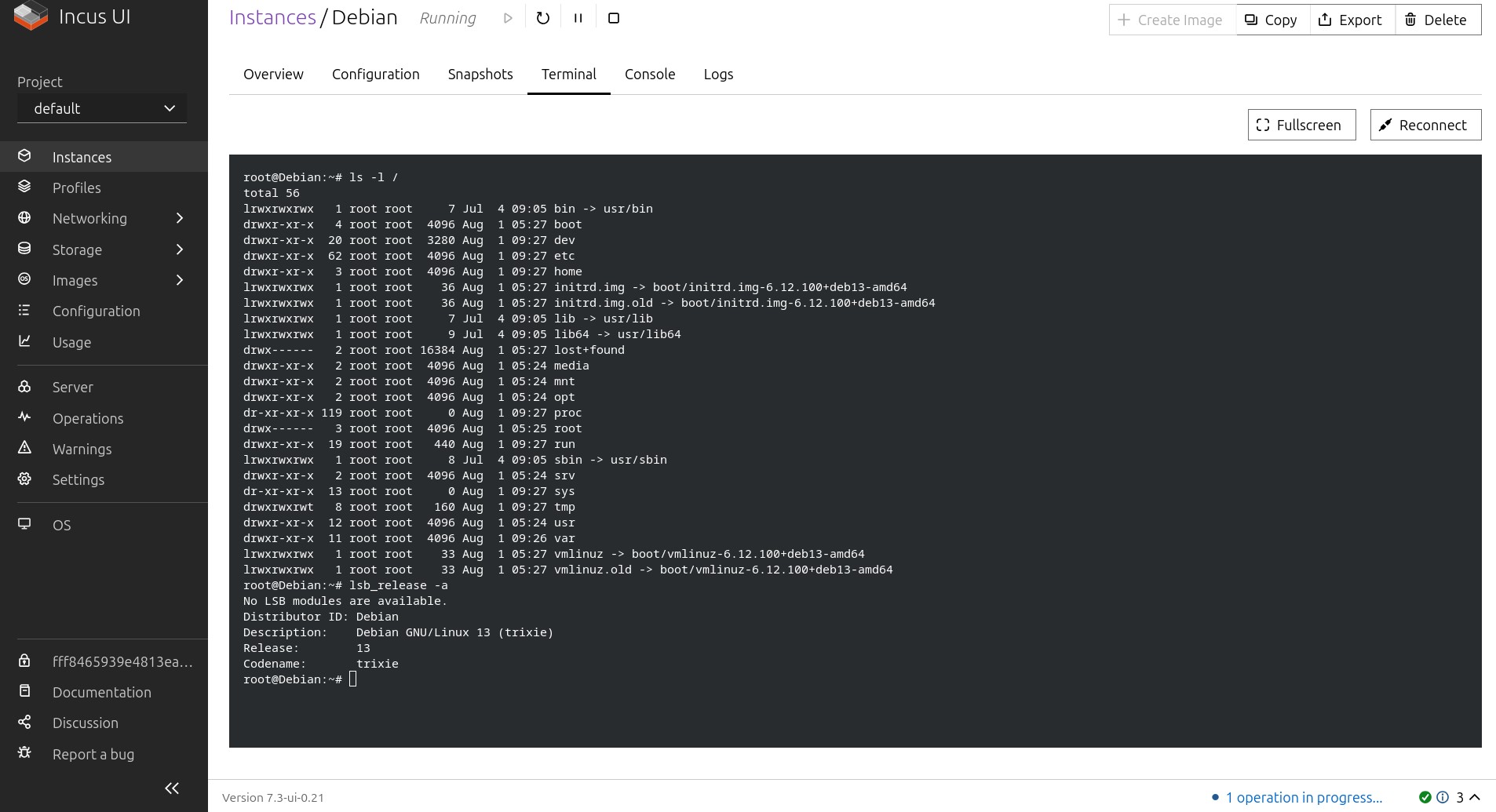
Incus 7.3 also introduces direct management of UEFI NVRAM variables via the new incus low-level nvram command. Administrators can inspect and modify configurations like VM boot devices and boot order without manually interacting with the guest firmware interface. Developers say a future update will focus on provisioning UEFI Secure Boot keys.
Another addition is the new incus port-forward command, designed to simplify access to TCP services inside an instance. It creates a local TCP listener and forwards incoming connections to a selected address and port inside the container or virtual machine.
Authorization configuration has been reworked as well, moving the previous openfga.* server options into a broader authorization.* namespace, and migrating existing values automatically during the upgrade.
More importantly, Incus can now use different authorization drivers depending on the client type. Separate policies can be assigned to local Unix socket clients, unrestricted TLS clients, project-restricted TLS clients, OIDC-authenticated users, and other classes. Administrators can select allow, deny, openfga, or scriptlet drivers depending on context.
As part of a command-line cleanup, the former incus debug command was renamed incus low-level. The renamed command now includes subcommands for managing VM dirty bitmaps, NVRAM variables, and instance repair operations.
Networking also receives improvements. Incus can now establish unnumbered BGP sessions with external routers via a network interface rather than a static peer address. In this setup, Incus automatically discovers the router’s IPv6 link-local address and can exchange IPv4 routes through BGP’s extended next-hop capability.
The release makes nested virtualization explicitly configurable for virtual machines. The existing security.nesting option now applies to VMs as well as containers. It remains enabled by default to preserve previous behavior, but disabling it removes the AMD svm and Intel vmx CPU flags from the guest.
A corresponding restricted.virtual-machines.nesting project option allows administrators to block nested virtualization across every VM belonging to a restricted project.
Moreover, managing multiple Incus servers is now more convenient with the new --all-remotes option for incus list. It gathers instances from all configured remotes into one table and adds a column identifying each instance’s server. The option can be combined with --all-projects for a broader overview of distributed environments.
Incus 7.3 also improves its virtual machine agent. In environments without virtio-vsock, the agent can now report operating system and IP address information over a serial connection.
For storage and monitoring, the /1.0/metrics endpoint now exposes the total and used capacity of storage pools. These new metrics can be collected by Prometheus-compatible monitoring systems to track storage consumption more directly.
Other additions include External Account Binding support for ACME providers, improved CPU cluster reporting on ARM big.LITTLE systems, expanded network allocation information, and a more compact summary view for allocated network addresses.
Finally, Incus releases now include native client installers for Windows and macOS, provided as MSI and PKG packages. However, neither installer is digitally signed, so users may encounter operating-system security warnings or extra installation steps.
For more details, visit the release announcement or check out the full changelog.
Users are encouraged to try out these new features on the Incus online platform, which offers a hands-on experience with the latest version.