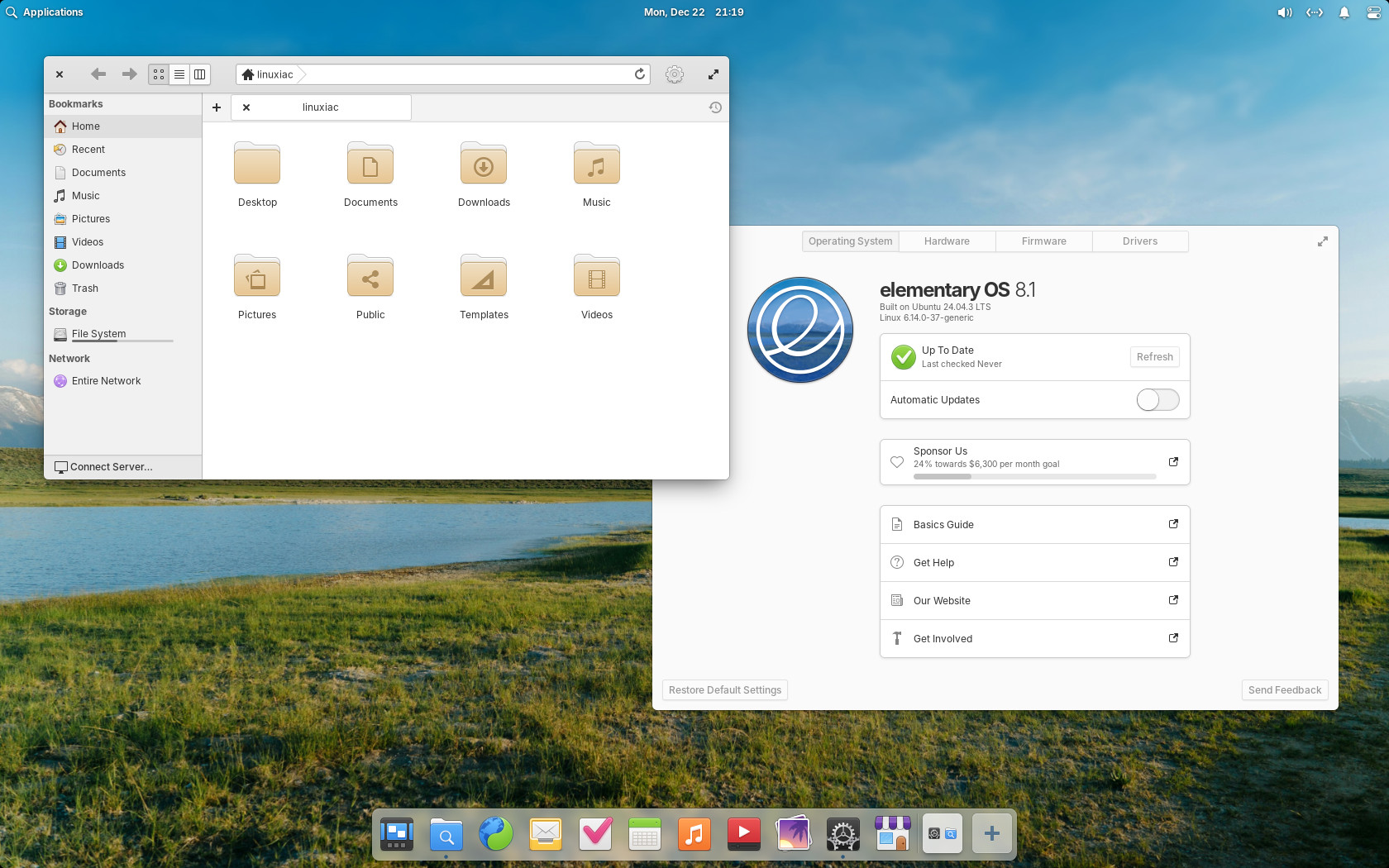
Built on Ubuntu 24.04.3 LTS, elementary OS 8.1 has been released just in time for Christmas, and is now available for download, marking the first point update in the 8.x series.
The biggest change is that the Wayland-based Secure Session is now the default, but users can still switch back to the Classic session if needed. Secure Session also brings better authentication dialogs that stop other windows from stealing focus, so there’s less risk of typing passwords in the wrong place.
Multitasking and window management have been refined through continued work on the Dock. Visual indicators for multiple windows have returned, background apps are now visible and manageable, and workspaces can be created, rearranged, and switched directly from the Dock.
Moreover, the workspace switcher is integrated with the Multitasking View, allowing faster navigation between windows. Animations have been smoothed, edge cases around app launch and window behavior have been fixed, and new options keep hot corners accessible even when apps are in full-screen mode.
App distribution and discovery continue to build on the inclusion of Flathub. AppCenter now shows percentage-based ratings sourced from ODRS, highlights screenshots tailored for elementary OS, supports addons, and indicates controller support for games.
Licensing information has been clarified, in-app purchases are clearly labeled, and search performance has been improved. Visual handling of app icons has also been reworked to avoid missing or delayed imagery during loading.
The update system introduced in OS 8 has been further refined. App updates remain restart-free within AppCenter, while system updates are handled separately in System Settings.
System updates now show download sizes, provide clearer progress indicators, skip held-back packages more reliably, and avoid automatic downloads on metered connections. Plus, update checks have been optimized to reduce system impact, particularly during login.
On the accessibility side, installation and onboarding workflows have been extensively improved for screen reader and keyboard navigation, enabling blind users to complete installation and initial setup in most cases without sighted assistance.
Additionally, screen reader support has been expanded across notifications, system dialogs, AppCenter, Calendar, and firmware updates. Keyboard navigation has been improved throughout the desktop, custom keyboard shortcuts are more flexible, and conflicts with system shortcuts are now detected and warned about.
For visuals, you can now temporarily override Dark Mode schedules without turning off automation. The Lock Screen matches Dark Mode, and Reduce Motion works with more animations. Transparency follows your system settings, color contrast is better in Terminal, and other UI elements, and display filters don’t appear in screenshots.
Under the hood, elementary OS 8.1 ships with Ubuntu’s latest LTS hardware enablement stack, including Linux kernel 6.14 and Mesa 25. ARM64 builds are now officially available for UEFI-booting devices, enabling installs on Apple Silicon systems, supported Raspberry Pi configurations, and select Qualcomm and Rockchip platforms.
Display handling has been improved with fractional scaling support in Secure Session. Multi-monitor reliability has been enhanced, installer window positioning issues have been resolved, and touch and gesture support has been expanded through a new gesture controller.
Apart from that, the Bluetooth settings have been redesigned for clarity and accessibility, pairing reliability has been improved, and Airplane Mode no longer disables Bluetooth or wired networking.
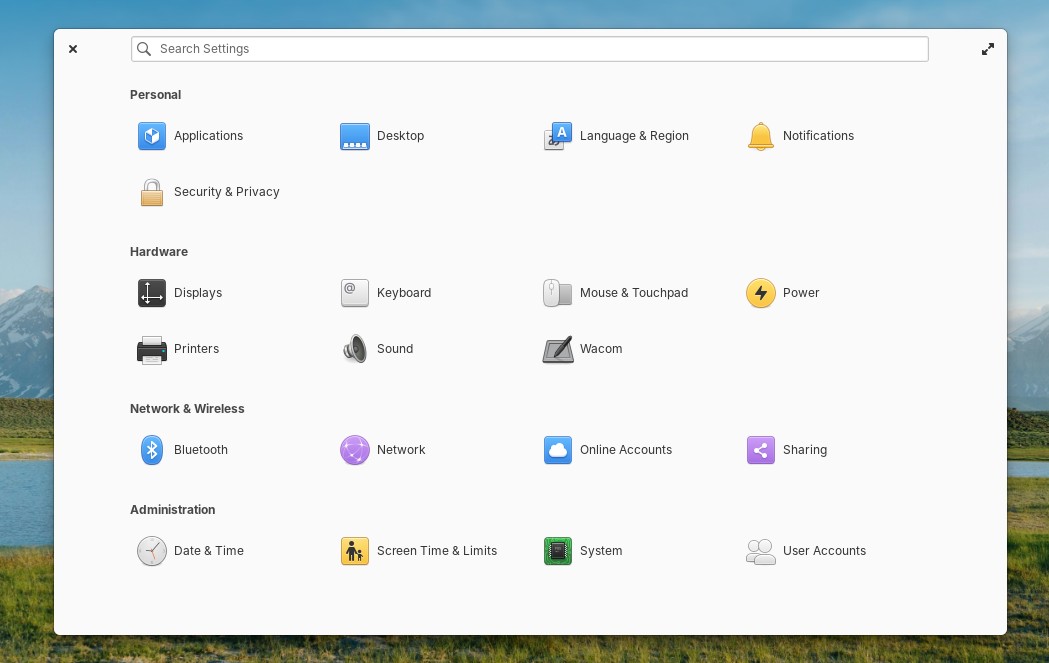
System Settings and Quick Settings received multiple functional updates, too, including per-network behavior controls, a new “Prevent Sleep” toggle, faster account switching, better notification management, and expanded synchronization with the Lock Screen.
Finally, two new default applications are now included: Monitor, a system resource and process viewer, and Maps, providing basic location, search, and geo:// link handling. Several core apps, including Music, Files, Code, and Terminal, also received targeted feature updates and usability fixes.
For more information, see the announcement. elementary OS 8.1 is available immediately as a pay-what-you-can download from the project’s website, with localized images and torrent options provided.