
Just a week after version 1.0.5, COSMIC 1.0.6 is now available. This update is a minor maintenance release that brings fixes and small changes to System76’s Rust-based desktop components.
The status area in applets now uses its own socket-activated daemon for StatusNotifierWatcher, along with other fixes. The COSMIC’s compositor has been updated to a newer Smithay version, which improves damage tracking and makes the wl_fixes protocol available to clients.
Cosmic Edit now lets users drag and drop tabs. The Files app has several fixes and improvements, including addressing an issue where pressing Enter did not extract password-protected ZIP files, adding Move to and Copy to options to the context menu, and allowing users to paste images, videos, and text from the clipboard.
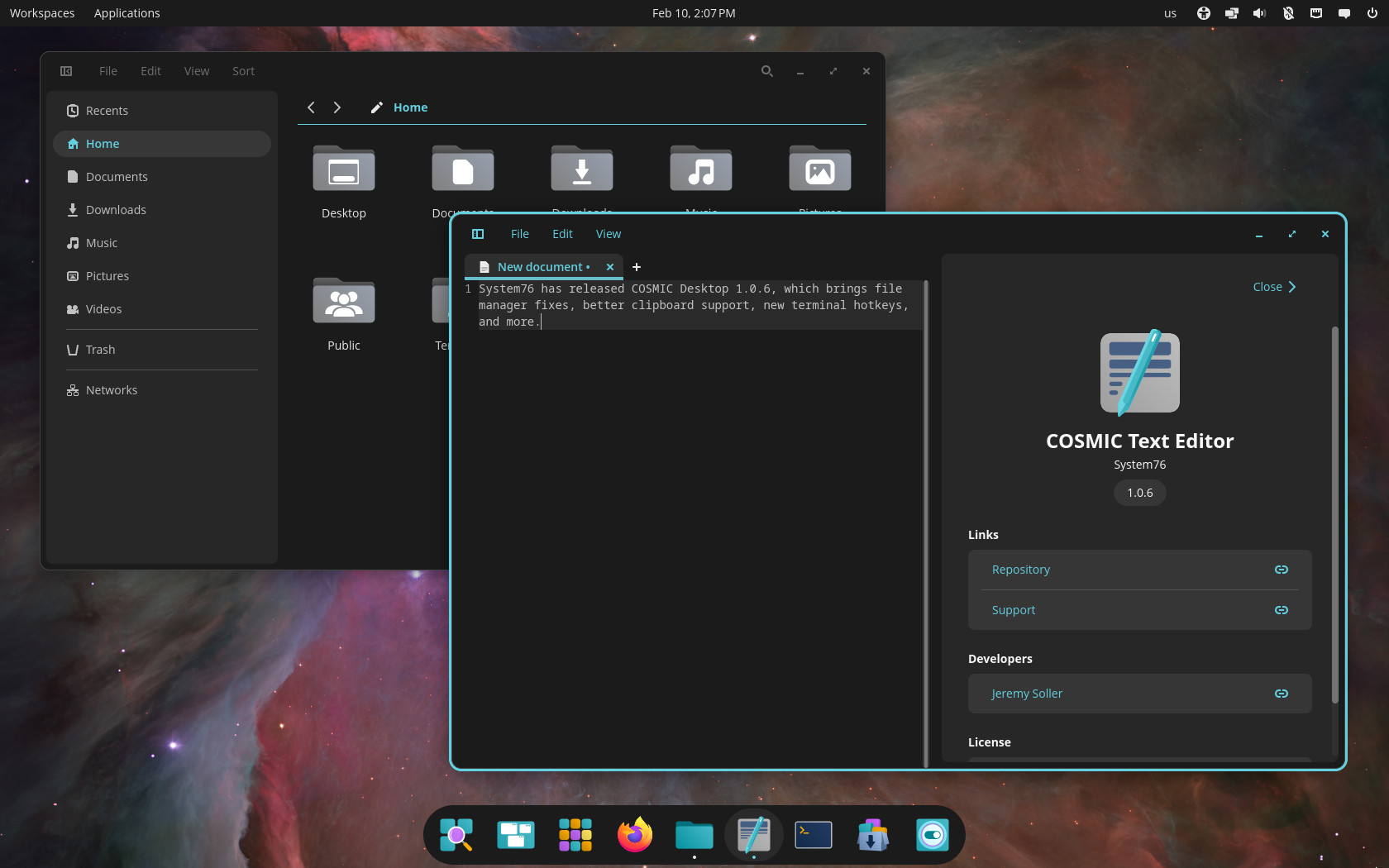
Other fixes include disabling the save button when the filename field is empty and correcting display names for GVFS items.
Moreover, the launcher now properly loads MIME type icons, and notifications support file:// URLs in the app_icon field. Plus, COSMIC Player will automatically play the next file when the current one ends.
In Settings, input now resets correctly if you cancel the shortcut replacement dialog. Terminal adds configurable hotkeys and hides the cursor when you scroll in a terminal that is not focused.
Lastly, the xdg-desktop-portal-cosmic component now uses a fallback background from cosmic-wallpapers when needed.
For more information, see the changelog.
COSMIC Desktop 1.0.6’s packages are expected to land first in the repositories of rolling-release distros, such as Arch, openSUSE Tumbleweed, CachyOS, and others, in the coming days.

Dammit, I just barely got 1.0.5 in my distro (arch derivative).
This is almost progressing too fast, haha.