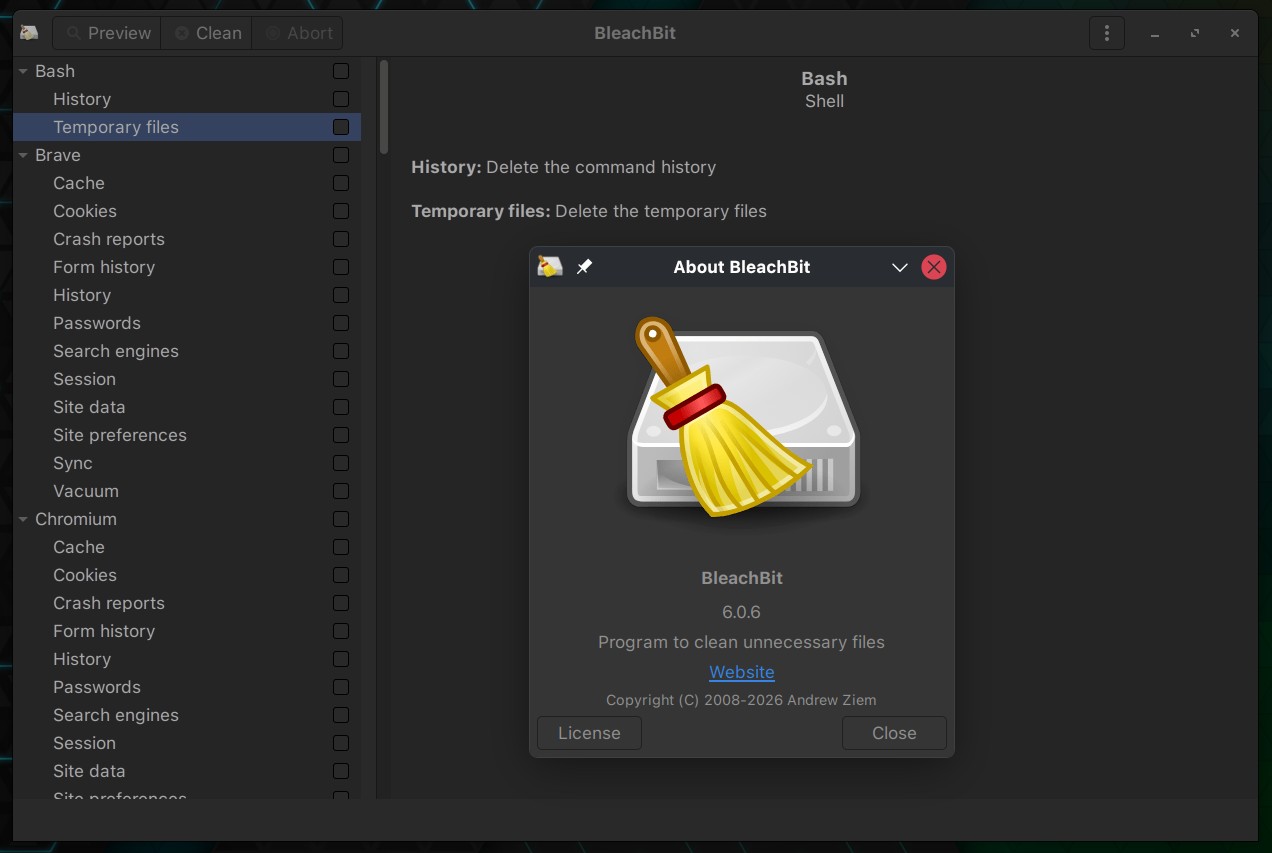
BleachBit, the popular open-source system cleaner and privacy tool, has released version 6.0.6, a maintenance update with faster operation, expanded application cleaning, and bug fixes across Linux, Windows, and macOS.
One main improvement is performance. The application now starts faster due to optimizations like delayed module loading, more efficient cleaner processing, and reduced unnecessary initialization. Deep scanning and file deletion have also been accelerated. File wiping now uses 512 KiB blocks instead of 4 KiB, improving speed.
On the cleaning side, BleachBit 6.0.6 adds support for the Helium browser and Docker Desktop, including an option to clean files associated with Docker’s AI assistant.
Existing cleaners have also been expanded to remove additional crash reports, GPU caches, and network state files from Chromium-based browsers, Zen, and VS Code-based editors. Claude Code users also get more thorough cache and session cleanup.
Linux users receive several fixes. The update resolves configuration file ownership problems that could occur when running BleachBit with sudo, which could prevent settings from being saved. It also fixes incorrect ownership of the cookie keep list created under elevated privileges.
Another notable change affects Fedora and other Red Hat-based distributions, where the “BleachBit as Administrator” launcher now uses pkexec instead of the older consolehelper mechanism. Snap cleaning has been improved to remove more obsolete revisions without showing duplicate entries in the preview, and LibreWolf cleaning now covers additional files in both DEB and Flatpak installations.
In addition, the release introduces official DEB packages for Ubuntu 26.10 and RPM packages for the upcoming openSUSE Leap 16.1.
The release also addresses several general bugs. These include preferences not saving when quitting with Ctrl+Q, incorrect language selection, freezing when wiping a CD-ROM, and crashes affecting Arabic and Hebrew environments near the end of wiping.
For Windows users, the release fixes a permissions issue in earlier versions that could prevent configuration changes from being saved after running BleachBit as administrator. The application can now automatically repair affected configuration folders. Executable compression has been disabled to reduce antivirus false positives and improve startup speed.
Finally, macOS users get expanded cleaning support for applications such as GIMP, VLC, Zoom, TeamViewer, Adobe Acrobat, and Visual Studio Code, along with fixes for language detection and translations.
For more information, see the official release announcement.