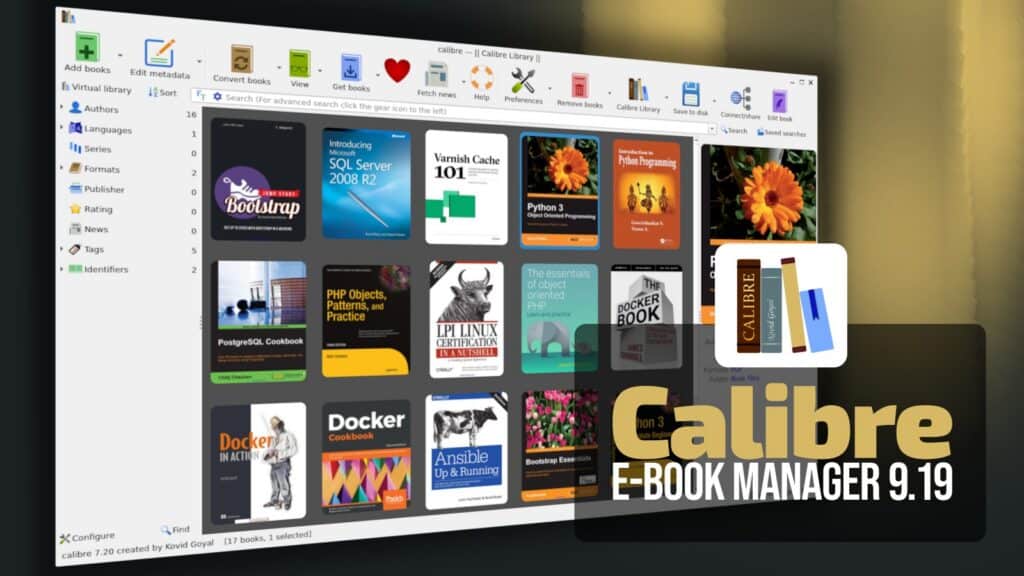
Calibre, the popular free and open-source e-book management software, has released version 9.19, with a new grammar-checking functionality. While editing a book, Calibre now identifies grammar, style, and typography issues directly in the code view, underlining problematic text and offering suggested corrections through the right-click menu.
For a more thorough review, users can open Tools > Check grammar to scan an entire book. The tool lists detected issues and lets users correct, ignore, or exclude them by disabling the corresponding rules.
For English-language content, Calibre 9.19 introduces neural network-based sentence rewriting. Users may request suggestions to improve grammar, fluency, clarity, simplicity, or a more formal tone, and generate alternative phrasings.
According to the developers, all processing happens locally without using AI services. Language-specific checking data downloads with user confirmation when first needed.
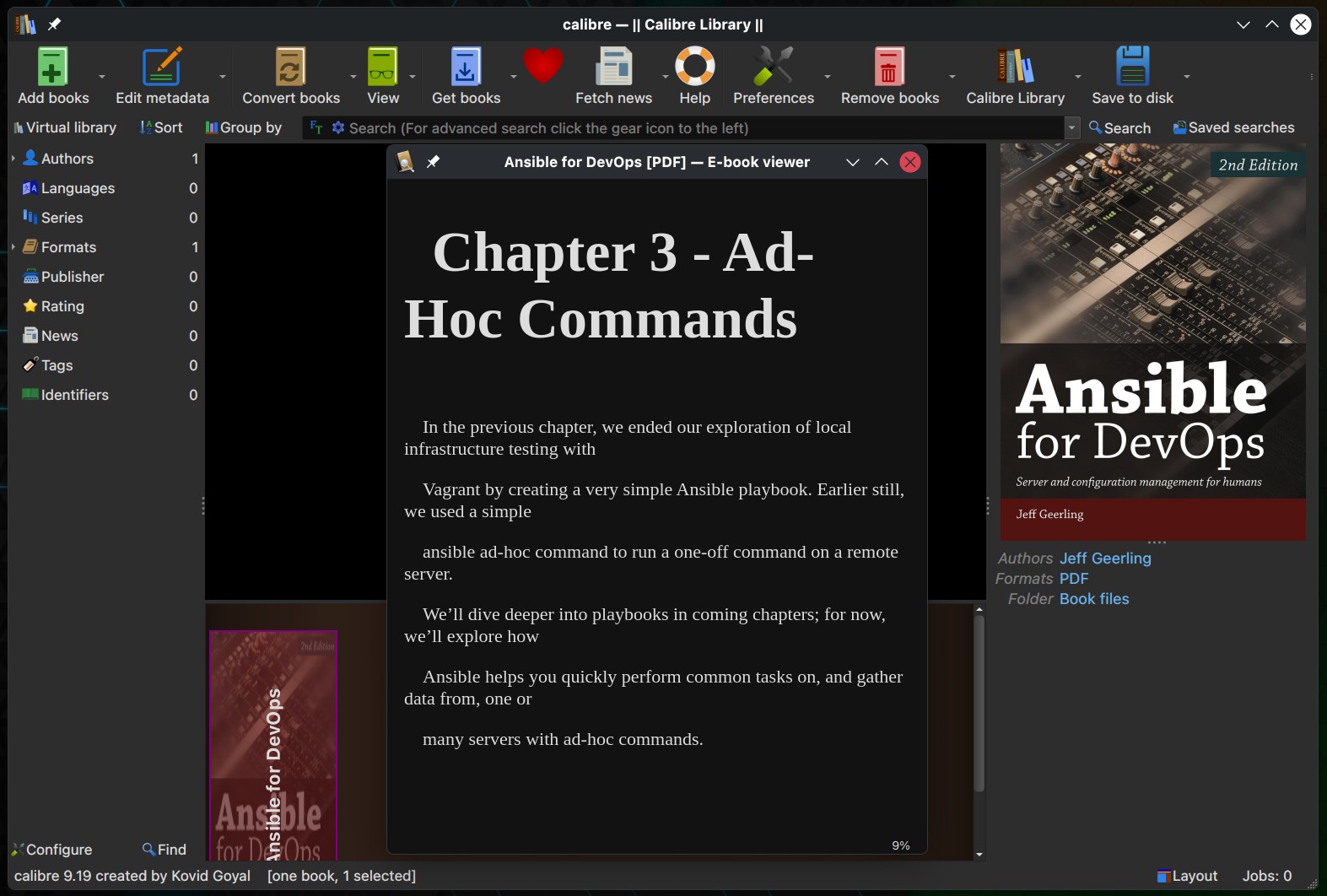
One more notable improvement concerns PDF conversion. The updated PDF input engine better identifies paragraphs, headings, and multicolumn layouts, producing more readable results when converting PDF documents into e-book formats.
Paragraphs spanning multiple pages or columns are now joined correctly, headings split across lines are reconstructed, and words broken by line-ending hyphens are reassembled. The converter also recognizes columns separated by small gaps and removes repeating page headers like chapter titles.
Calibre 9.19 also expands accessibility support in both the Content Server and e-book viewer. Improvements cover keyboard navigation and screen-reader compatibility among interface elements, including dialogs, footnote popups, read-aloud controls, audio e-book controls, color scheme settings, and book ratings.
The Content Server gains the ability to download book metadata and covers directly from its metadata editor. It also now accepts passwords containing non-ASCII characters.
The release speeds up generating large tables of contents and splitting large HTML documents during EPUB conversion. The e-book editor’s validation tool also processes bulk corrections of broken links and identifiers more efficiently.
Moreover, the Get Books feature now uses a browser when searching Amazon stores, addressing an issue that previously prevented regional Amazon stores outside the United States from returning results.
Regarding bug fixes, Calibre 9.19 resolves an issue introduced in version 9.16 that prevented previously selected sorting options from being restored in certain book lists. It also corrects RTF conversion problems involving nested elements and files using East Asian, Thai, or Vietnamese character encodings.
Additional fixes address EPUB metadata handling, repeated cover page creation when updating covers, PDF table-of-contents links using JavaScript actions, and malformed identifiers generated from non-ASCII Markdown headings.
Linux users also benefit from a fix for missing icons in the system tray menu on certain desktop environments. Other corrections improve Kobo device compatibility, cover updates in the Content Server, and the handling of damaged ZIP archives.
For more information, see the release notes. Calibre 9.19 is available for Linux, Windows, and macOS from the project’s download page.