The OpenShot team released version 4.1 of its free, open-source video editor for Linux, Windows, and macOS. One notable addition is the ability to create and edit text directly in the video preview without opening the separate Title editor. Users can insert a text clip via the timeline toolbar or by pressing Shift+T, then type and format text using a floating toolbar with controls for fonts, size, color, alignment, and other styling options.
The new text tools also support outlines, backgrounds, rounded corners, spacing adjustments, and keyframe animations. Users can also copy text styles between clips or apply formatting changes to multiple text clips at once. The existing Title editor and Captions functionality remain available for SVG-based titles and timed subtitles.
Another change is automatic video optimization, designed to improve editing performance when working with demanding footage, particularly high-resolution 4K videos.
Building on the optimized video functionality introduced in OpenShot 3.5.1, version 4.1 can automatically detect slow-to-process footage and offer to create lower-resolution copies, using 720p by default. These optimized files are used for previews and timeline operations, while final exports use the original full-quality video.
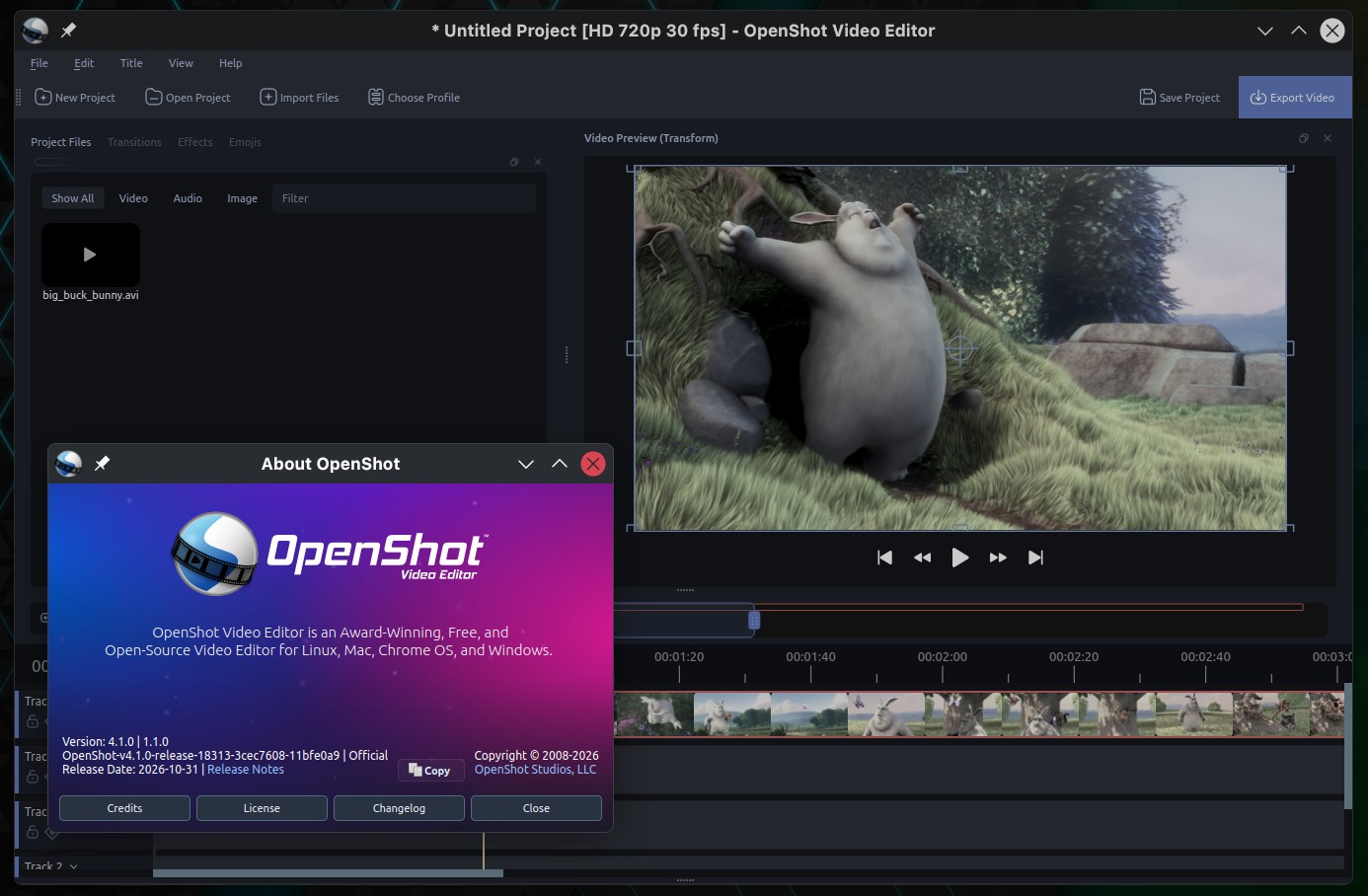
The release also introduces an experimental command-line interface, openshot-cli, allowing users to automate video editing tasks through scripts or AI coding agents such as Claude Code and Codex.
The CLI supports importing media, adding and trimming clips, applying effects and presets, managing keyframes, inserting text, and exporting completed videos. It can operate alongside the graphical editor or run headlessly on servers, with commands returning structured JSON results suitable for automation.
Export handling has also improved. OpenShot 4.1 now validates export settings using FFmpeg before rendering begins, identifying incompatible combinations of formats, codecs, and other parameters. When an issue is detected, the application displays an explanation and offers automatic fixes.
Export settings remain editable after both successful and failed exports, allowing users to adjust and retry without reconfiguring everything. A new completion panel provides details about the exported file, including its format, resolution, size, and output location.
Linux users also gain native ARM64 builds, currently available through OpenShot’s daily Ubuntu PPA and the Snap edge channel. The developers have additionally updated compatibility with FFmpeg 7 and newer, OpenCV 5, and Qt 6.
Other improvements include automatic keyframe creation when modifying properties at different timeline positions, configurable track sizes, smoother timeline resizing, and faster trimming and splitting. Audio handling has also been refined, addressing low playback volume for mono audio and premature clipping when multiple clips play simultaneously.
Finally, the update fixes several issues involving clip durations, transition fades, disappearing short clips, animation keyframes, and crashes in razor previews. On Linux systems running Wayland, OpenShot should now display its correct application name and icon in the taskbar.
For more details, see the changelog or refer to the official announcement. OpenShot 4.1 is now available for Linux, Windows, and macOS from the project’s website, with source code and release details also available on GitHub.