The KDE project has released Kdenlive 26.08.2, the second maintenance update in the 26.08 series of its free and open-source video editor.
One main improvement concerns project handling. The update fixes several issues related to file paths and project storage locations, including a bug that could switch an unsaved project’s storage folder back to the default location when changing its settings.
Another fix addresses missing images in titles when reopening projects. Kdenlive also improves how it handles missing root paths and avoids hardcoding absolute paths in generated MLT clips, helping prevent problems when working with project files.
Moreover, Kdenlive 26.08.2 fixes incorrect proxy detection that could cause a proxy file to be mistaken for the original clip. It also resolves crashes during proxy generation, improves handling of missing proxies when opening projects, and corrects a parameter issue that could interfere with NVIDIA encoding.
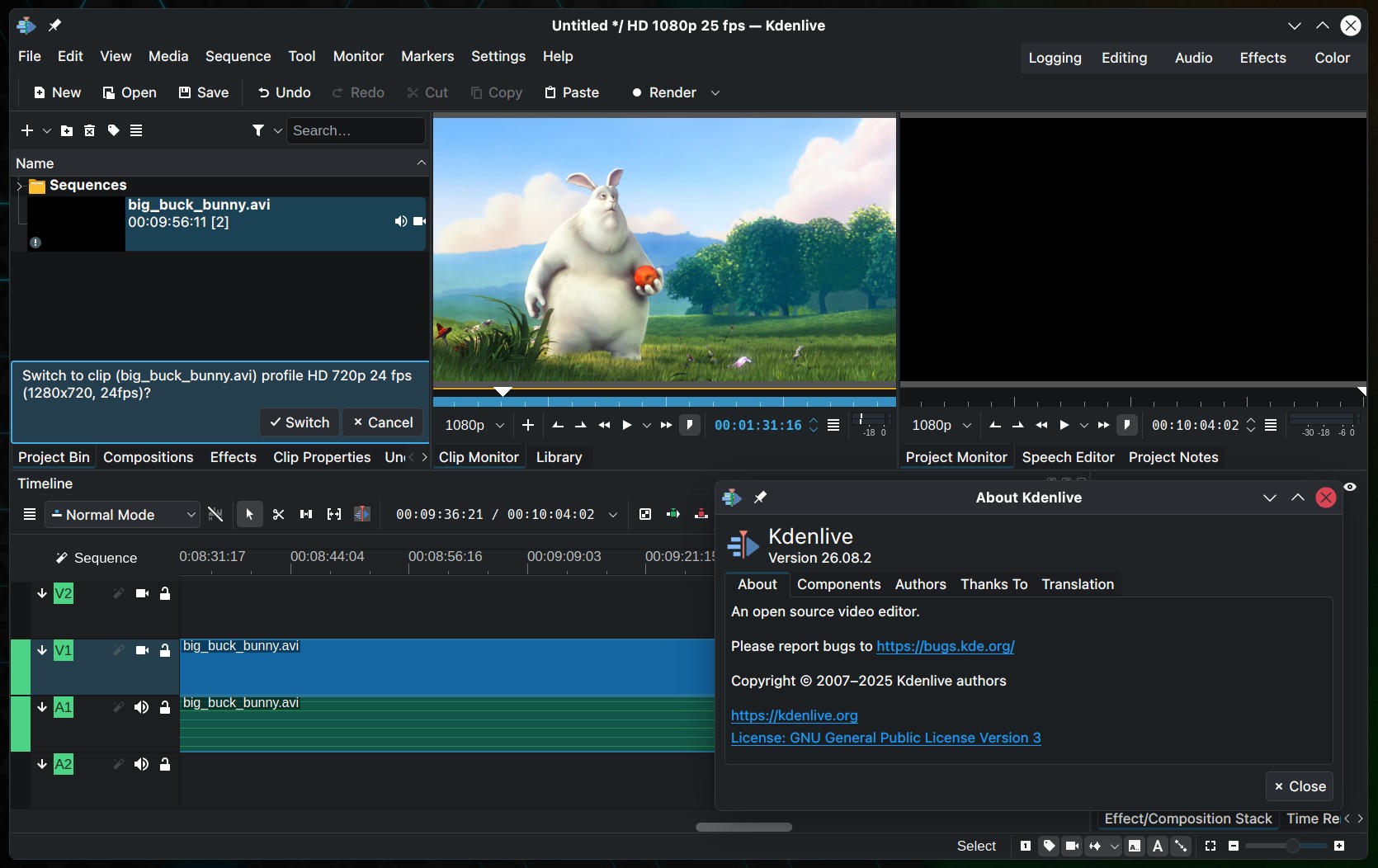
Audio editing also benefits from several fixes. One fixes a frustrating issue where Kdenlive shows incoming audio levels correctly during recording but records nothing. Another resolves a potential freeze when audio recording fails.
The update also corrects inaccurate master audio level readings when using newer versions of the MLT multimedia framework. Audio waveform previews in the Clip Monitor have been fixed, along with inconsistent behavior of the audio/video drag icon.
The title editor receives improvements as well. Resize handles no longer appear incorrectly on deselected title elements, selection changes work more reliably, and animation viewports no longer move unexpectedly after being deselected. A separate fix corrects font-size zoom behavior in the editor.
Among smaller additions is a new option in the Dynamic Text filter that allows frame counting to begin at 1 instead of 0.
Several timeline and monitor issues have been addressed too. For example, the video preview now refreshes correctly when subtitles are added, deleted, or cut. Another fix prevents the arrow keys from moving the playhead instead of a selected clip after interacting with the monitor.
Other corrections include preventing unintended clip rotation, fixing stale monitor images after removing clips from the project bin, and resolving a crash caused by an uninitialized track when creating a new project.
For more information, including the complete list of changes, see the official release announcement. Kdenlive 26.08.2 is available from the project’s download page and through distribution package managers.