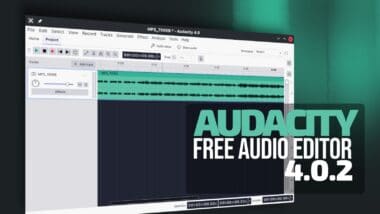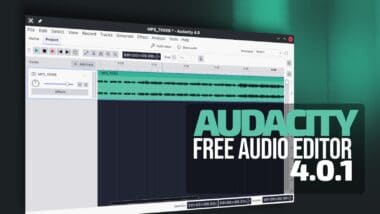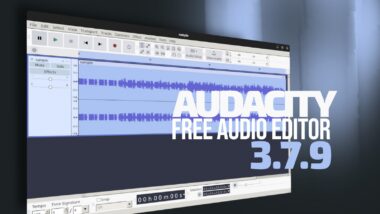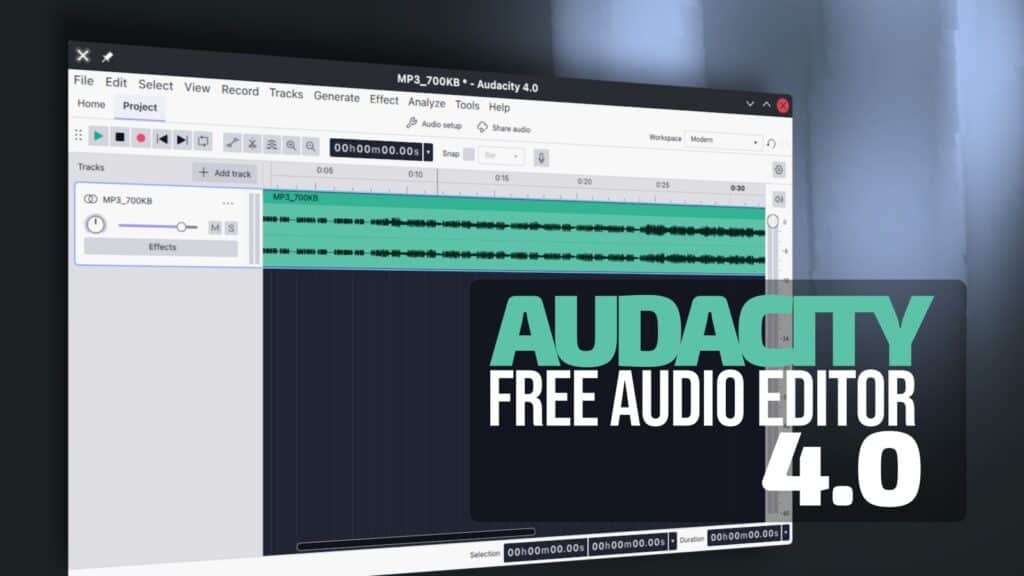
Audacity 4.0 is out now as one of the biggest changes in the history of the popular free and open-source audio editor. The release rebuilds the interface on Qt, introduces a redesigned clip-editing model, adds customizable Workspaces, and moves projects to the new AUP4 format.
Visually, Audacity 4.0 departs significantly from the 3.x series. The new Qt-based interface offers native HiDPI rendering. Toolbars and panels can now be moved, docked, floated, hidden, or arranged to better suit workflows.
Users can save these layouts as Workspaces and switch between them quickly. Audacity includes Modern, Classic, and Music layouts by default. Light, dark, and high-contrast themes are available, along with configurable accent colors, track colors, and several clip styles.
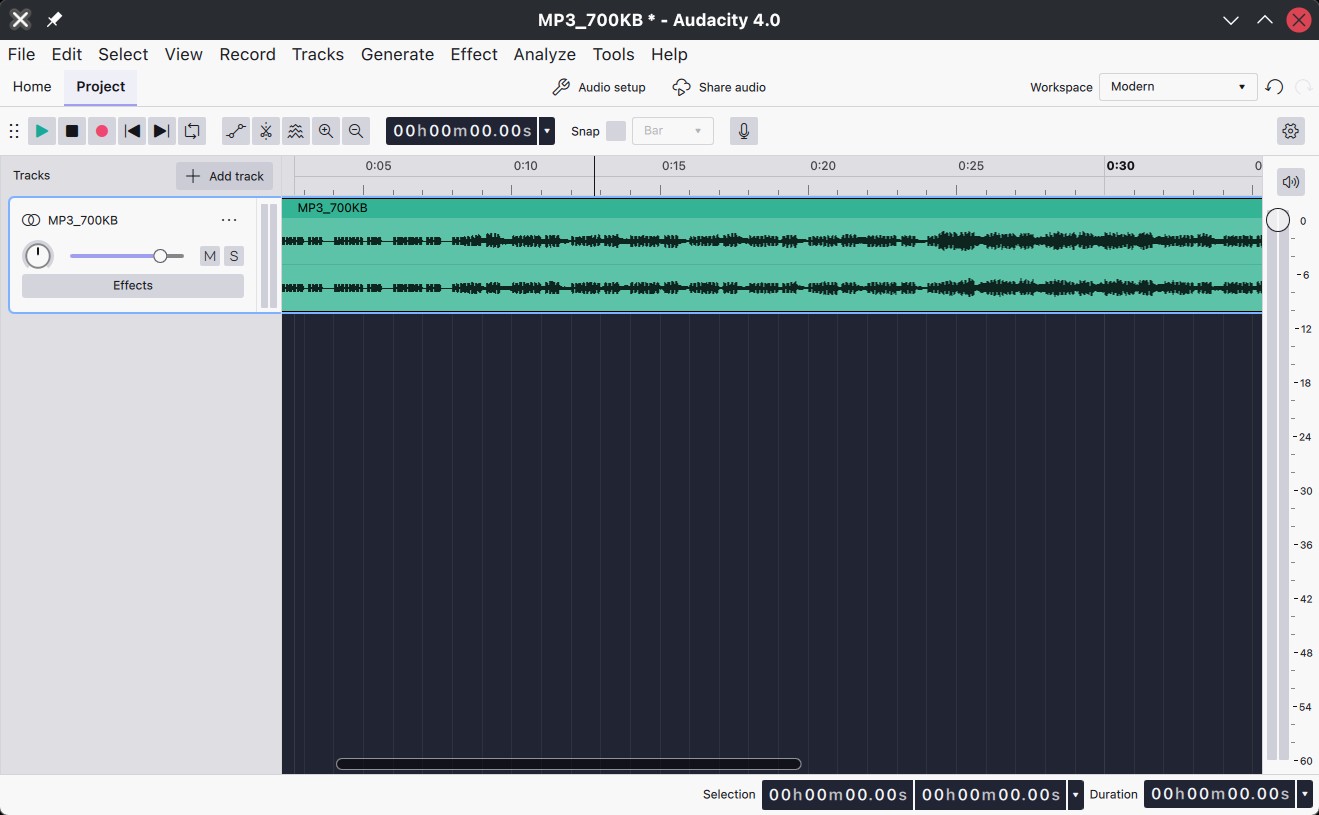
However, the changes go considerably deeper than the appearance. Audacity 4.0 introduces a new clip-focused editing model intended to make working with audio more direct and flexible.
Clips can now be selected by clicking their headers, and multiple clips can be selected and edited together. Moving, trimming, and time-stretching operations can be applied to several clips at once.
Moreover, clips can also be grouped to stay together when moved, copied, pasted, or duplicated. Placement is less restrictive: clips can move between mono and stereo tracks, and dragging one clip over another replaces the overlapping portion instead of blocking the move.
Splitting has been reworked as well. Holding the S key activates the splitting tool. Commands are available for splitting, split-cutting, split-deleting, splitting at silences, and sending split material to a new track.
Regarding paste behavior, Audacity can now automatically create a track when needed, adapt compatible channel layouts, and paste audio files directly from the operating system clipboard. Alignment guides, sample-boundary snapping, and per-project snapping controls have also improved.
Another major change is the removal of the old Select, Envelope, Draw, and Multi-tool modes. Their functions are now context-sensitive instead of requiring users to manually switch between separate tools.
Sync-Lock has also been removed. In its place, Audacity now provides explicit delete, cut, and paste operations that either leave a gap behind or move later material to preserve timing.
Playback and recording have received attention too. The playhead remains visible while navigating a project and can be dragged to a new location. Users can seek to another point during playback without stopping first.
Recording can begin anywhere on the timeline, creating a new clip at that position instead of forcing users to rearrange existing audio first.
Loop handling has been revised, while Punch and Roll, lead-in recording, latency compensation, software playthrough, and per-track input monitoring have all been rebuilt around the new interface.
The Audio Setup section now includes system-default devices, refreshable device lists, and custom channel mapping. Audacity can automatically follow operating system audio-device changes. On Windows, official Audacity 4.0 builds include ASIO playback and recording support.
Built-in effects, generators, and analyzers have also been rebuilt for Qt. Plugin support includes VST3 and Nyquist across supported platforms, LV2 on Linux, and Audio Units on macOS. When a plugin does not provide its own interface, Audacity can generate controls for it instead.
Audacity 4.0 also introduces a new project format called .aup4. Existing .aup3 projects can be opened and converted automatically without changing the original file. However, once converted, they cannot be saved back to .aup3.
Importantly, older .aup projects can still be imported. The new project files also store preview thumbnails and extra clip and appearance information introduced by Audacity 4.
Not everything from Audacity 3 has made the transition yet. The developers say Time Tracks, Note/MIDI tracks, Mixer, Macro Manager and the scripting pipe, VAMP and LADSPA plugin hosting, and Play-at-Speed are currently unavailable, although work is underway to restore some of these features in future releases.
The team also warns that Audacity 4.0 currently ships without some exporting and rendering functionality, analyzers, and effects that were available previously.
For additional details, see the changelog. Audacity 4.0 is available for Linux, macOS, and Windows, with source code and platform-specific builds available from the project’s official GitHub release page.