
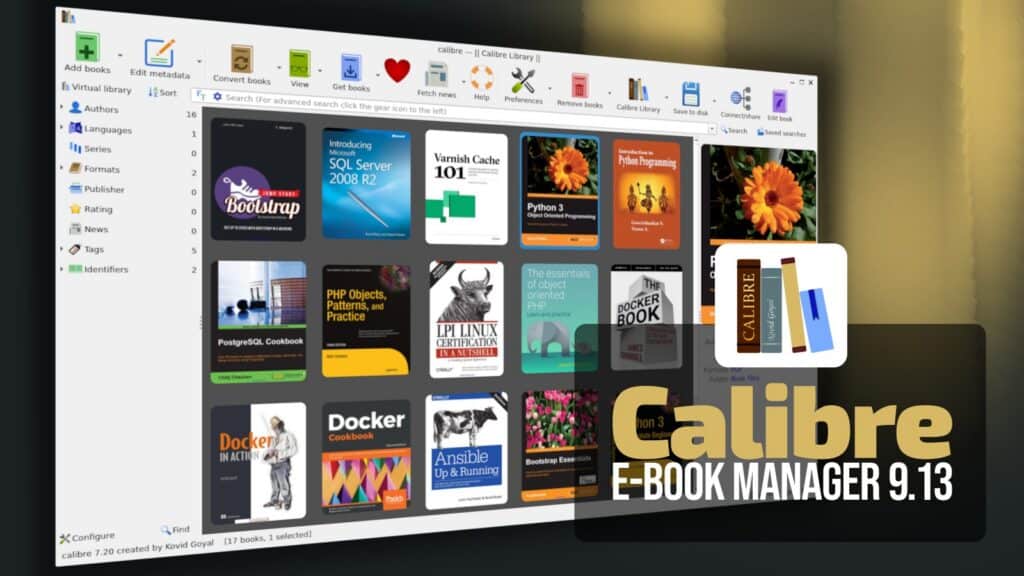
Calibre 9.13 was released today as the most recent update to the widely popular open-source e-book management software, fixing bugs and dealing with a number of regressions that had been introduced in the previous releases.
The most significant change relates to PDF output. Ever since the release of the Calibre 9 series, links in the generated PDF files had been directed to a position a few lines above the actual destination. Calibre 9.13 has now fixed that issue and links should take users to the correct position.
Regarding the Content Server, previously uploading a data file to a book that already contained no data files could have caused an error, which has now been resolved. Additionally, Calibre 9.13 corrects two issues that were introduced in the 9.12 version from last week: searching within the built-in viewer no longer works and sections with the conversion options used to vanish completely.
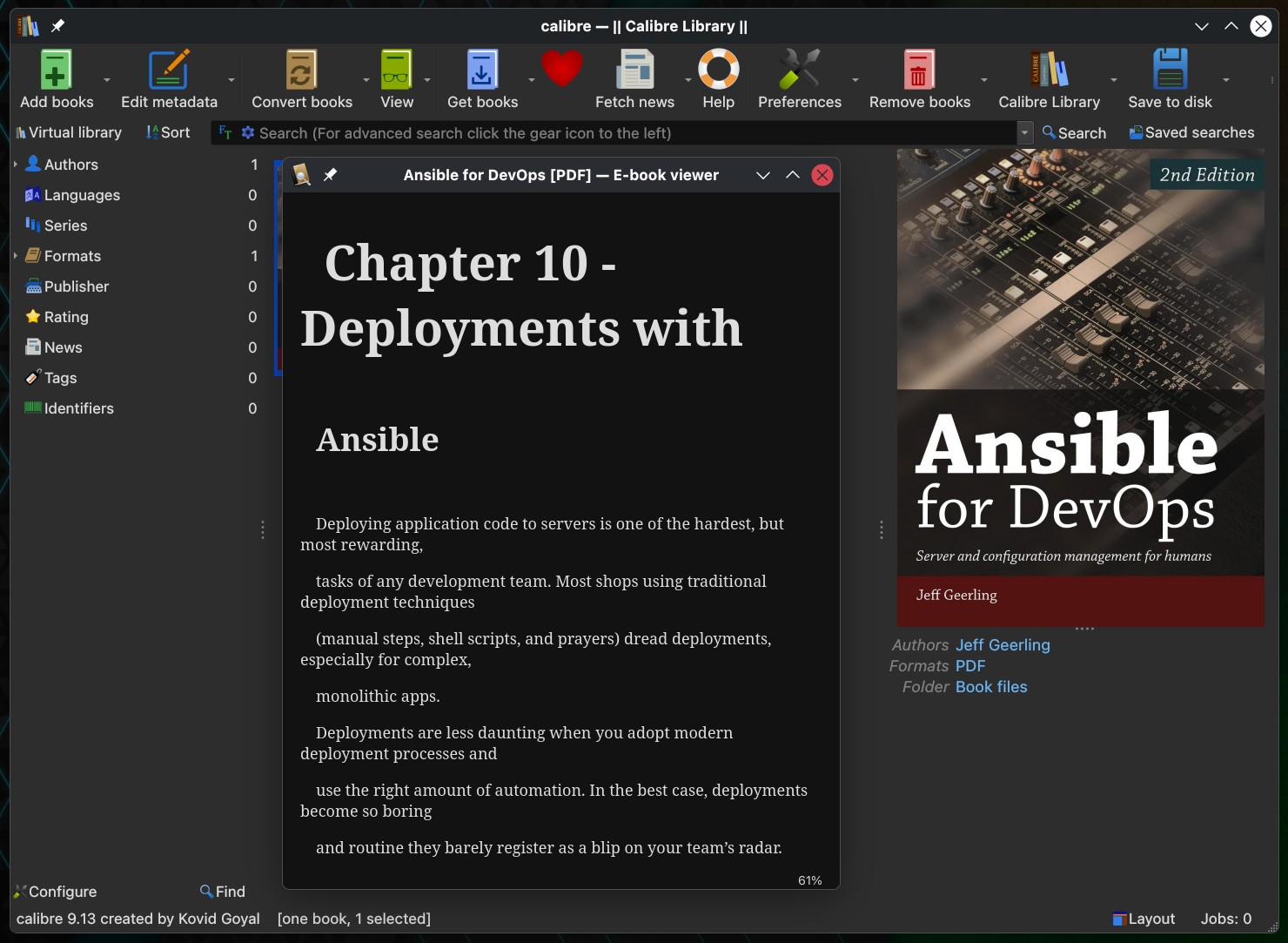
In Calibre 9.12, there was also another regression involving the Book Details panel, specifically the ability to drag and drop a new cover ceased to function; this feature has now been restored in version 9.13. Likewise, the Bulk Metadata dialog once again shows its Yes and No buttons when users are editing custom Yes/No columns.
For Windows users, this new version fixes a crash that might occur when certain third-party plugins try to send notifications from threads that are not part of the graphical interface. The Edit Book function built into Calibre also corrects an error in the Compress Images feature when converting GIF files to JPEG on Windows.
There is also an improvement specifically for Linux. In Calibre 9.13, html5-parser is now preloaded when converting to PDF in order to prevent errors on systems that come with a very old version of libxml2. In addition to that, the update provides Calibre with its built-in news feed from Nautilus Magazine.
For additional details, see the announcement. Calibre 9.13 is available for Windows, macOS, and Linux.




ooo Goodie! New bugs!