

File Browser, one of the best-known open-source file managers in the self-hosting community that brings the familiar experience of a desktop file manager to a web browser, is ending active maintenance.
The developers announced the project’s GitHub repository will be archived on September 1, 2026. After that, there will be no more releases, bug fixes, or security patches.
Existing releases and Docker images will remain available, so current installations will not suddenly stop working. However, File Browser will become unmaintained software, with the long-term reliability and security concerns that entails.
The project originally identified File Browser 2.63.22 as its final planned version. Shortly after, version 2.63.23 arrived as one last housekeeping release. It replaced links to the project website with direct links to the GitHub repository so the documentation remains accessible after the shutdown. Consequently, File Browser 2.63.23 is now the project’s final release.
For those unfamiliar with it, File Browser is a lightweight application that provides a graphical web interface for managing files stored on a server, grants access to a directory, and can open that directory in almost any modern web browser.
Users can browse folders, upload and download files, create directories, rename or move content, delete files, preview supported formats, and edit text files without logging into the server via SSH or using the command line.
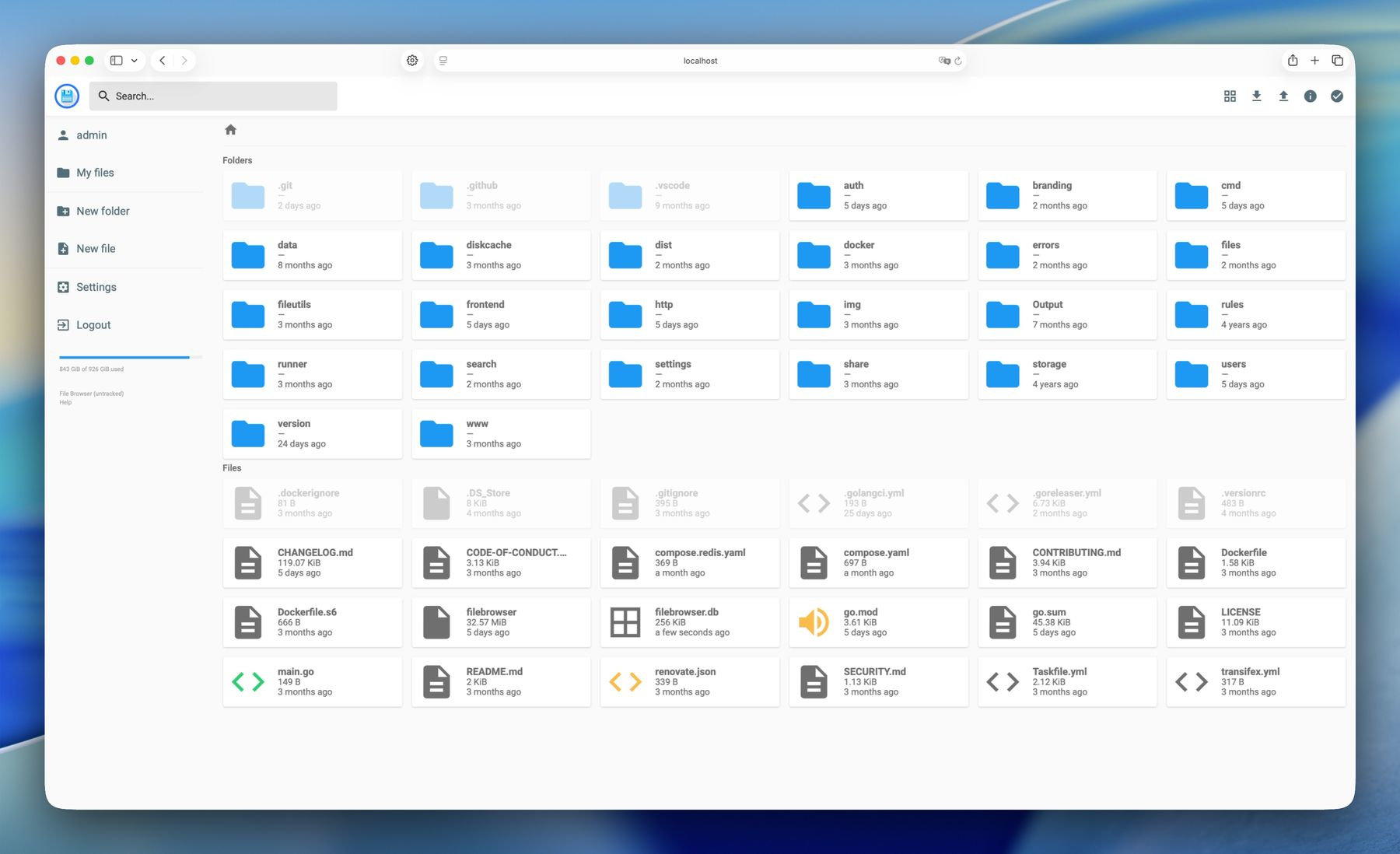
Over the years, the project grew into one of the most recognizable applications in the self-hosting space. Its GitHub repository attracted tens of thousands of stars and around 4,000 forks. Yet File Browser’s popularity did not translate into a sustainable maintenance team.
In a personal reflection published alongside the shutdown, longtime maintainer Henrique Dias explained the broader circumstances behind the decision. File Browser had long since become a mature product that accomplished its original goal, but keeping it running still required continuous work.
Calls for more maintainers dating back to 2018, and again in 2025, failed to build a sustainable team, even as the project’s popularity grew more than tenfold. In the end, File Browser became too widely used for the limited volunteer effort available to maintain it properly.
Rather than leaving the repository nominally active while issues, pull requests, and security reports accumulate without a realistic expectation they will be handled, the project is making its status explicit. File Browser 2.63.22, the last feature and bug-fix release before the final documentation-only update, addressed several issues.
Among them was a fix for uploads that could stall or freeze. The release also made the sidebar scrollable when its content exceeded available space, switched Progressive Web App manifest icons to absolute URLs, and corrected enforcement of access rules during recursive operations and when proxy tokens expired.
Anyone who continues running File Browser after September 1 should treat it as unmaintained software rather than as an application that remains safe just because it still works.
The maintainers recommend that File Browser not be exposed directly to the internet. Instead, it should be placed behind a reverse proxy that handles TLS and performs an additional layer of authentication.
They also advise keeping command execution disabled, running the application as an unprivileged user (preferably inside a container), and mounting only the specific directories that File Browser actually needs to access.
The File Browser source code is distributed under the Apache License 2.0, so the official project’s closure does not prevent someone else from continuing development. Developers can fork the repository, modify the code, and publish their own versions. The existing documentation and contribution instructions will also remain useful to anyone willing to undertake that work.
Image credits: Henrique Dias




I migrated to Filebrowser Quantum a while ago. Really good piece of software.