
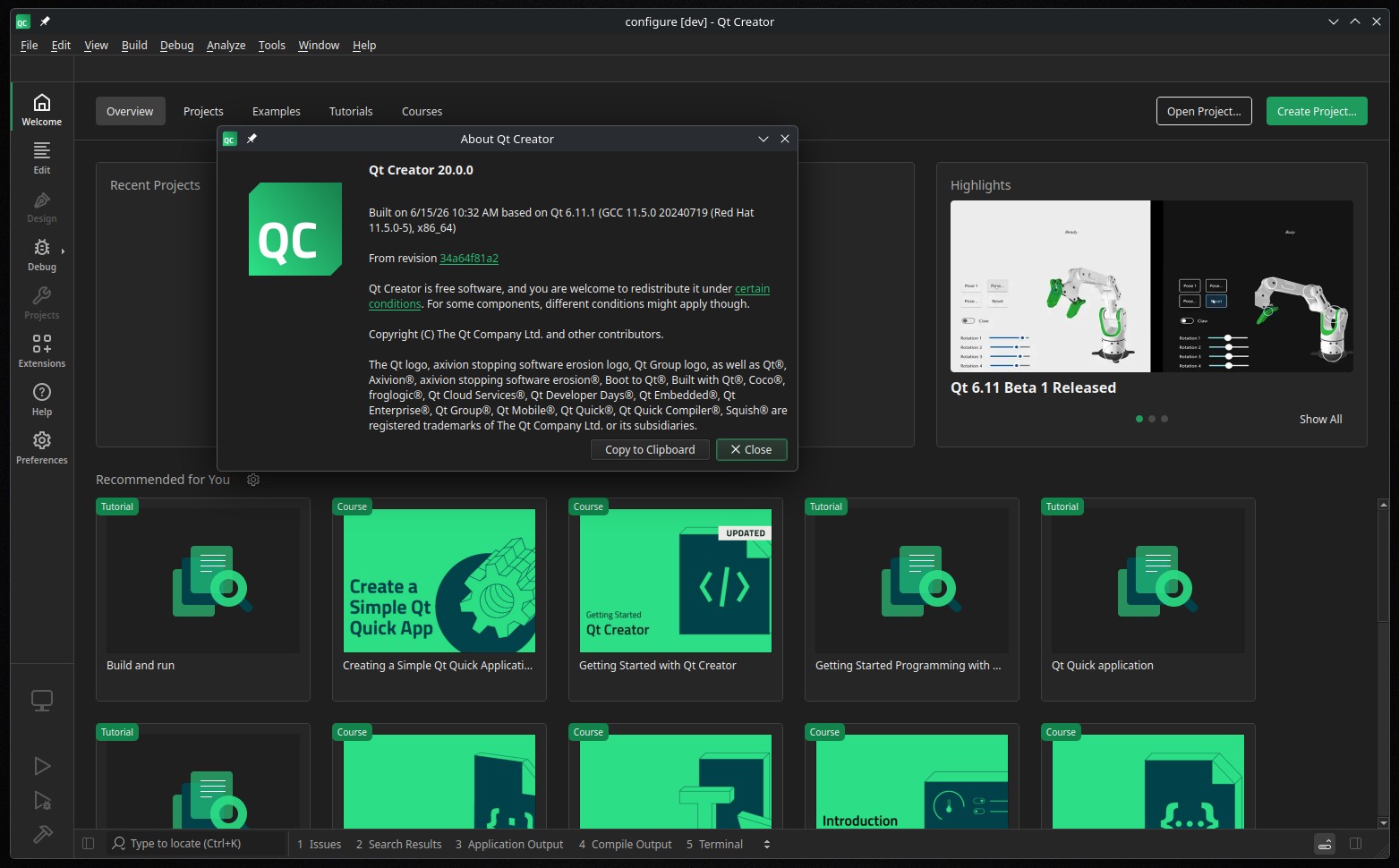
Qt Creator 20 is now available as the latest major update to Qt’s cross-platform IDE. The primary new feature is the ACP Client extension, which features a chat panel for interacting with AI coding agents within the app.
According to the project, these agents can analyze code, edit files, run commands, and trigger builds. To use this feature, enable it in Extensions mode and configure your preferred agents.
Qt Creator 20 offers ready-made templates for popular AI coding agents, including Claude Code, Codex, Gemini CLI, and GitHub Copilot, via the public ACP Registry. Some agents may require additional tools to be installed and accessible in the system PATH.
Moreover, this release expands MCP Server support. A new AI > MCP Servers preferences page allows registration of extra MCP servers. CORS support now enables web applications to connect to the MCP server.
Beyond AI enhancements, Qt Creator 20 includes a Zen Mode extension that provides a distraction-free editing environment via Tools > Zen Mode, with related actions and status bar controls to keep the code editor in focus.
The C++ code model has been updated as well. Qt Creator 20 now includes Clangd based on LLVM 22.1.2, with prebuilt binaries optimized for all platforms. Code folding now supports preprocessor branches (#if, #ifdef, #ifndef), C++-style comment blocks, and #pragma regions.
For QML development, Qt Creator now uses semantic highlighting from qmlls by default and provides refactoring actions from qmlls. Developers can also configure the IDE to use an external compilation database instead of the automatically generated one.
On the project handling side, Qt Creator 20 includes a GN extension for working with Generate Ninja projects. Plus, the IDE now monitors CMake Presets for changes and supports new “qt” and “compiler” vendor presets.
Android development now features a more structured Android Manifest editor, with separate interfaces for editing icons, splash screens, and permissions. On iOS, the File System view, Locator, and remote file dialogs now offer limited access to device file systems, including crash report and developer application directories.
Remote Linux development has been enhanced as Qt Creator can now automatically connect to remote Linux devices before deploying and running applications. For remote build devices, users can specify host directories accessible to the remote system, allowing local project sources to be used in remote builds.
Additionally, version control integration now covers more areas of the IDE, including the Open Documents view. File properties display version control status, including for Subversion files. The Git submit editor now warns about operations that could cause information loss, and the Continue Rebase dialog has been updated to reduce the risk of destructive actions.
Last but not least, Qt Creator 20 includes a new Remote Debugger run configuration type that offers functionality similar to attaching to a running debug server while making repeated use and configuration switching more convenient.
For additional details, see the announcement.