
Kdenlive 26.04.2 has been released as the second maintenance update in the 26.04 series, bringing fixes to the KDE video editor’s rendering, timeline editing, project handling, and platform packaging.
One key fix affects Windows users, as Kdenlive 26.04.2 resolves a long-standing issue that prevented videos from being exported directly to a network drive. Just for reference, the bug had been open for four years.
On the rendering side, the update removes unnecessary actions from render information, fixes size calculation for rendering, cleans up render profile audio quality handling, and switches audio quality to a percentage-based value adjusted by codec. Plus, the app now enforces even render widths and heights to avoid output settings that cause problems with video encoding.
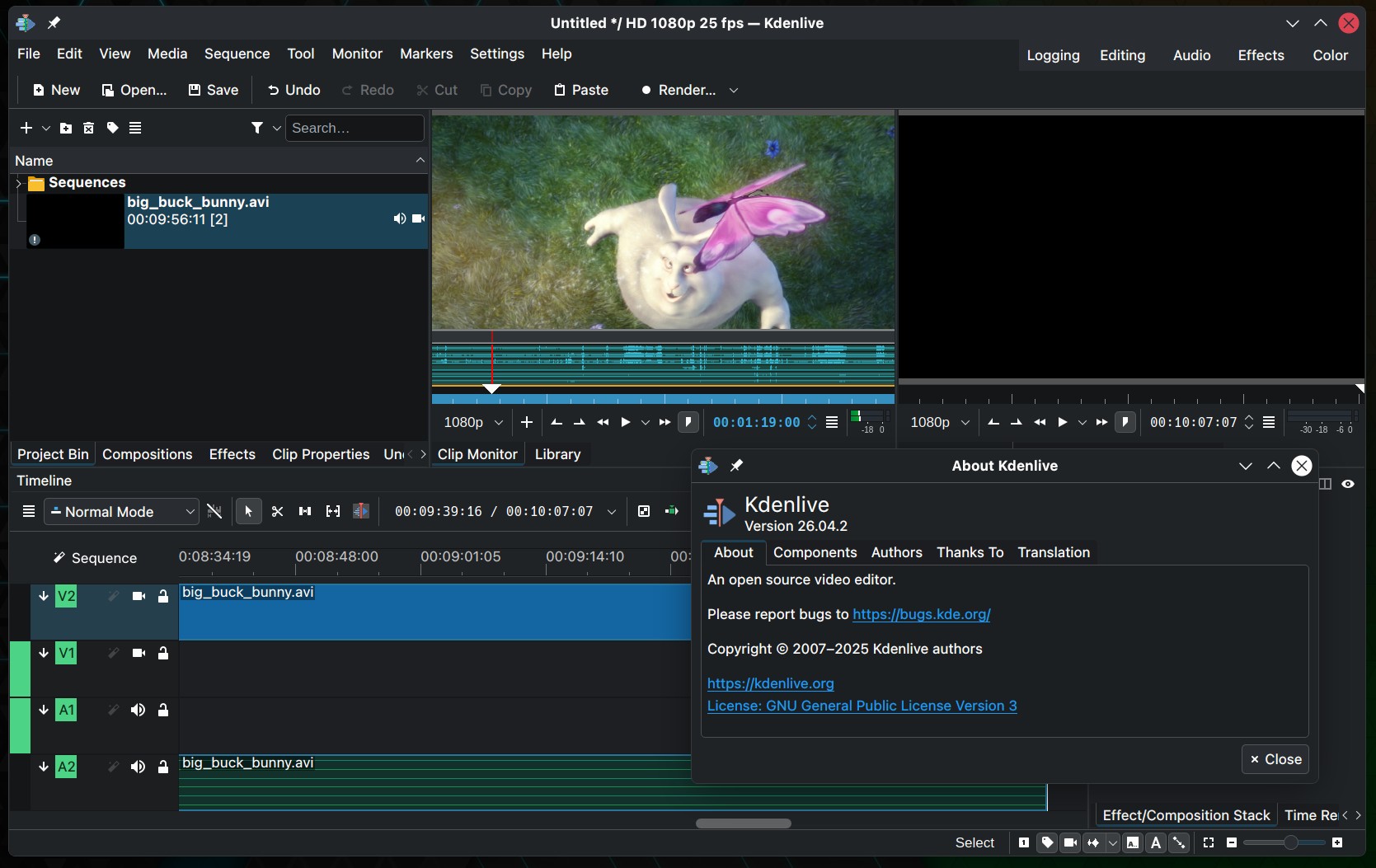
Timeline editing has been improved by fixing a bug where clips were sometimes not inserted into the timeline when moved vertically during a bin drag operation. It also corrects unwanted clips being added to the timeline and fixes timeline preview invalidation when a track with an effect duration changed.
Moreover, Kdenlive 26.04.2 fixes a case where documents were incorrectly marked as modified when opened, triggering a backup request. It also corrects missing and remote clip detection that could cause unwanted backups, and fixes an issue where temporary files were copied to the wrong location after setting a project folder.
Several platform-specific fixes are included as well. On Windows, Kdenlive now uses QFileInfo instead of QUrl and QDir to improve handling of shared drives. macOS receives fixes for permissions, bundle release versioning, plist paths, and builds. AppImage and Flatpak packaging also receive maintenance updates, including temporarily disabling rnnoise in nightly Flatpak builds until it is implemented.
For additional details, see the release announcement. Kdenlive 26.04.2 is available from the project’s download page and through distribution package managers.