
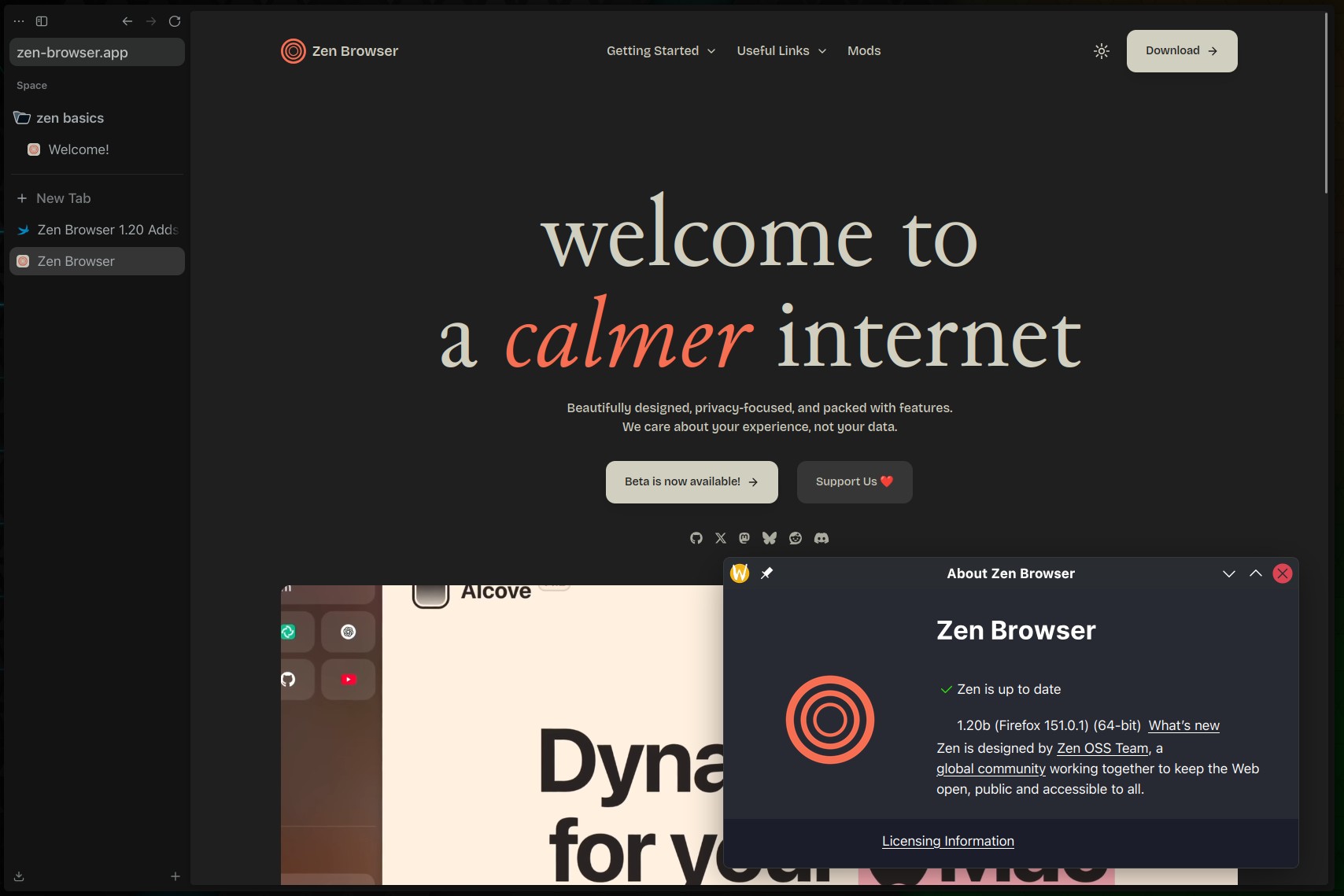
Zen Browser 1.20 is now available as the latest beta-tagged release for this cross-platform open-source Firefox-based browser, introducing a new feature called Boosts that lets users customize the appearance of individual websites from the browser.
Boosts can be accessed from the site control icon in the URL bar, where a new Boost button opens options to change a website’s look and behavior. According to the devs, the feature allows users to tint colors, customize fonts and styles, remove page elements, and enable automatic dark mode on any website.
The release also updates Zen Browser to Firefox 151, aligning the browser with Mozilla’s latest upstream changes. In addition, Zen 1.20 strengthens fingerprinting protection in Standard Enhanced Tracking Protection by limiting device and browser information exposed to websites.
The developers say the change reduces the number of users uniquely identifiable by common fingerprinting techniques by an average of 14%, with the figure reaching 49% on macOS. The release also includes Mozilla’s latest security fixes.
Additionally, users can now merge multiple PDF files inside the browser, combining separate documents into a single file without switching to another application or relying on third-party tools.
Another UI change affects web extensions in single-sidebar mode, with overflowing extensions now appearing below the URL bar instead of moving back into the site control panel.
Zen Browser 1.20 also fixes several issues, including a bug where the URL could be cut off when the URL bar was too small, an incorrect “go back to original URL” button appearing on pinned tabs, fullscreen video controls going below the screen, and split view behavior affecting other windows.
Finally, the release improves cyclic workspace switching and changes geolocation handling on Windows so Zen respects the operating system’s location permission setting when a site requests access.
More details are available in the official release notes.