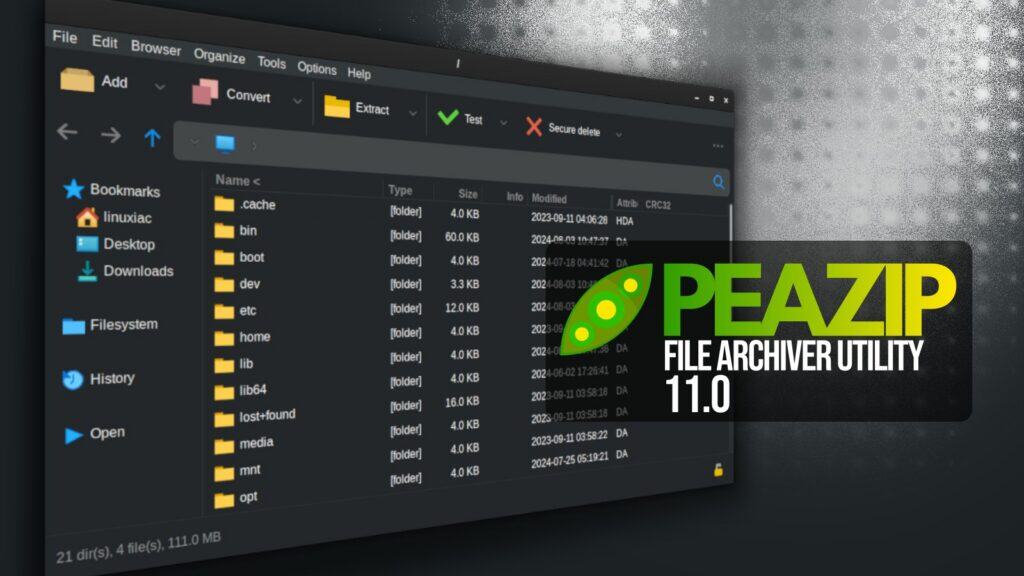
Two months after the 10.9 release, PeaZip, a versatile cross-platform open-source file archiver, has unveiled version 11.0, with a strong focus on speed. This update improves browser optimization to better fit different use cases, and the archive pre-parsing step for table-of-contents verification has been significantly improved.
According to the changelog, this can reduce processing time by up to 87% for unordered archives and by up to 94% for very large archives with more than 100,000 items. Plus, archive tree-view rendering is now 30% faster.
The file manager in PeaZip 11.0 adds a new “Batch test archives” function that allows multiple archives to be tested in one run without interruption, except when a password is required. Results are reported directly in the file manager through the CRC column.
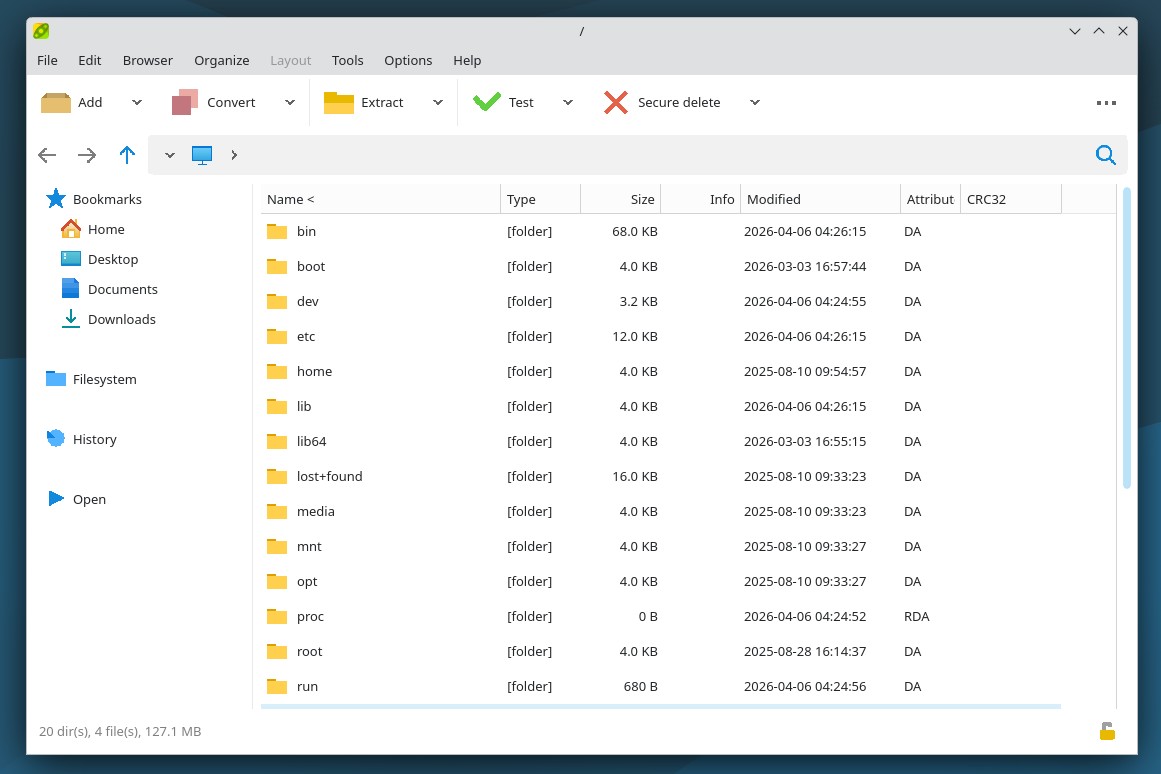
Bookmarks have been improved, too, and now support Search and Flat view bookmarks for filesystem items, not just content inside archives. Navigation behavior has been refined with better selection retention and focusing during navigation.
Additionally, internal drag-and-drop has been expanded to support dropping items onto the breadcrumb and tab bars, while copy and move actions no longer change the current directory.
On the UI side, the update adds alternative icon rendering styles called Native, Sharp, and Soft to better match the visual appearance of different widget sets. Fractional scaling and zooming have also improved, and icons and themes were updated for more consistent behavior across environments.
Regarding security, PeaZip 11.0 updates the Password Manager interface and introduces a password entropy rating on both the Password Manager and password prompt screens, providing users with an estimate of password strength.
Under the hood, the release updates backend components to 7z/p7zip 26.0 and Pea 1.30. The sources are compiled with Lazarus 4.2 and remain compatible with Lazarus 3.x and 2.x. PeaZip can now open 242 file extensions as archives.
The release also fixes a number of issues, including automatic password prompts for encrypted ARC files, inconsistencies in icons for bookmarks and tabs, breadcrumb preservation on forced refresh events, and repeated “auto open tar” events in compressed tar.* archives.
For more details, refer to the release notes or visit the project’s GitHub page for downloads. For Linux users, the app is also available for installation as a Flatpak.