
Jellyfin, a popular free and open-source media server that lets users organize, stream, and manage their personal media libraries, has been for years available on almost every operating system used by modern smart TVs, except for one notable exception: Samsung’s Tizen OS. That, however, is about to change.
A brief comment recently appeared on Jellyfin’s GitHub repository for Tizen:
“I’ve just noticed that Jellyfin is available on Tizen Store!”
The post was accompanied by a photo of the user’s TV, showing the app ready to install in the Tizen Store. A bit further down the thread, Jellyfin developer Anthony Lavado confirmed the news, adding some context:
“I can confirm. Surprise! It’s not all models that are eligible yet, just some. Not all of the “bugs” were release blocking for all platforms, and I had to bargain with the Seller Apps Office to allow some to go through.”
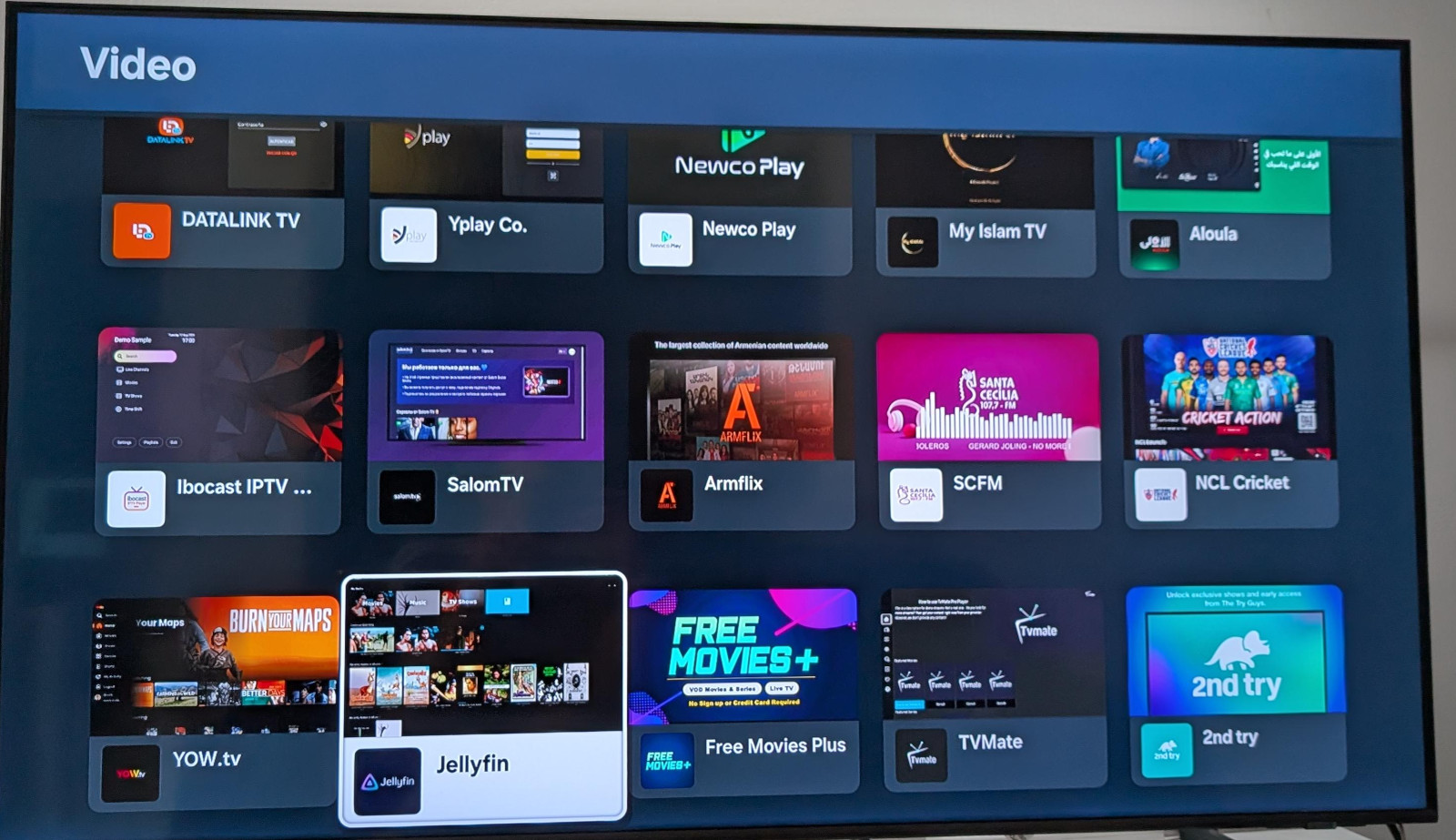
What Lavado said in the comment matches what I found in a quick check of several forums. Some users report that Jellyfin is now available for installation on their Samsung smart TVs, while others say the app still doesn’t appear on their devices.
Based on those comments, it appears that Jellyfin is currently rolling out primarily to newer Samsung models, with older models not yet supported. That said, there’s an expectation that owners of older TVs will gain access later.
In any case, this is a major breakthrough. While Jellyfin could previously be installed on Tizen OS through unofficial methods, believe me, the process was cumbersome and frustrating.
It required compiling the application yourself, dealing with numerous dependencies, switching the TV into developer mode, and then navigating a similarly complicated installation process on the device.
With Jellyfin now available as an official app in the Tizen Store, all of that is now in the past. Millions of Samsung TV users can now install it as an officially supported app and start streaming their media libraries directly from their self-hosted Jellyfin servers.
And finally, if you have any questions or uncertainties about setting up the Jellyfin media server, follow this guide, which outlines everything in clear, easy-to-follow steps. Happy streaming!





I use Jellyfin on an LG TV with an old laptop and old router not conected to the internet. I use ethernet cables to the TV from the router and to the old laptop. Works great and preserves privacy. TV not hooked up to internet at all.
I don’t know why they bother wasting resources on developing for Tizen. I wonder how many actual users of Jellyfin use what’s built into their TV. Just a worse experience than a streaming device.
While this is good, Samsung like most other TV manufacturers use ACR to spy on what you’re watching, even if it’s using an external device or Jellyfin. While it can be technically turned off, these devices shouldn’t be plugged in to the internet unless you have no choice.