The Armbian team has introduced Armbian Imager, a new official tool designed to simplify flashing Armbian OS onto single-board computers. Until now, installing Armbian has typically relied on third-party imaging utilities. With this release, the project now offers a first-party solution built specifically around its ecosystem and hardware support matrix.
Armbian Imager is a lightweight, native application available for macOS, Windows, and Linux, with full support for both x86_64 and ARM64 architectures. The tool supports more than 300 boards from over 70 manufacturers, allowing users to browse available hardware directly in the interface. Boards are presented with real photos sourced, making selection more straightforward, especially for less familiar devices.
The imaging workflow is fully integrated. Users select a manufacturer, choose a specific board, and then pick an image variant based on stability level, system type, and kernel version. The tool handles downloading, decompression, writing, and verification automatically. Written images are verified using SHA256 read-back checks, and system disks are explicitly excluded to reduce the risk of accidental data loss.
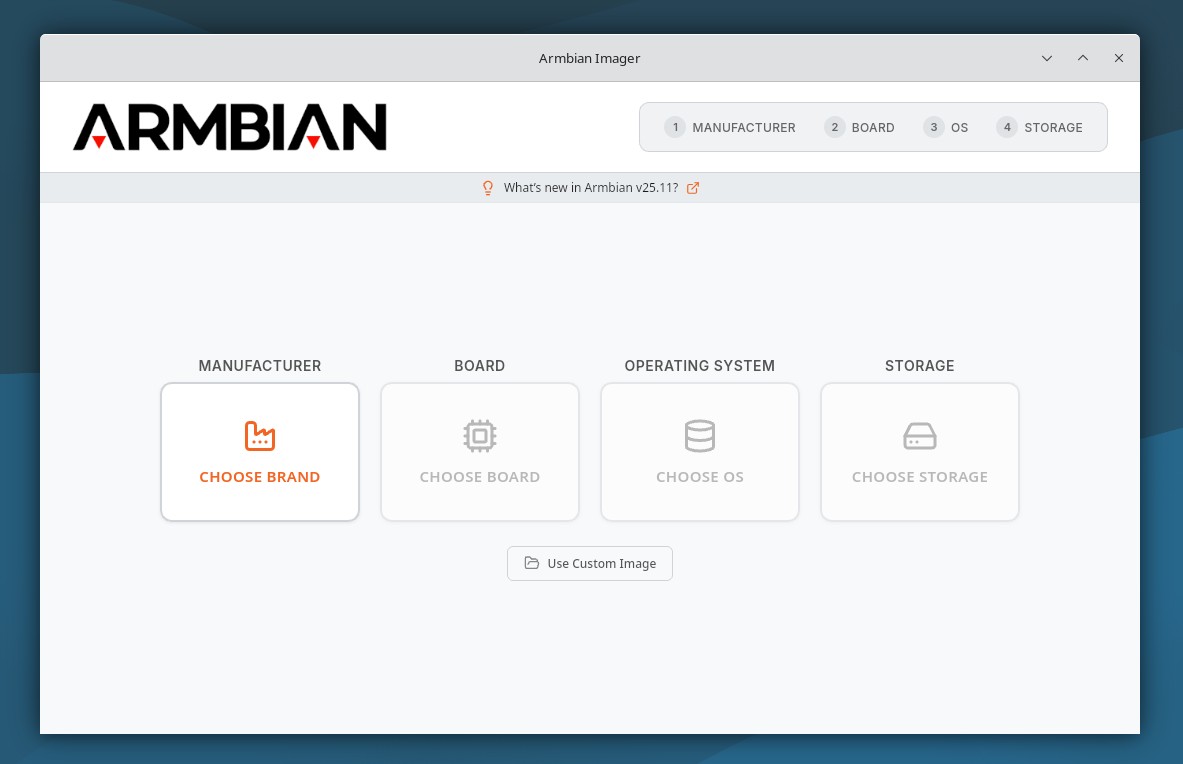
Armbian Imager also supports flashing custom images, including files compressed with xz, gzip, bzip2, and zstd. Device hot-swap detection recognizes removable media as soon as it is connected or removed, while detailed logs can be uploaded with a single click to paste.armbian.com, generating a QR code for easier sharing during troubleshooting.
On macOS, the application runs natively on both Intel and Apple Silicon systems and supports Touch ID for biometric authentication. Windows builds are available for x64 and ARM64, using standard UAC elevation for required privileges.
On Linux, the imager relies on UDisks2 and pkexec for device access and permissions. The application follows system light and dark mode preferences and automatically detects the system language, offering translations in 15 languages.
For more information, visit the Armbian Imager’s GitHub page.
Downloads are provided in native formats for each operating system, including DMG and ZIP packages on macOS, EXE and MSI installers on Windows, and DEB packages for Linux. On macOS, first-time users may need to manually approve the application because it lacks an Apple Developer certificate, a step that only needs to be performed once.