

At the end of October, I told you about the awesome new software developed by a Solus user, Solseek. In short, it’s a fast TUI package manager for Solus Linux that provides a keyboard-driven interface for searching, installing, updating, and removing software using Solus’s native eopkg system, with optional support for Flatpak and Snap where available.
The only drawback back then was that the software was still in its early days, so it wasn’t available in the official distribution repositories. So, to benefit from its features, you had to compile it from source. Well, that’s no longer the case.
All in all, over the past three months, the software has matured significantly, and Solus developers now consider it stable and reliable enough to include in the distribution’s official stable repositories. To install it, all you need to do is:
sudo eopkg install solseekCode language: Bash (bash)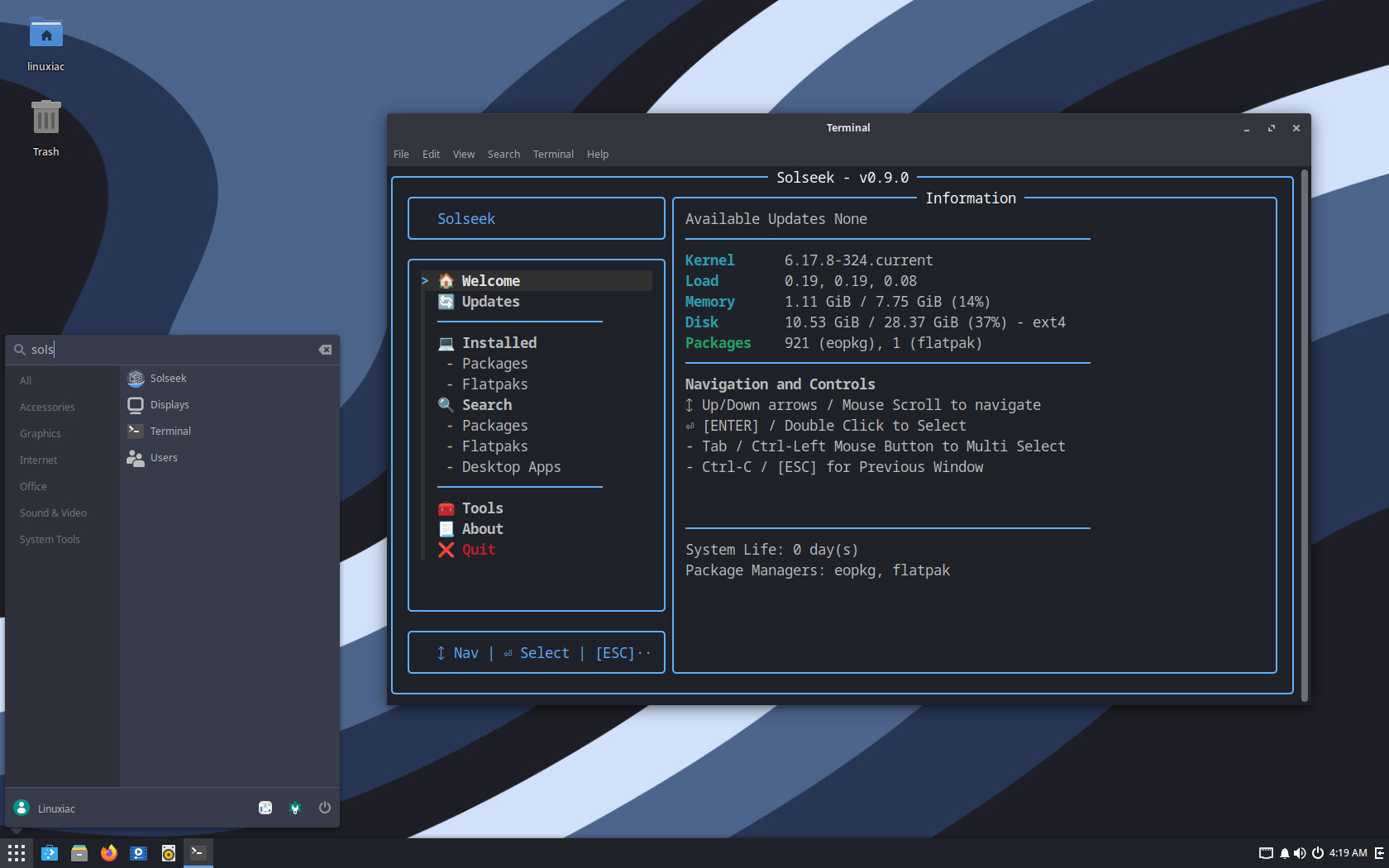
Meanwhile, Solseek released two new updates last week, versions 0.9 and 0.10. 0.9 fixes a Fastfetch color-rendering issue related to FZF TTY handling, introduces custom update scripts for non-Solus package types (such as AppImages or Homebrew), and improves update listing performance through caching.
Solseek 0.10 mainly polishes behavior and expands usability. The release fixes a CLI bug where running solseek up -e caused eopkg and Flatpak to update twice. On the enhancement side, it adds a Flatpak History view under tools to better match eopkg’s capabilities (enabled by recent Solus changes), and links directly to the project wiki from the main page.
In conclusion, my own testing of Solseek left me with a completely positive impression. Managing packages with it is simple, intuitive, and genuinely easy. I believe the tool is a real asset to the Solus community, helping make this already great rolling release distro even better.




Happy to see this getting some love. I started using Solus a little while ago and I just do not really like Discover or Gnome software. Solseek is easy to use, even if you are alergic to the terminal, and is so much faster.