
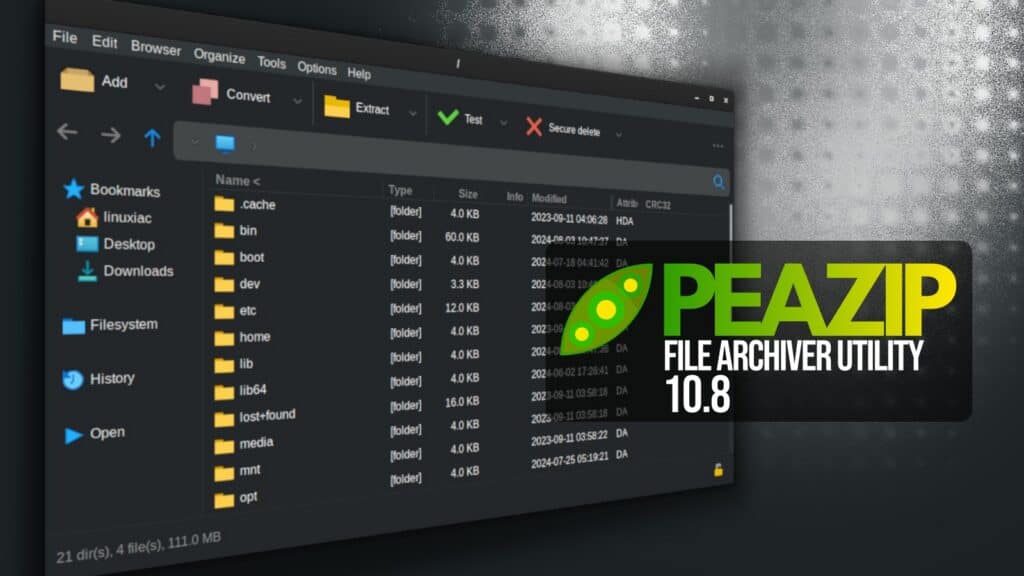
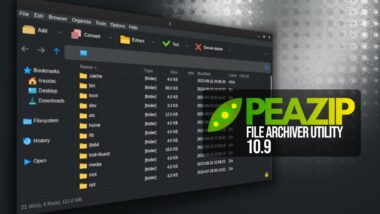
A month and a half after the previous 10.7 release, PeaZip, a versatile cross-platform open-source file archiver utility, has just unveiled version 10.8, which now supports opening 242 file extensions.
One highlight is that users can now open items with associated applications, use custom apps, or rely on PeaZip’s own tools for checksums, metadata scans, and hex and text previews.
Additionally, internal UTF-8 configuration files no longer require a BOM header, and support for ARC files using TOC encryption has been refined to automatically refresh when a password is entered, while password-handling behaviors have been improved for sessions where credentials are not meant to be retained.
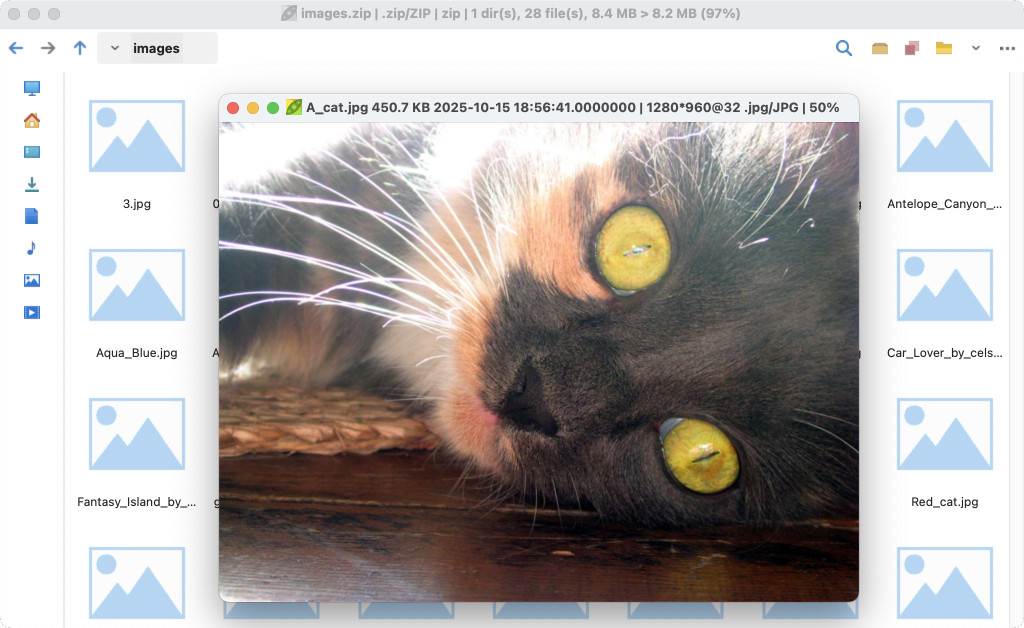
At the same time, the integrated image viewer gains broader format support, making it easier to inspect images directly inside compressed archives. Plus, the app now supports the -rv (Recovery Volumes) option for multipart RAR sets and improves atomic extraction for compressed TAR archives.
The file manager gains deeper archive introspection by analyzing “magic bytes” in file headers, with this information now displayed in the title bar alongside other archive statistics. Windows users receive a new navigation link to Apple’s sync and backup directory.
PeaZip 10.8 also adds an optional command log for the integrated scripting engine, allowing users to review the exact operations generated during archive creation, testing, listing, extraction, and content navigation.
The built-in image viewer has been improved to snap its window to match the displayed image when leaving full-screen mode and to support launching from archive types handled by ARC, BCM, Brotli, and Zstandard—an expansion beyond the previously limited 7z and ARC.
Lastly, the preview and file-tools context menus have been expanded to support more archive backends. Two new themes, line-dark and tux-alt-dark, round out the interface enhancements.
For more information, refer to the release notes or visit the project’s GitHub page for downloads. For Linux users, the app is also available for installation as a Flatpak.
Image credits: PeaZip

flatpak garbage sadly.
Will wait for a proper modern package manager to offer it on my distro.