Parrot OS, a Debian-based Linux distribution for ethical hackers and cybersecurity professionals, has released version 7.1 less than two months after the major 7.0 launch. This is the first maintenance update in the 7.x series.
A key fix in this release addresses GRUB bugs that stopped some laptops from booting. Parrot OS 7.1 includes GRUB 2.14, updated DKMS drivers, and the Linux kernel 6.17.
Importantly, limited i386 support has been restored. While full support is not restored, some 32-bit dependencies needed for tools like Steam are available again.
Parrot 7.1 also updates many pentesting and security tools, including:
- Metasploit 6.4.111
- Burp Suite 2025.11.6
- Airgeddon 11.61
- Maltego 4.11.1
- Subfinder 2.12.0
- Feroxbuster 2.13
- TruffleHog 3.92.5
- Rizin 0.8.2
- Rizin Cutter 2.4.1
- SecLists 2025.3
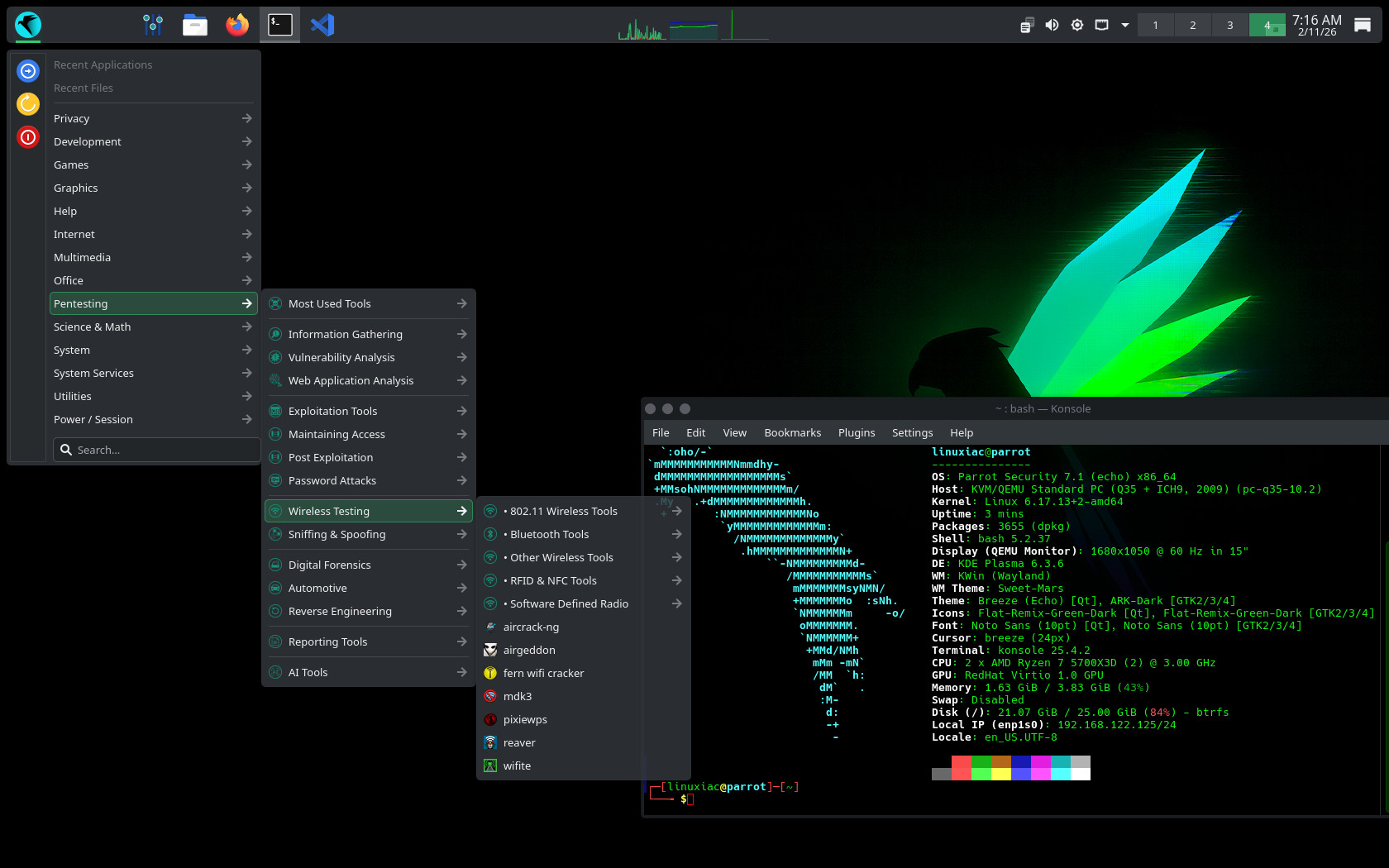
The project has also expanded its ISO options. Along with the current editions, Parrot 7.1 now offers community versions with MATE, LXQt, and Enlightenment desktops.
A new feature in this release is MCPwn. This tool uses the Model Context Protocol to let large language models run cybersecurity tools like nmap, sqlmap, and gobuster directly on your computer.
Commands run inside Docker containers, which helps protect the host from unauthorized access. Plus, MCPwn is now available for testing and should be added to the repositories via APT soon.
Rocket, the project’s companion tool, is now at version 1.5, with a new user interface and more tools, with further development ongoing.
For Raspberry Pi devices, KDE is still available, but MATE is once again the default desktop in Parrot 7.1. The team is also considering adding LXQt to improve performance on lower-end hardware.
To learn more, check out the official announcement.
Parrot is available in two main desktop editions: Security and Home. The Security Edition includes a suite of preinstalled penetration testing and cybersecurity tools for professionals and researchers. The Home Edition is for everyday use, privacy, and development, offering a clean system without the full security toolset by default, though additional tools can be installed manually.
The team suggests installing Parrot 7.1 with the new ISO image. If you already have Parrot OS, you can update automatically using parrot-updater or parrot-upgrade. Keep in mind that if you upgrade from Parrot 6.4, your system will keep the MATE desktop unless you change it yourself.