

Garuda Linux Launches Garuda Nix for NixOS Users
Garuda Nix is now available, offering NixOS installations with Garuda Dr460nized and Mokka desktop environments.
Clonezilla Live 3.3.3-37 Adds HTTP Boot and LUKS2 Support
Clonezilla Live 3.3.3-37 introduces HTTP Boot support, LUKS2 repositories, HiDPI improvements, and updated cloning tools.
RustFS 1.0 S3-Compatible Object Storage Reaches GA
RustFS 1.0 is now generally available, bringing the Rust-based, S3-compatible distributed object storage platform to production readiness.
Pangolin 1.23 Tunneled Reverse Proxy Makes High Availability Easier to Deploy
Pangolin 1.23 introduces self-service HA and clustering, alongside CLI improvements, multi-admin support, and organization management updates.
Don’t Miss

CentOS 8 to AlmaLinux 8: A Step-by-Step Migration Guide
This guide will help you to migrate in-place your current CentOS 8 installation to AlmaLinux 8 in a few simple steps.

How to Make sudo Remember the Password for Longer
Here’s how to make sudo remember your password for longer so that you don’t have to keep typing it repeatedly.
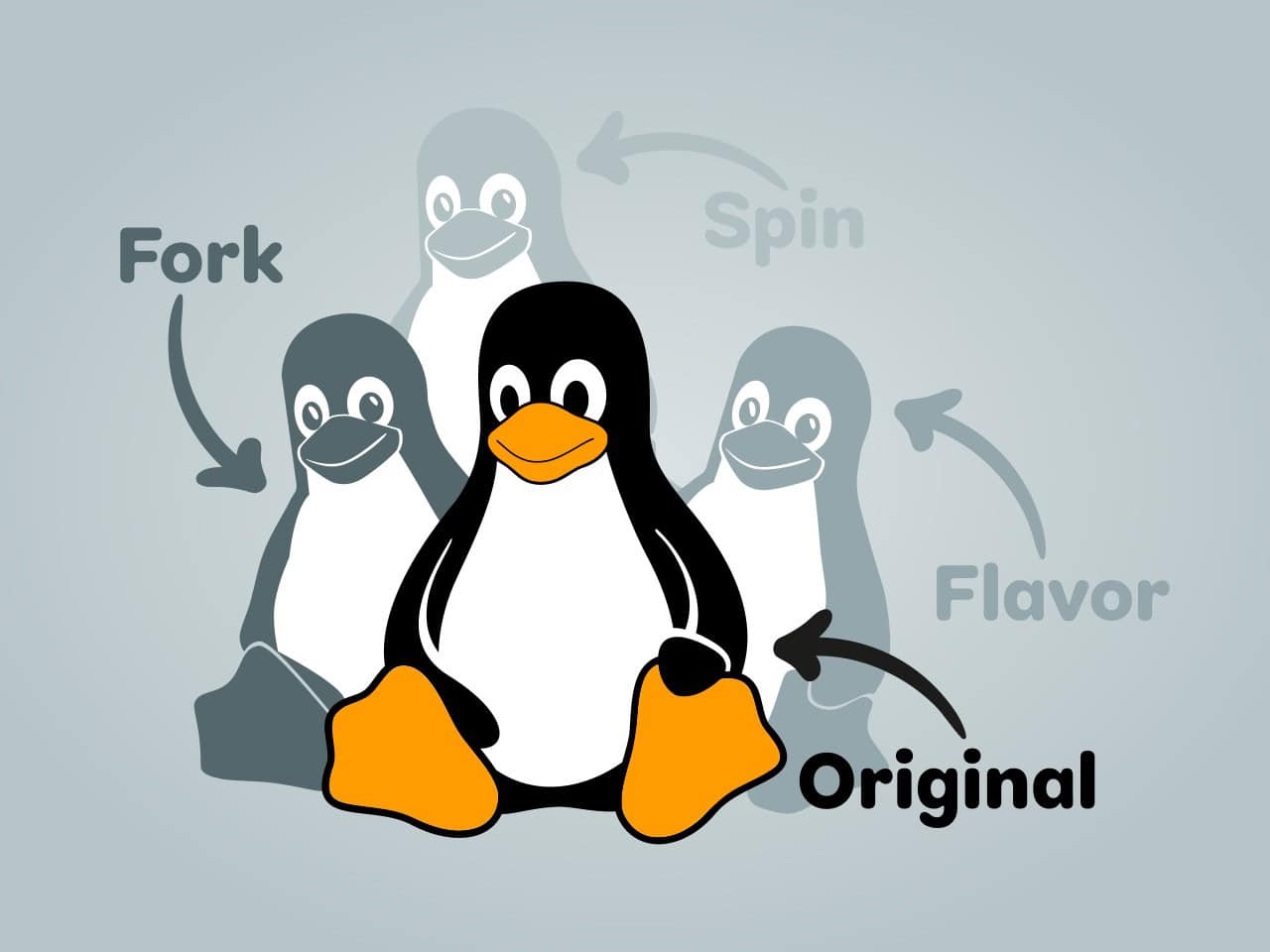
Linux Terms Explained: Originals, Derivatives, and Flavors
This article explains in plain language what the terms derivative, fork, flavor, and spin mean in the context of Linux distribution.

Linux Shutdown Command Explained (with Examples)
Do you need to know how to shut down your Linux system using the command line or schedule a shutdown at a specific time? Here’s the answer!