


Asahi Linux Nears Official Support for Apple M3 Macs
Asahi Linux says M3 support is almost ready for an official release, with webcams, microphones, USB 3.0, and Thunderbolt now working across the lineup.
Chromium Adds Experimental Flatpak Packaging Support for Linux
Chromium gains initial Flatpak support on Linux, though the implementation is still experimental.
FreeRDP 3.31 Released with Security Fixes, Faster H.264 Graphics
FreeRDP 3.31 is out with numerous security and bug fixes, plus faster graphics performance for AVC/H.264 Remote Desktop sessions.
LibreOffice 26.8 Released with New Paragraph Composer, Variable Font Support
LibreOffice 26.8 is now available with a new Paragraph Composer in Writer, native OpenType variable font support, Calc improvements, and better document compatibility.
Don’t Miss
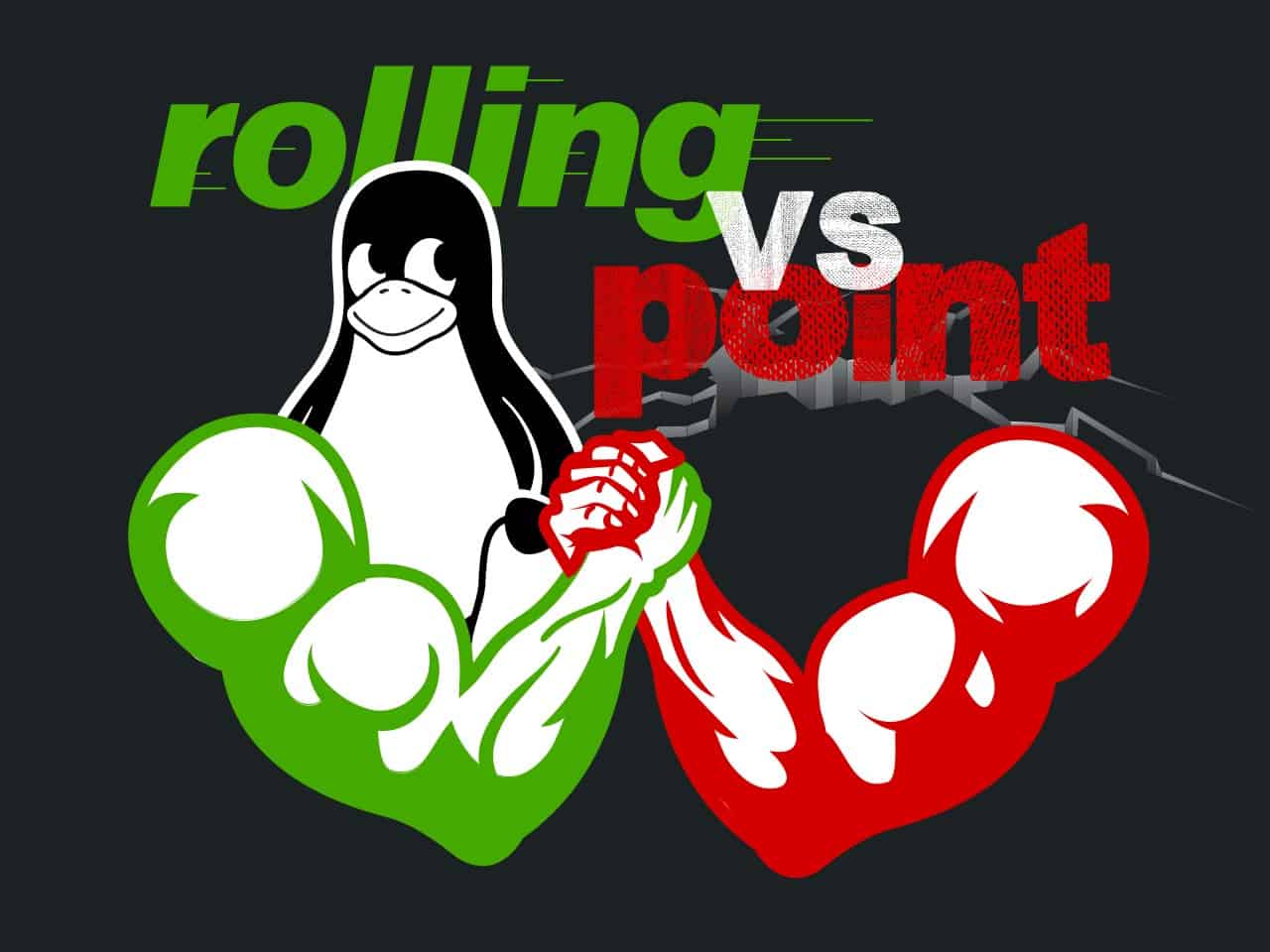
Rolling vs. Point Releases: Which Linux Distro is Right for You?
Need help with rolling vs. point releases on Linux? We’ve got you covered with our comprehensive guide to help you choose the right distro.

How to Enable System Tray Icons in GNOME
Learn how to easily enable system tray icons in the GNOME desktop environment to make it more productive and efficient.

How to Install VMware Player on Linux Mint 21
Get started with virtualization on Linux Mint 21 in no time by installing VMware Workstation Player with our step-by-step guide.
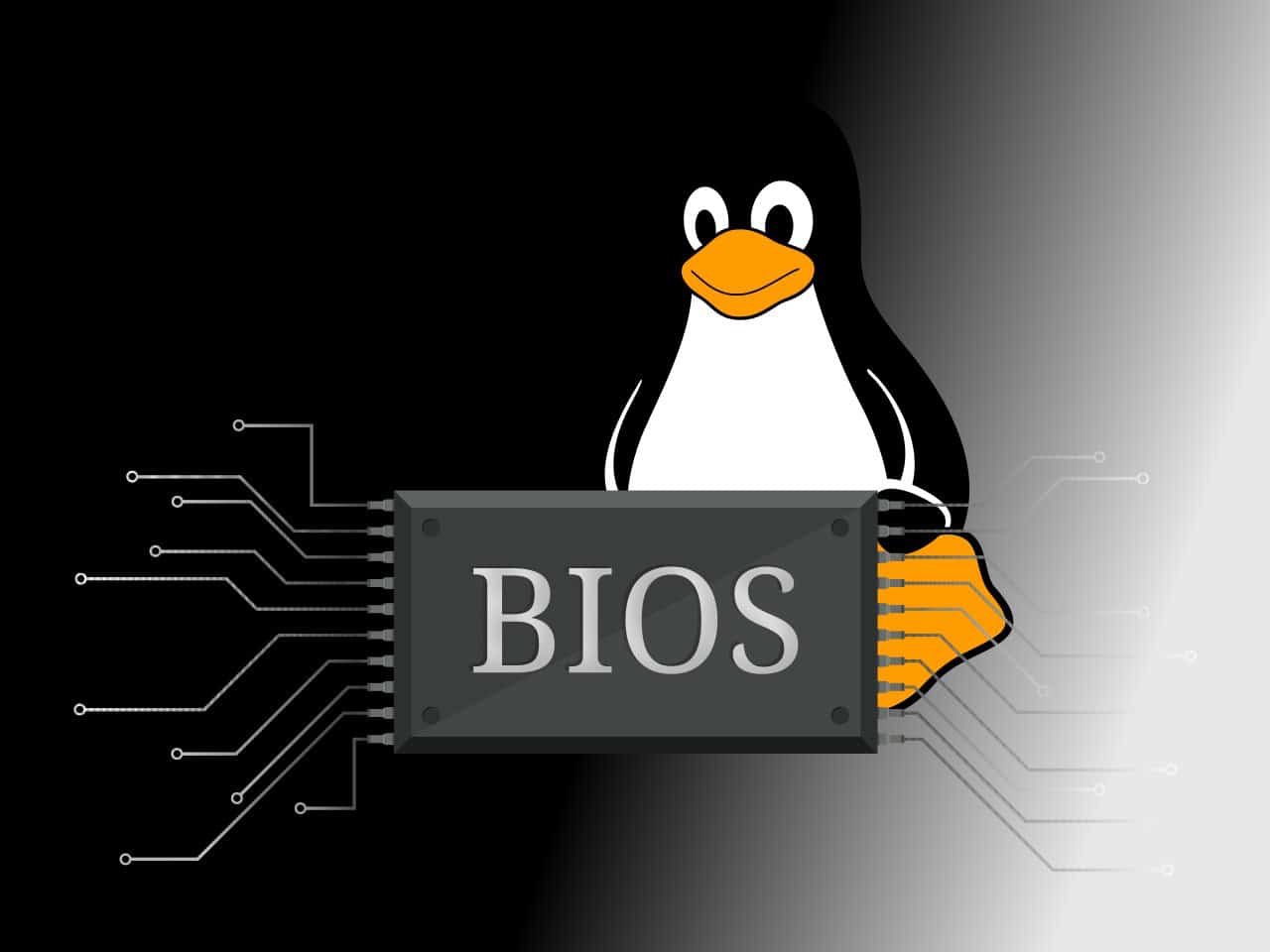
How to Check Your BIOS Version on Linux
Find out how to check your BIOS version on Linux and ensure your system is running at its best. It is easier than you think with our guide.