Open CAD Studio is a new cross-platform open-source CAD application that brings native DWG and DXF editing, 2D drafting, and 3D modeling to Linux, Windows, macOS, and even the web.
Built with Rust and distributed under the GPL-3.0 license, the project uses a shared editing core for both desktop and browser versions. It relies on GPU-accelerated rendering through wgpu for 2D and 3D viewports.
One of the most interesting features, especially for Linux users, is native DWG and DXF support. Open CAD Studio can open, edit, and save both formats directly, with save targets from R14 through 2018, without relying on an external conversion service.
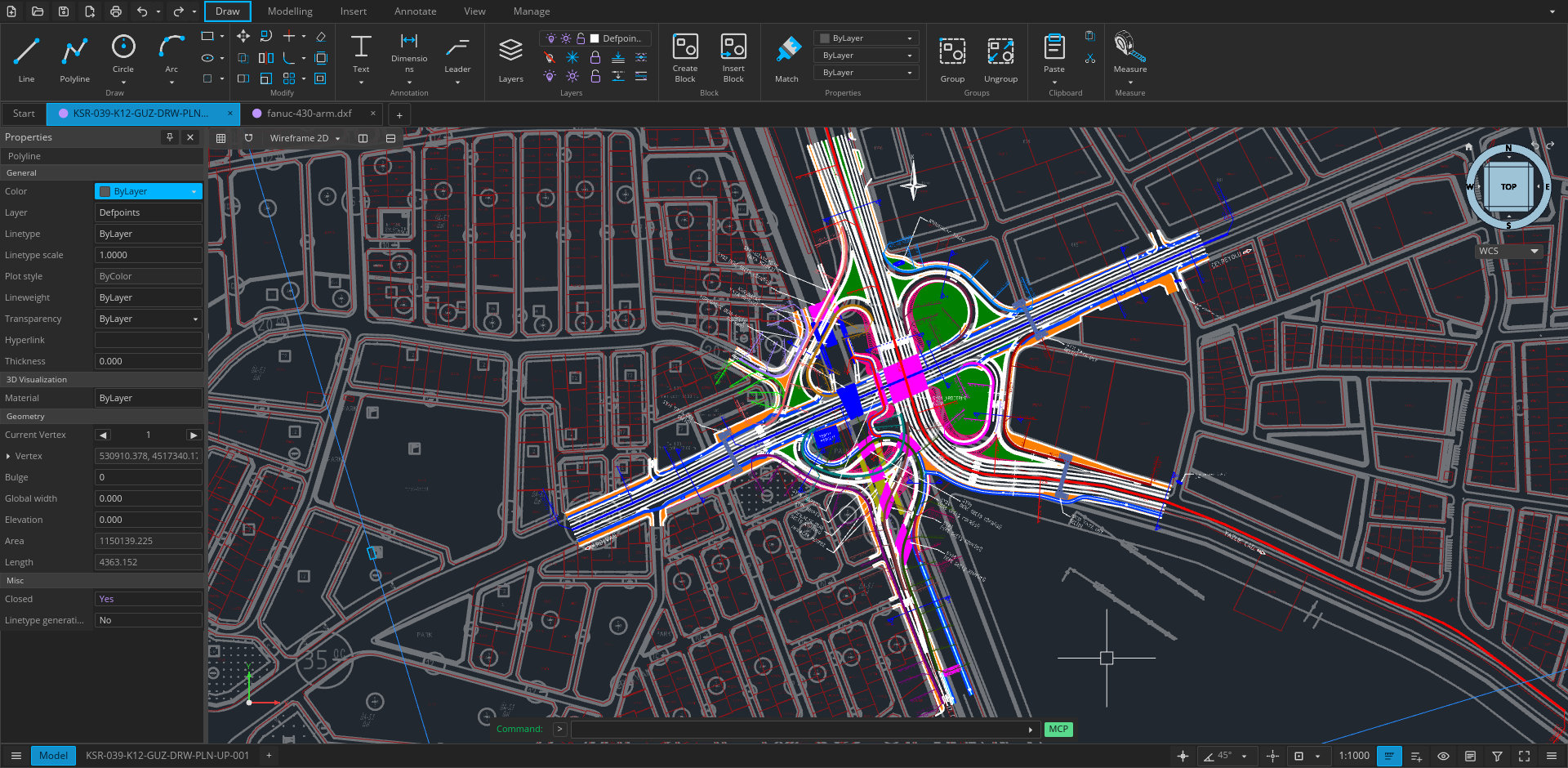
On the 2D side, the app provides familiar CAD tools including lines, polylines, curves, splines, hatches, object snaps, tracking, layers, blocks, and external references. Documentation features include text, dimensions, leaders, tolerances, tables, paper-space layouts, viewports, and plot styles.
Open CAD Studio also goes beyond basic drafting with 3D solid modeling. Users can create primitives and perform extrusion, revolution, sweep, loft, and Boolean operations, while the viewport supports both orthographic and perspective views. OBJ files can be imported, while STL and STEP AP203 exports are available.
There are two ways to use it. The web version runs in a modern browser with no account or installation required, allowing drawings to be opened from and saved to the local device. The desktop version adds features like native file associations, system printing, PDF output, plugins, command scripts, and headless automation.
For Linux, the project currently provides an x86-64 AppImage, while Windows and Apple Silicon macOS builds are also available, and the interface is translated into 21 languages.
For additional details, visit the project’s website. Finally, the developers make it clear that Open CAD Studio is still under active development and recommend that users keep backups when working with important production drawings.
Image credits: Open CAD Studio