ONLYOFFICE Docs 9.2, an open-source, self-hosted office suite for documents, spreadsheets, presentations, fillable forms, PDFs, and diagrams, is now available.
One of the highlights is that users can now sign PDF forms using custom typed signatures. Image-based signatures are still supported, with a new option to remove white backgrounds. Enterprise users can upload signing certificates through the Admin Panel to enable trusted digital signatures for submitted PDF forms.
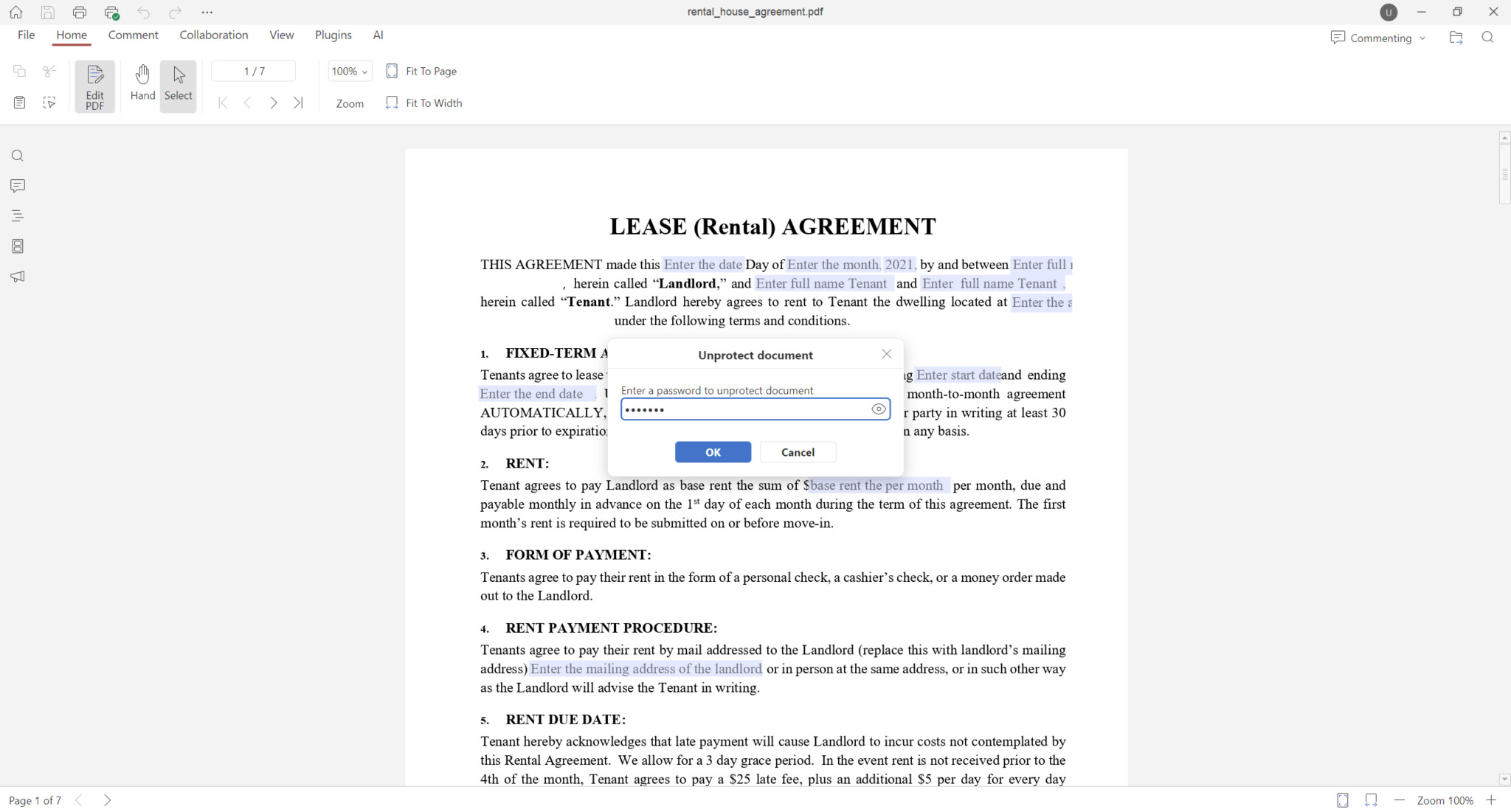
Regarding PDF capabilities, password-protected files can now be unlocked and edited with the correct credentials. Plus, adjustable fields can also be inserted into table cells when creating PDF forms.
On top of that, the editor supports version history for PDFs, editing of built-in PDF fonts, text redaction from a pop-up tool panel, configurable print settings, and macro support for modifying pages, forms, annotations, shapes, tables, images, and diagrams.
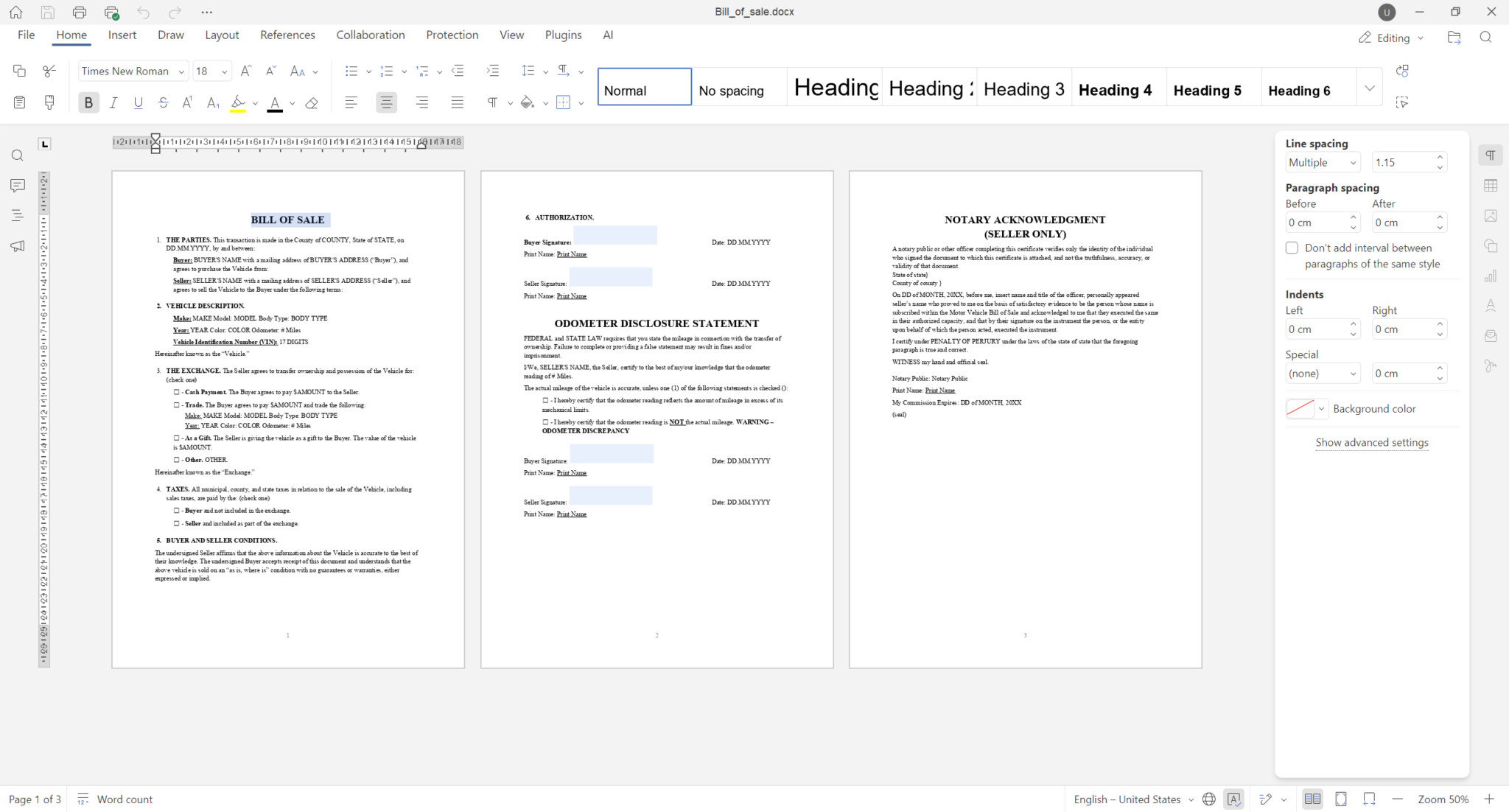
The document editor now also features Multipage View, allowing users to review multiple pages side by side for improved layout inspection and editing accuracy. Collaboration is enhanced with color-coded comments that clearly indicate the referenced text.
Additionally, header and footer controls are grouped under a dedicated tab, and improved mouse selection enables faster text selection with double- and triple-click actions.
The spreadsheet editor now includes a Solver tool based on the Simplex method for solving linear problems within sheets. Rendering performance for large spreadsheets over 3 MB has been improved to reduce load times.
The presentation editor’s slideshow mode now supports GIF animations, enabling animated content to play without external tools or embedded video players.
Apart from the aforementioned, additional enhancements include adding hyperlinks to images, shapes, and grouped objects in documents and spreadsheets, expanded macro recording, support for saving files in Markdown (.md) format, and the ability to open TSV files for viewing.
Finally, for enterprise deployments, new Admin Panel options simplify instance management. Administrators can complete server configuration from a dedicated window, obtain HTTPS certificates through script execution, upload license files, manage and upload custom fonts, quickly shut down the server, and access detailed tenant statistics.
For more information, refer to the announcement or see all changes on the project’s GitHub changelog.
ONLYOFFICE Desktop suite is available for download in multiple installation formats for Windows, macOS, and Linux (DEB, RPM, Flatpak, Snap, AppImage), as well as for Android and iOS via the Google Play Store and the Apple App Store.
Image credits: ONLYOFFICE