
Omarchy, a preconfigured Arch Linux setup packaged as a distro that ships with a Hyprland tiling window manager and a curated set of defaults and developer tools, has announced the release of version 3.3.
One important note for existing users is that upgrading to 3.3 may temporarily surface Hyprland configuration errors during the update process. These are expected to disappear after the update completes and the system is restarted. However, users who maintain custom window rules or layer rules will need to migrate them to Hyprland’s new syntax, as older rule formats are no longer compatible.
Another notable addition in this release is optional local AI dictation powered by Voxtype. Once enabled, users can dictate text system-wide using a keyboard shortcut, with support for multiple offline speech models. The default installation includes a compact English model, while additional models can be selected or configured later. The feature is fully local and integrates directly into the Omarchy workflow without relying on cloud services.
System power management also sees improvements, as Omarchy 3.3 introduces opt-in support for both hibernation and suspend, which can be enabled from the system setup menu. These options remain disabled by default to avoid issues on systems with limited sleep support.
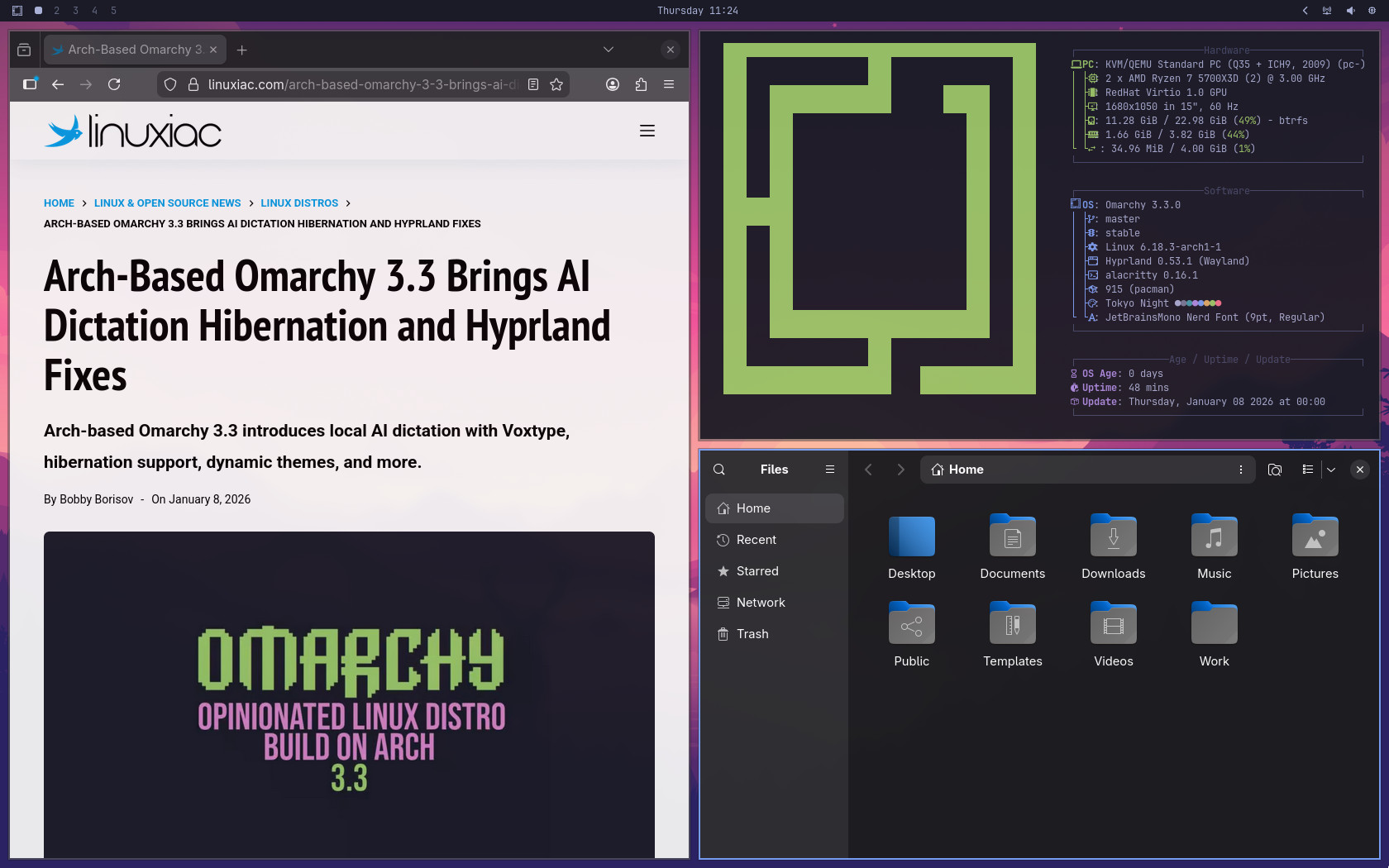
On top of that, OpenCode is now available via a simple terminal alias, providing a unified interface for working with multiple AI models, including commercial providers and open-weight alternatives. Additional AI integrations include a new Omarchy-specific skill for large language models and an optional Copilot CLI installer accessible from the menu.
Regarding theme management, Omarchy now supports template-based theming driven by a single colors.toml file, allowing consistent color generation across terminals, window decorations, notifications, editors, and system components.
Numerous usability enhancements accompany these changes, including new keyboard shortcuts for system controls such as audio, Bluetooth, networking, activity view, and screen locking. Google Maps has been added as a default web app, menu extensibility has been improved through a new override script location, and development environments can now be cleanly removed through the menu.
Finally, on the stability side, Omarchy 3.3 delivers an extensive list of fixes. These include full compatibility with Hyprland 0.53, restored support for older Pascal-based NVIDIA GPUs following upstream driver changes, Waybar crash fixes, improved fingerprint sensor handling, corrected package dependencies, and multiple reliability improvements across system tools, installers, and restart mechanisms.
For more information, see the changelog.


Hyprland, with their preconfigured derivatives such as Omarchy we can see here, and Cosmic are the rising stars of Linux, and they will probably lead the ecosystem soon enough, alongside the most used desktop currently, KDE.
On the other hand, Gnome and everything Gtk are in a clear decreasing trend for several years now.
Which begs the question. Why use Nautilus as the file manager on Omarchy? Nautilus is the weakest option of all file managers. Dolphin, Cosmic Files, and the GTK 3 alternatives Nemo, Thunar or Caja are all vastly superior to Nautilus. Plus Nautilus looks completely inconsistent with the otherwise very coherent system they set up. This is one of the few things they do wrong in my opinion.
The rest is great, with strong values, and it’s growing fast. Nice work!