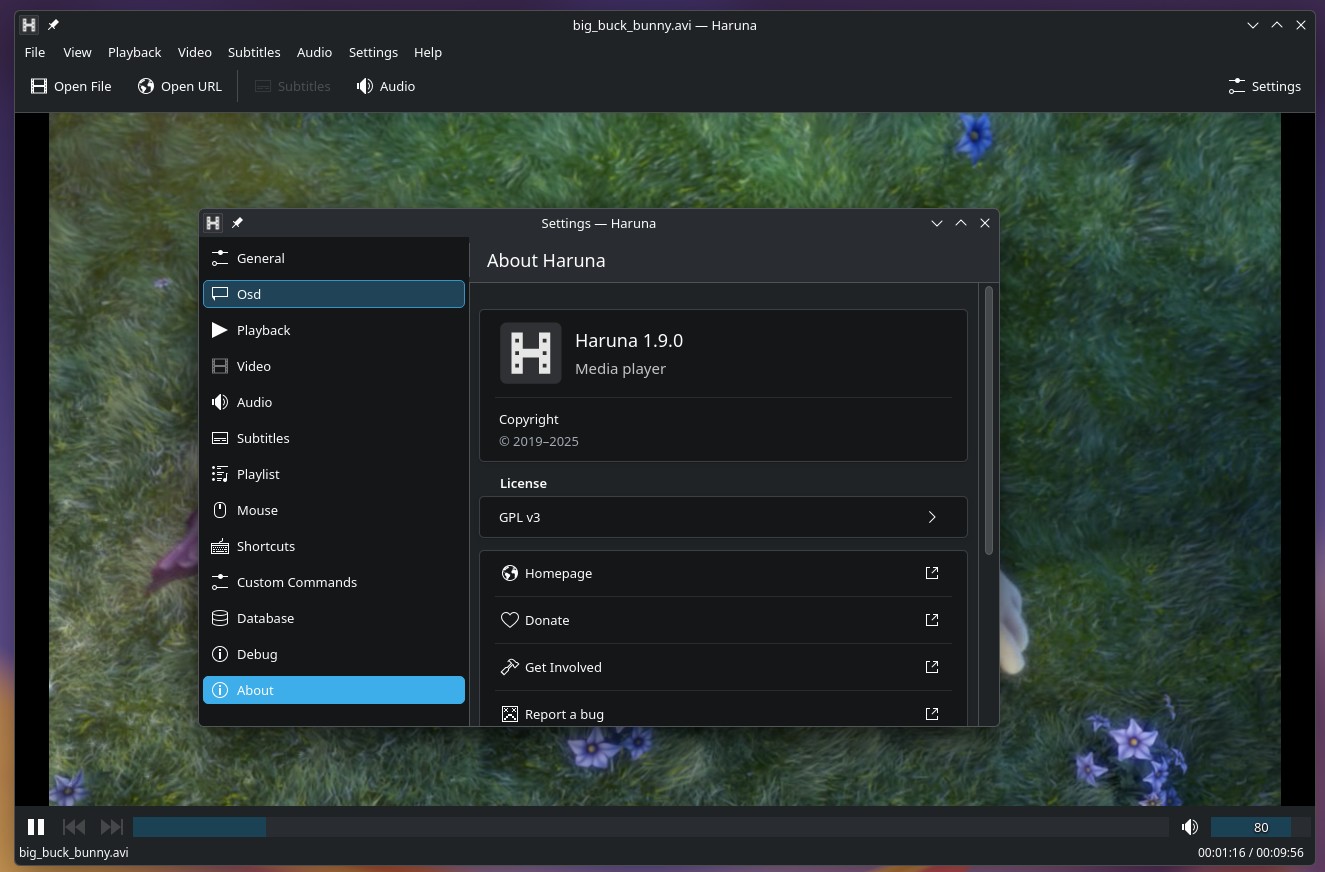
Haruna, a Qt-based media player developed within the KDE ecosystem and built on MPV, has released version 1.9. One main change concerns YouTube playback, where the seek bar now shows which parts of a video have been buffered and are available for immediate seeking.
The update also optimizes how Haruna resolves YouTube URLs through yt-dlp. Instead of launching a separate process for each URL, a single process can handle multiple URLs, with up to three processes running simultaneously.
Playlist management has been adjusted too. At startup, Haruna loads only the active playlist; other playlists load when users switch to them. File metadata is cached in the application’s database to reduce loading times, with an option to refresh cached information via the playlist context menu.
Another improvement is support for extended M3U playlist metadata, specifically titles and durations. Previously, Haruna could open M3U playlists but did not support these extended attributes.
The default playlist is now saved and restored like other playlists, rather than being reconstructed from the last played item. Playlist tabs can be closed immediately with a middle-click, without holding the mouse button. The playlist toolbar has been moved below the tabs, and the compact playlist style has been removed.
On the UI side, Haruna 1.9 includes a subtitle transcript panel displaying subtitle text, accessible via the Subtitles menu or Ctrl+P shortcut. A new on-screen display settings page lets users choose which actions trigger OSD notifications.
Chapter markers have been simplified as well. They now appear as vertical lines on the seek bar, with chapter titles, timestamps, and preview thumbnails shown in tooltips.
Other additions include an Open Folder action, accessible via the File menu, context menu, hamburger menu, or Ctrl+Alt+O shortcut. Users can disable explanatory tooltips under Settings > General while keeping the option to display them by holding Alt.
Regarding bug fixes, the release addresses broken thumbnail generation, slow opening of the subtitle settings page, and an issue where removing an item before the currently playing entry caused the wrong playlist item to be marked as playing.
Finally, the developer notes two known issues. Chapter markers may have inconsistent widths when fractional scaling is enabled. Playlist animations may stutter during playback. For the latter, the release notes provide a workaround using custom mpv commands, though it does not apply to variable refresh rate monitors.
For more information, visit the changelog.