Noctalia, the customizable Wayland desktop shell that offers many components expected in a modern desktop workflow, such as a customizable panel, application launcher, notifications, widgets, lock screen, and more, has released version 5.4.
One of the main changes is an expanded color system, giving users access to additional theme properties previously available mainly to application templates. These include new accent container colors, multiple surface levels, and additional outline options, allowing finer control over the shell’s appearance.
The update also renames two existing color properties: surface_variant becomes surface_container, and outline is now outline_variant. The colors remain unchanged, and settings modified through the graphical interface update automatically. Users maintaining declarative configurations or dotfiles should run noctalia config validate to find entries needing manual changes.
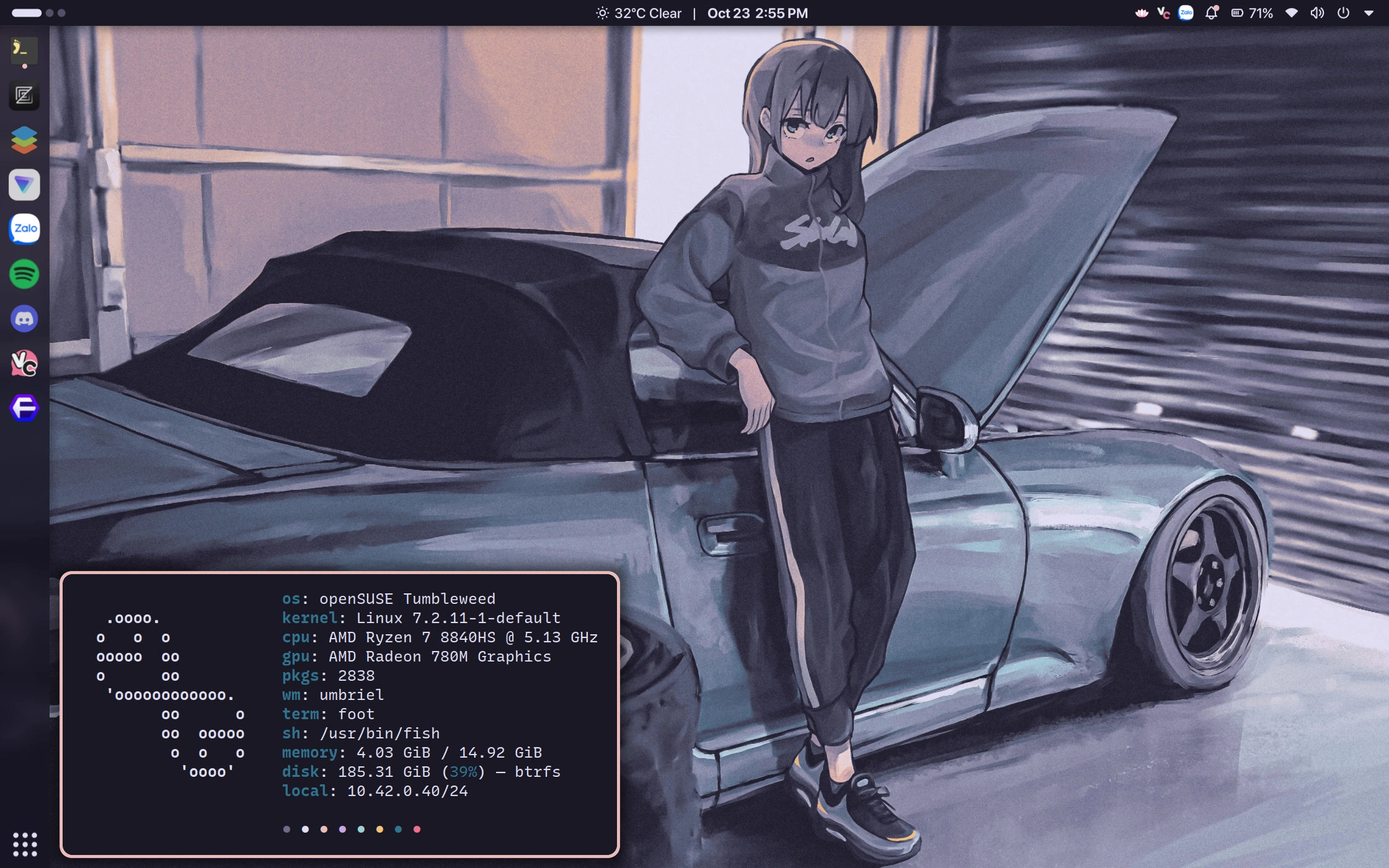
Another notable improvement concerns screenshots. Noctalia 5.4 now supports saving captures in PNG, JPEG, WebP, and JPEG XL formats, with configurable image quality. Focused-window capture is also available through a new IPC command.
On top of that, screenshot annotation tools now include opaque shape fills, shortcuts for switching fill modes, and an option to automatically copy edited images to the clipboard when closing the annotation editor. HEIC, HEIF, and AVIF clipboard images can retain their original formats.
On the visual side, the release introduces five new wallpaper and lock-screen transition effects: Vortex, Pixel, Diamond, Golden, and Melt. The color picker has also been enhanced with transparency controls, format switching, and reusable swatches.
Desktop widgets receive improvements such as a wave rendering mode for audio visualizers, individual CPU core gauges in the system monitor, and configurable decimal precision for network speeds. Users can allow mouse clicks to pass through unused panel areas to windows underneath.
The application launcher supports user-defined constants and units from libqalculate, plus additional navigation and mouse-input options. Session management adds an option to reboot directly into UEFI firmware settings, and lock-screen actions can have individually configured shortcuts.
Connectivity improvements include notifications when Bluetooth devices connect or disconnect outside Noctalia and an optional feature to connect trusted devices automatically. CalDAV integration now supports client-certificate authentication through mutual TLS, and the calendar widget can hide earlier events from the current day.
Finally, the release includes a substantial collection of bug fixes. Among them are reduced idle CPU wakeups, fixes for panel crashes, improved right-to-left text handling, more reliable KWallet integration, and better compatibility with Hyprland and UWSM sessions. Additional fixes address notification behavior, calendar synchronization, configuration reloading, and theme application.
For more information, see the release notes.
Image credits: Noctalia Shell