
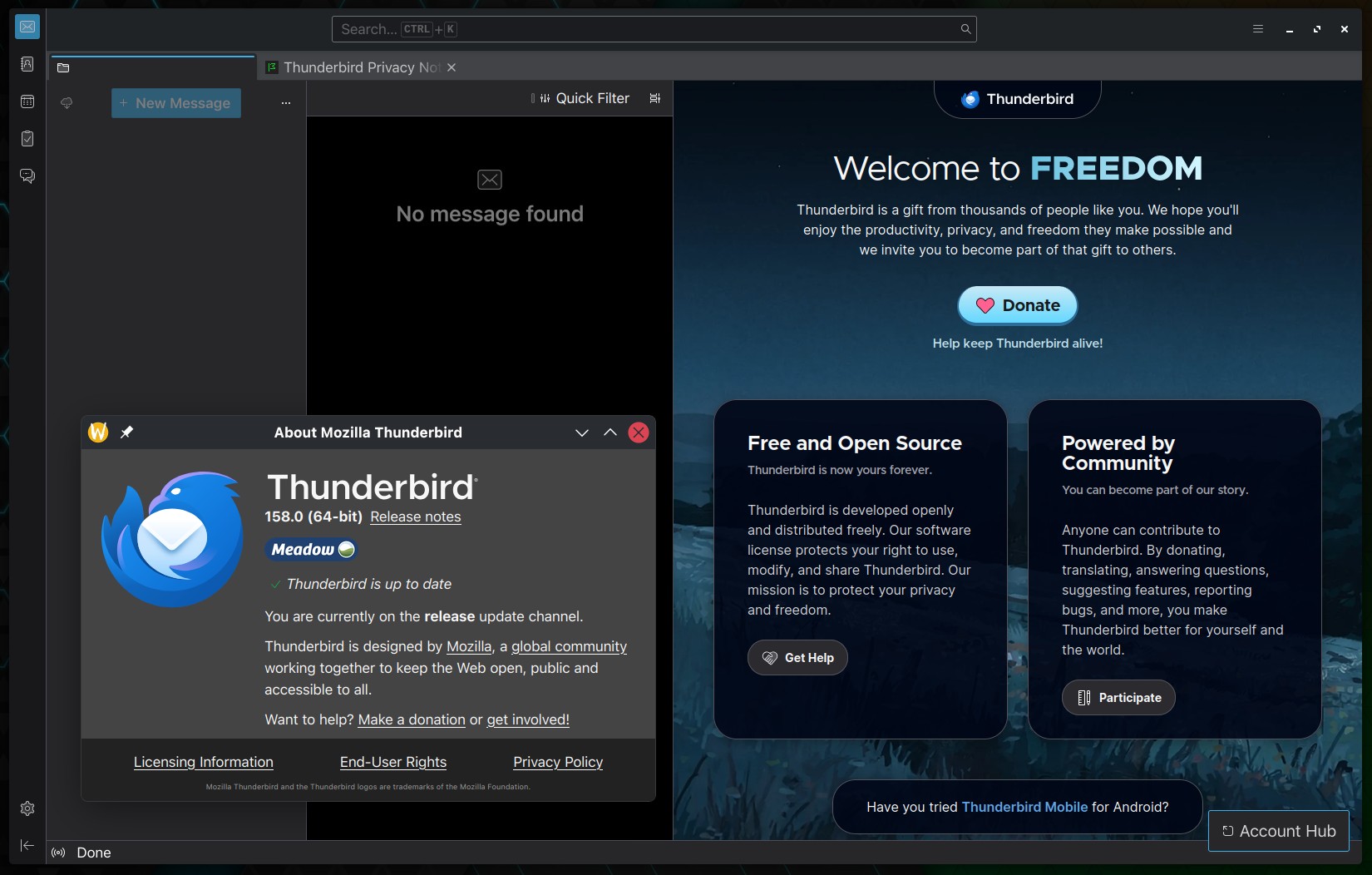
Mozilla’s open-source email client Thunderbird has been updated to version 158. One change outside the bug-fix list is improved responsiveness in Quick Filter, Thunderbird’s built-in tool for narrowing messages in a folder. The update also fixes an issue where searching for names without accent marks failed to match accented equivalents.
Another change concerns enterprise environments. Thunderbird’s ExtensionSettings policy can now install add-ons using an update_url if no install_url is specified.
In addition, Thunderbird 158 addresses many issues affecting everyday email use. Among them is a bug where holding Ctrl+Enter could unintentionally confirm the send prompt and send duplicate messages. A separate fix resolves a crash that could occur when searching message bodies.
OpenPGP users also receive several corrections addressing issues with unlocking encryption keys, resource leaks, and key protection states. Additionally, Thunderbird fixes an issue that prevented users from copying OpenPGP backup passwords and caused the context menu to appear transparent.
Regarding calendar and contact synchronization, several fixes target CalDAV and CardDAV, including an issue where saved credentials disappeared after restarting Thunderbird. Other corrections address CardDAV setups that failed without requesting a password, newly added contacts not appearing during synchronization, and incorrect timestamps in updated vCards.
Linux users get a platform-specific fix for SMTP Kerberos authentication failures when STARTTLS is enabled. Other noteworthy fixes include:
- POP accounts repeatedly displaying connection errors when Thunderbird started in offline mode.
- RSS filtering losing tags and preventing subsequent feed items from being processed.
- Matrix single sign-on getting stuck in a continuous login loop when token saving was disabled.
- Switching to Unified Folders failing to change the folder view correctly.
- Archived Inbox folders appearing as “INBOX” instead of using their localized names.
- Right-clicking inline images zooming them instead of displaying the context menu.
- Plain-text forwarded messages omitting signatures positioned below quoted text.
The update also corrects how remote-content exceptions are handled, including problems with HTTPS addresses and wildcard hostnames. It also includes several visual and usability refinements, along with security fixes.
For more information, see the official release notes.
Thunderbird 158 is available for Linux, Windows, and macOS. Existing users can check for the update through the application’s built-in update mechanism, while Linux users who installed Thunderbird through their distribution’s package manager will receive it according to their distribution’s update schedule.