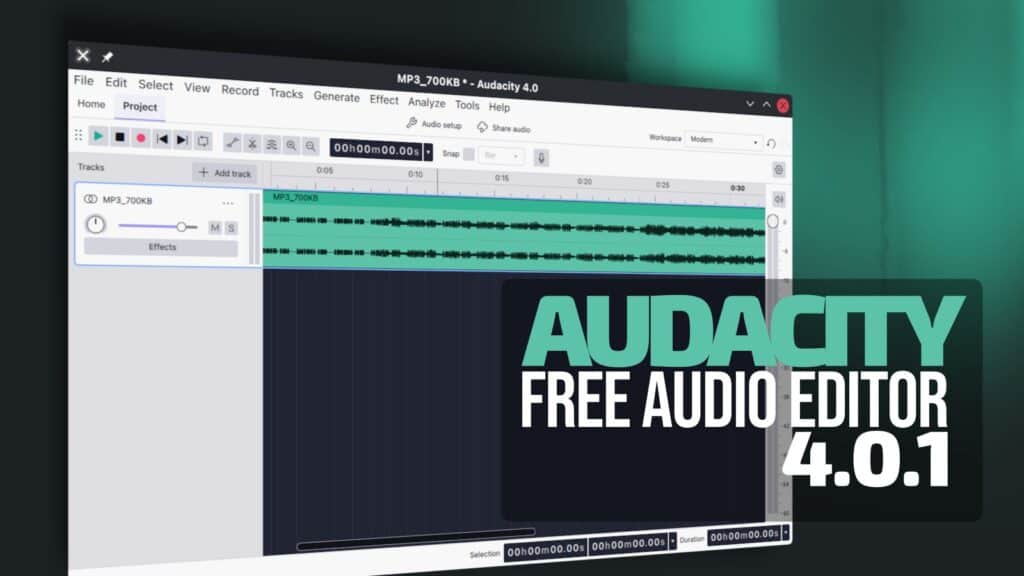
Audacity 4.0.1 is now available as the first maintenance update in the 4.0 series. One useful addition is an improved Export Multiple feature.
Audacity can now export every track or labeled region into its own file, making batch exports easier for podcasts, recordings, samples, and other multi-track projects. Plus, the update also restores keyboard shortcuts missing compared with Audacity 3.
On the accessibility side, you can now reach the timeline and vertical track rulers through keyboard navigation. Opening the Effects panel automatically focuses the “Add effect” button. Toast notifications can be reached with the keyboard and announced by screen readers.
More importantly, Audacity 4.0.1 addresses issues that could affect existing projects. A bug that could corrupt a project after a failed save has been fixed, along with an issue that could mess up clips when converting older .aup3 projects.
Additionally, issues opening projects or files with non-ASCII characters in their names or paths have also been resolved.
Linux users get specific fixes as well. The Audacity AppImage should now install and start correctly on distributions where it previously failed. File extensions in uppercase, such as .WAV, are once again recognized properly.
Moreover, the release fixes VST3 setting changes being reverted when playback begins, problems entering values into effect controls, and crashes while dragging clips between tracks. Moving clips and labels between tracks is now also faster. Dragging a duplicated clip onto its original no longer causes it to disappear.
Realtime effects behave better too, with effect windows remaining open while making edits or using undo and redo. Undo and redo operations are also faster in projects with many effects. Other corrections cover playhead drift at tempos above 120 BPM, incorrect label placement, truncated exported filenames, unsaved shortcuts, and several interface quirks.
Finally, the cloud side of Audacity receives fixes for interrupted uploads, mono files imported as stereo, broken project previews, redundant synchronization dialogs, and problems reopening projects after errors. On Windows, there is a new portable build that can run without installation.
For more details, see the changelog.