Shotcut 26.9 has been released as the latest version of the free and open-source cross-platform video editor. One interesting addition is Automatic Audio Ducking, now available through timeline track properties.
This feature lowers the volume of one audio track when another becomes active, making it useful for voiceovers, podcasts, and similar projects where background music must stay out of the way of spoken audio.
Timeline track headers now have their own volume controls and audio level meters. According to the developers, this turns the track header area into a lightweight mixing console without adding another panel. The gain filter from these controls can also be keyframed.
Another addition is Adjustment Clips. These special video clips do not provide video content themselves. Instead, filters applied to an Adjustment Clip affect the composite result of all video tracks underneath, making it easier to apply effects across multiple layers at once.
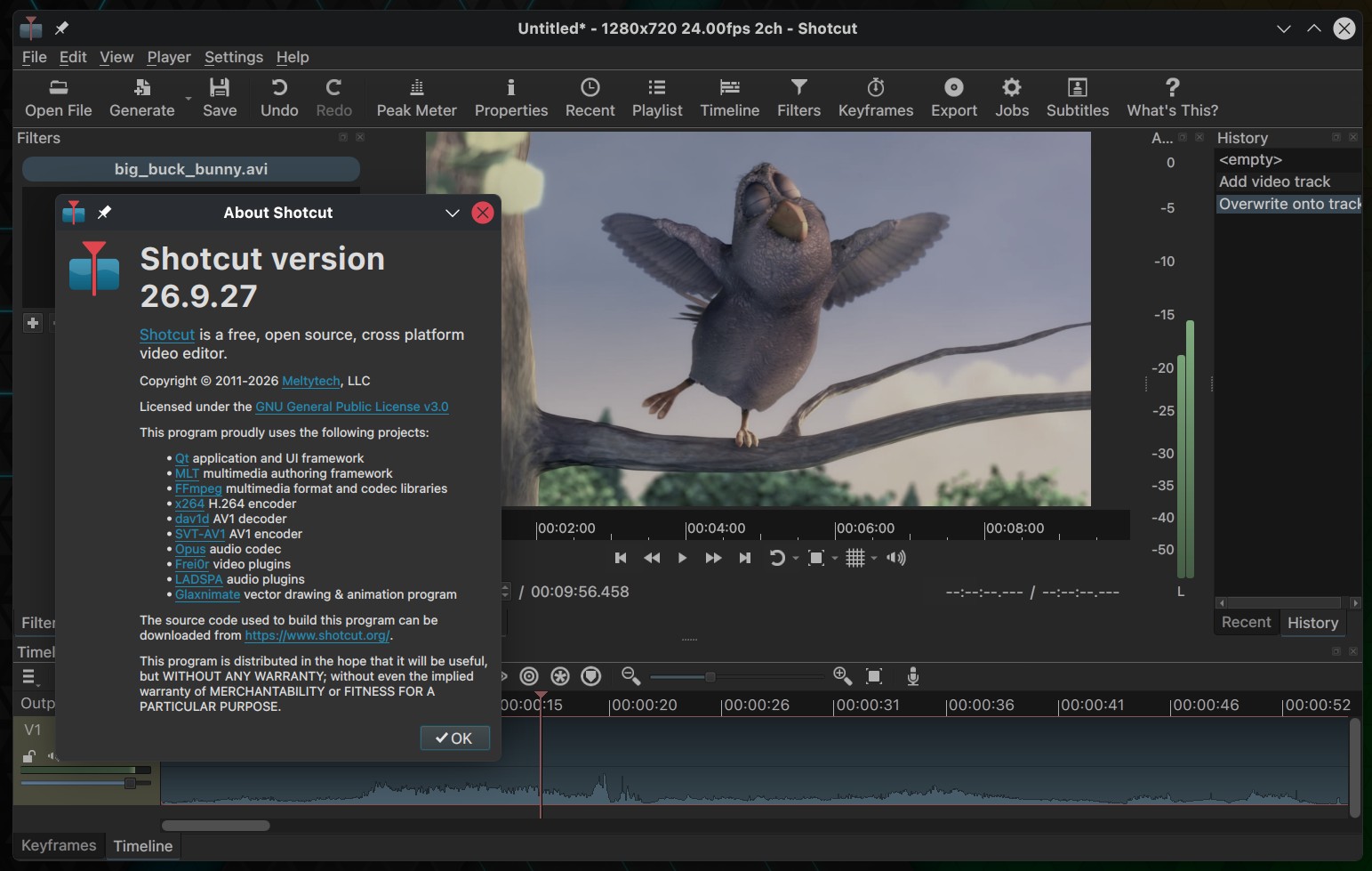
Audio quality also improves. Shotcut no longer converts audio to 16-bit integers internally and keeps the processing pipeline in 32-bit floating point, avoiding an unnecessary conversion that could reduce quality.
Timeline performance has improved, especially when moving clips between tracks, zooming, and undoing many operations. The interface has been refreshed with rounded corners in various areas, and Shotcut now has a new logo.
Under the hood, Shotcut 26.9 upgrades its multimedia framework to FFmpeg 9.0. Linux users receive several platform-specific fixes. VA-API HEVC hardware encoding has been repaired, “Show in Folder” now works correctly with paths containing non-ASCII characters, and a missing window title bar when using Vulkan as the display method has been fixed.
The release also addresses problems opening projects stored on mounted CIFS or SMB shares when running Linux kernel 7.1 or newer.
Beyond that, there is a lengthy list of general fixes. These include timeline-snapping issues that could insert a blank frame, corrupted audio after copying and pasting transitions, incorrect subtitle durations, crashes when adding subtitles near the end of a timeline, and export jobs incorrectly reporting failure even when the resulting file was created successfully.
Moreover, external plugins are handled more cautiously now. The previous “Leave Safe Mode” option has been replaced by an always-visible “Allow External Plugins” checkbox, disabled by default. Shotcut can also detect a stuck startup and automatically disable external plugins, helping avoid problems caused by problematic VST2 plugins.
Lastly, Shotcut 26.9 adds several new scripting functions, introduces a “Copy” context menu in the Missing Files dialog and Resources view, and changes clip gain adjustment so that dragging now requires Ctrl+Alt on Linux and Windows, or Option+Command on macOS, reducing the chance of accidental volume changes.
For additional details, see the changelog. Shotcut 26.9 is now available on the project’s GitHub release page, with builds for Linux, macOS, and Windows.