Noctalia, a desktop shell for Wayland environments that provides many components expected in a modern desktop workflow, has released version 5.2, introducing a redesigned window switcher, expanded calendar notifications, new screenshot capabilities, sound theme support, and many fixes across the Wayland desktop shell.
One of the biggest changes in the new release is the redesigned window switcher. It now features an animated preview carousel and a more compact layout. Users can limit displayed windows to the current output or workspace.
The launcher has also expanded with a new panels provider that can directly open Noctalia’s built-in and plugin panels, including sections of the Control Center. The Umbriel overview now supports type-to-launch functionality, and lock-screen transitions are configurable.
Moreover, Noctalia can now display event reminders from iCalendar and CalDAV alarms as well as Google Calendar events. Users can configure reminder lead times, receive an all-day event digest, keep reminders in notification history, and see live countdowns before events.
Meeting-related workflows have also been improved. Noctalia can open Teams links found in event descriptions, while Google Calendar events without embedded meeting URLs can be opened directly in Google Calendar.
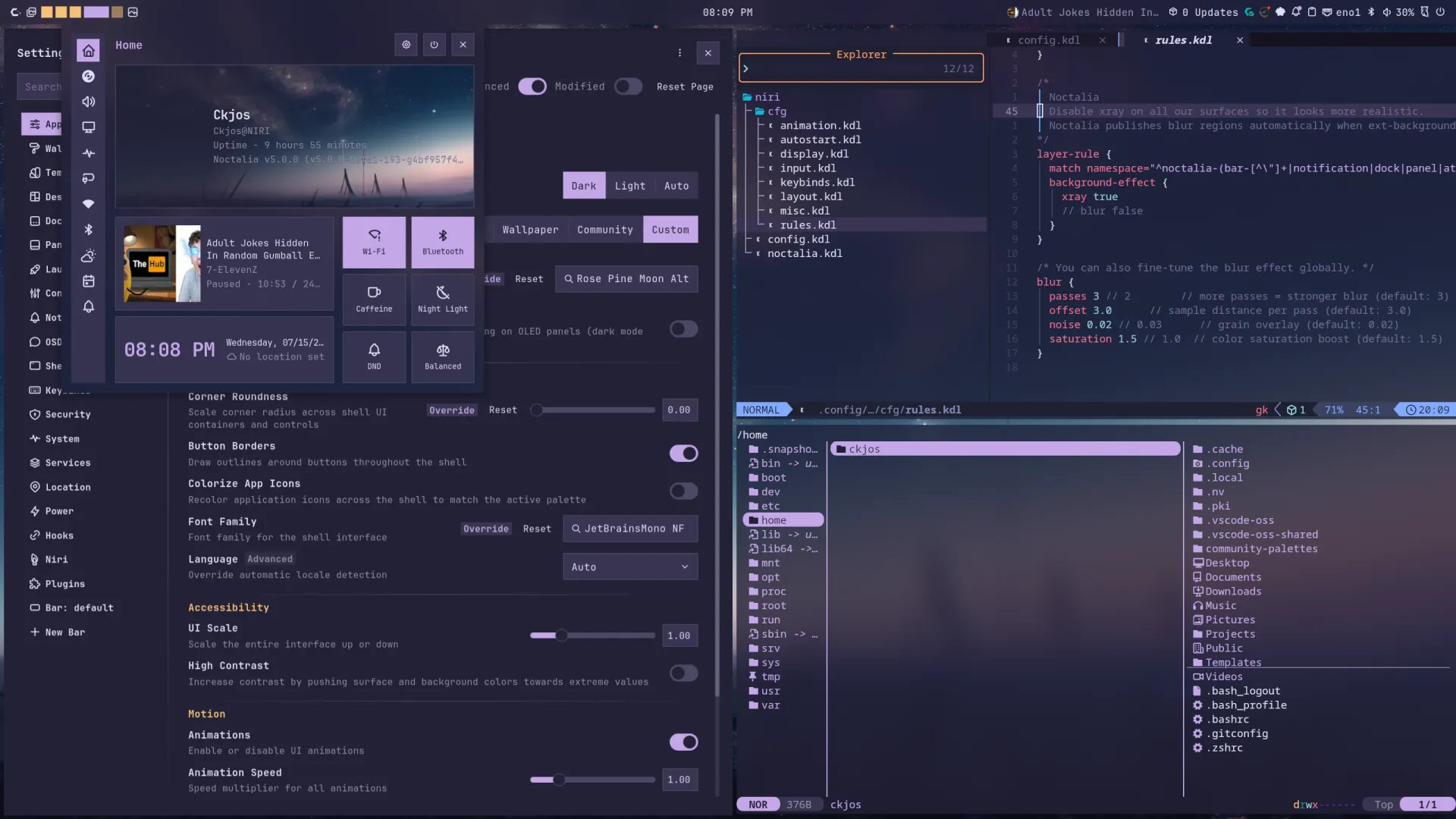
The screenshot annotation tool introduced in the previous Noctalia release is now more useful beyond screenshots. Version 5.2 allows existing image files to open directly in the annotation editor. New options can bypass annotation when using Copy or Save and automatically close the editor after saving an image.
On the audio side, Noctalia 5.2 introduces support for Freedesktop sound themes, including a selector for installed themes. New charger and screenshot sounds have been added, and UI sounds are now enabled by default.
Several smaller customization improvements are included too. System monitor widgets can use custom labels, workspace tooltips can display full workspace names, and the brightness widget can remain visible even when brightness control is unavailable.
Plugin users get new UI tooltip capabilities, theme color lookup by color role, and a search field for installed plugins in Settings. Monitor overrides can be configured through a dedicated dialog with detected-output selection and custom matching options. Japanese has joined the list of supported interface languages.
Beyond new features, the release addresses a wide range of desktop issues. Audio should reconnect correctly after PipeWire restarts, and tray applications are less likely to miss the StatusNotifier watcher during startup.
Taskbar and dock application matching has improved for pinned apps, untitled windows, and applications whose runtime identity differs from their desktop entry. Dock auto-hide behavior has been fixed so its input region is released immediately instead of briefly recapturing the pointer during hiding animation.
Other fixes cover OWE Wi-Fi networks, Wayland keyboard maps, panel positioning, launcher icons, Sway window focusing, Hyprland workspace handling, libical 4 calendar durations, Firefox and Ghostty theme reload integration, and several rendering issues affecting media controls and visualizers.
For additional details, see the changelog.