NotepadNext, the cross-platform open-source reimplementation of Notepad++, released version 0.15 with new split-editor shortcuts and quick tab controls added to the toolbar. Users can now close multiple tabs in bulk, making it easier to clean up larger editing sessions without handling each document individually.
Search functionality has also improved. NotepadNext 0.15 adds the ability to search and bookmark lines, and you can copy multiple search results at once. Shift+Enter is now a shortcut for searching backward, and the Find/Replace dialog behaves better on smaller screens.
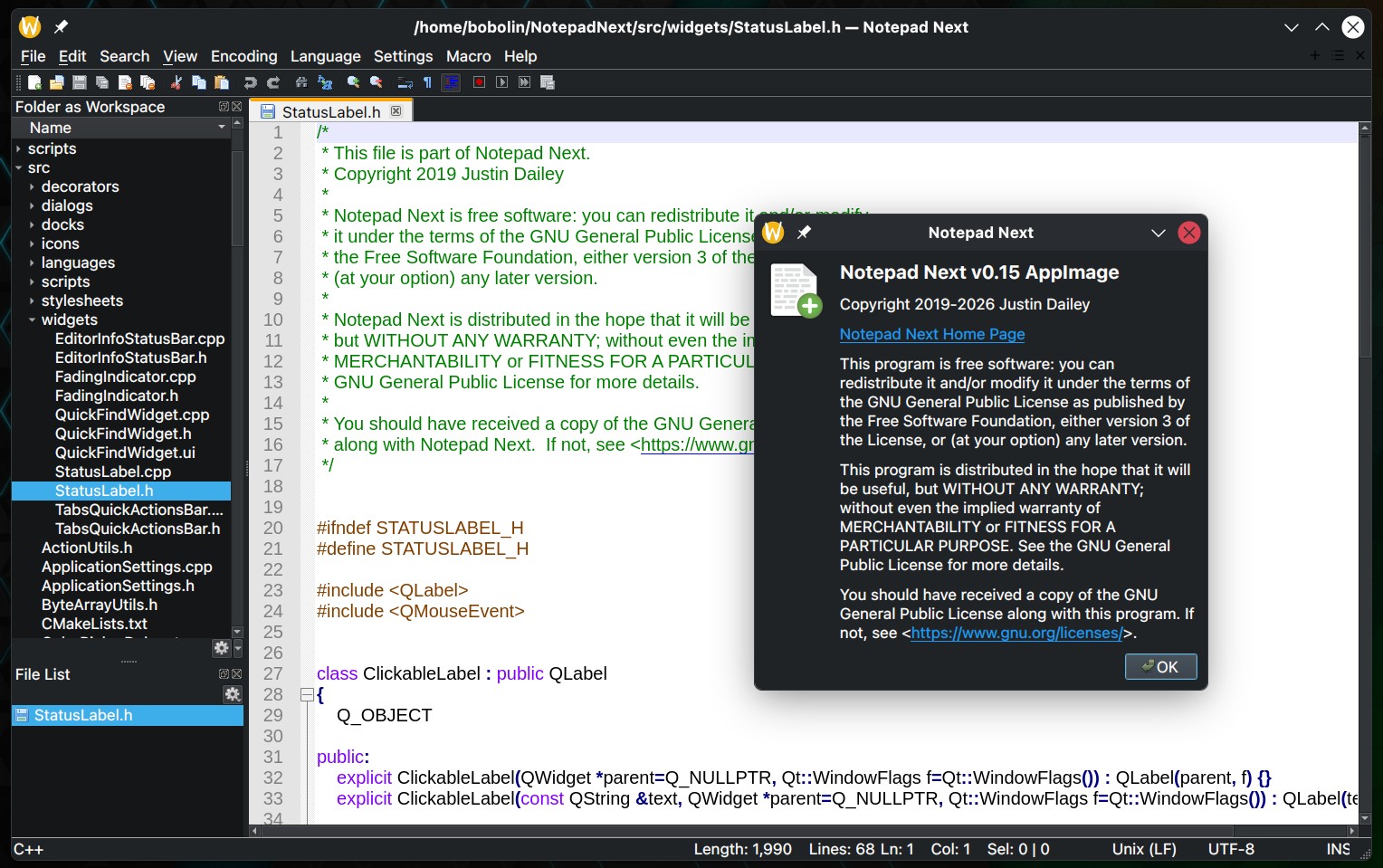
Auto-completion has also improved. Users can enable or disable it in the settings, and suggestions now include language keywords. Horizontal navigation is more convenient with support for Shift+Scroll.
On the file handling side, when renaming a file, the dialog is pre-filled with the existing name, and the previous file is correctly removed after renaming. Plus the release fixes an issue where new file names could restart numbering instead of continuing to increment.
Regarding encoding, NotepadNext 0.15 adds support for UTF-16 Little Endian and Big Endian files. Several smaller editor issues were also fixed, including incorrect caret placement when opening the context menu inside selected text and a broken “Unfold All” action.
Finally, version 0.15 introduces initial Windows ARM64 support and improves macOS integration, especially text-navigation key bindings and build reliability. It also fixes a startup crash caused by unreadable session files.
For more details, see the changelog. Linux users can get it as an AppImage from the project’s GitHub releases page or install the Flatpak version from Flathub.